🔎 1. Framing a Private-Label Program Beyond the Initial Quote
A quote answers a narrow set of questions: output range, button type, charging format, and finish. Once those answers are locked, a private-label program for a 510 thread battery actually begins. The work that follows is less about specifications and more about documentation — matching body artwork, packaging files, and inserts to what the brand actually approved, and keeping that match intact through every reorder. This is a different conversation from a general compatibility or feature overview, and it is also different from a general survey of packaging formats. Those broader resources exist to describe what a configuration can support in principle. A label program, by contrast, converts a single agreed configuration into a documented set of surfaces — device body, box, insert, and any bundled accessory — each of which needs its own signed reference before production runs.
For a brand project coordinator, the practical question is rarely “can this device be branded.” It is “which file is the one we approved, and how do we prove the next shipment matches it.” Searches for 510 thread battery private label manufacturers tend to surface general capability claims rather than this kind of process detail, which is exactly the gap this article tries to close. The general OEM/ODM intake process, described at AOVAPE’s OEM/ODM overview, covers how configuration and branding requests are first submitted. The approval and reorder tracking described below picks up after that stage, once a specific color, mark, and packaging combination has already been chosen and needs to be preserved run over run.
🎨 2. Body Mark and Finish Sample as Their Own Approval
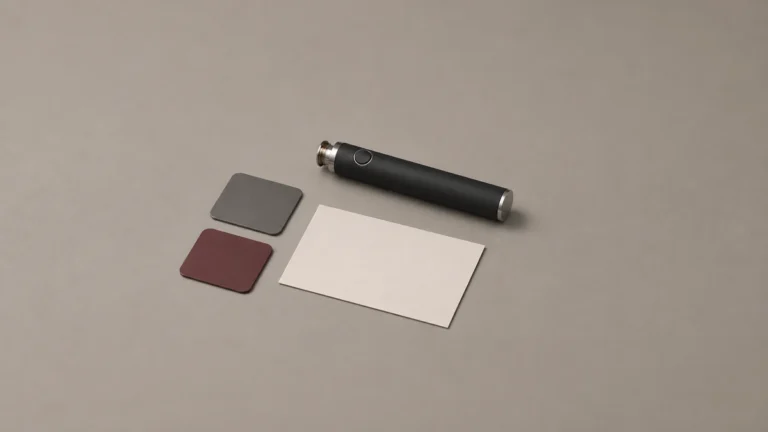
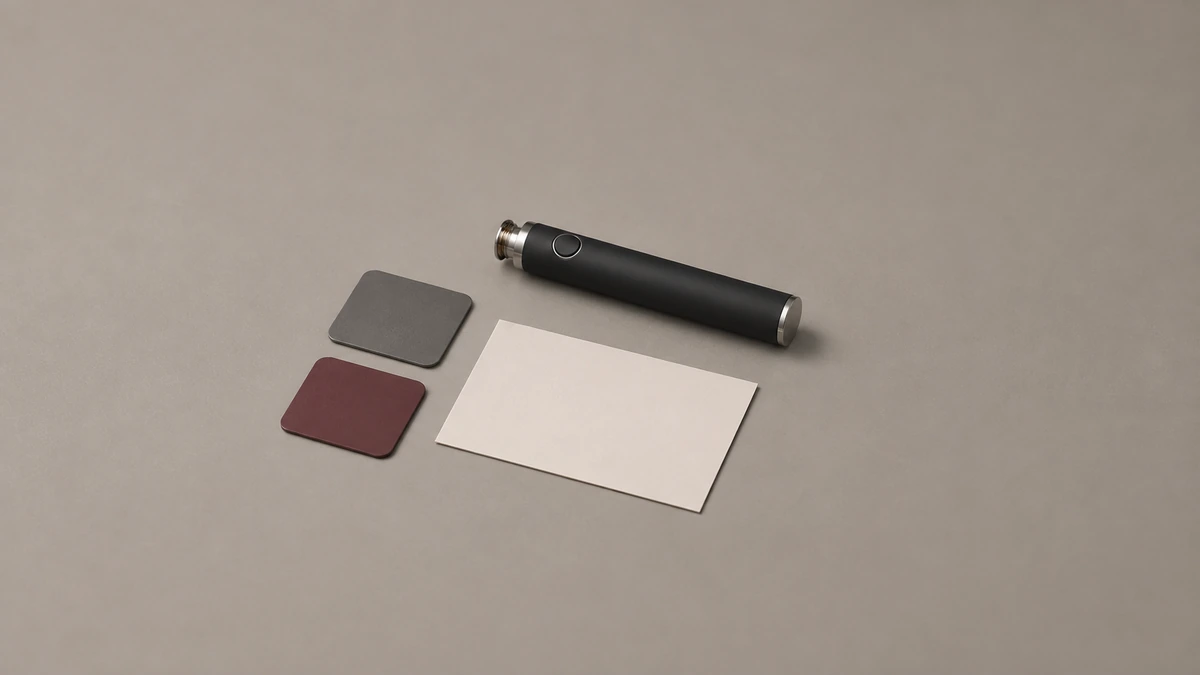
The printed or etched mark on the device body, together with the finish sample — the physical color and texture reference the brand signs off on — deserves to be treated as a standalone approval, separate from anything related to the box it ships in. Conflating the two creates a specific failure mode: a brand approves a box design, assumes the device inside matches, and only discovers a mismatch after a shipment has already left the factory. Keeping body mark and finish as their own signed item, dated and referenced by its own version number, closes that gap before it opens.
📋 2.1 Printed Device Versus Retail Package
Public competitor material illustrates why this separation matters in practice. One competitor’s site distinguishes the printed device itself from the retail package it ships in (Swag Supply’s custom battery and box page), treating them as two surfaces rather than one bundled deliverable. That distinction is useful for project tracking specifically because each surface can revise on its own schedule — a box redesign does not need to reopen the device mark approval, and a finish adjustment does not need to reopen the box dieline. Public pages like this describe advertised scope only. They are not evidence of how any given supplier actually manages approvals internally, but the distinction itself is a reasonable structural model for a brand’s own file.
📦 3. Dieline and Package Copy as a Separate Approval
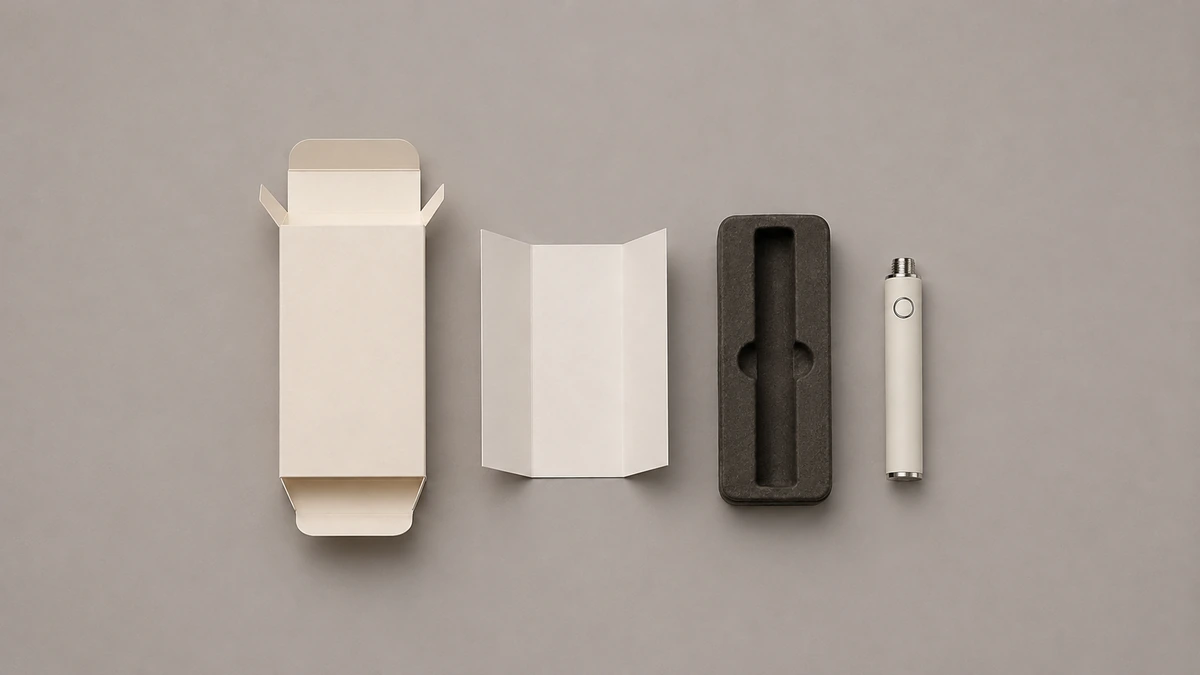
The dieline — the structural print die layout that defines how the box folds and where panels sit — and the package copy — the actual text and imagery printed on those panels — are two more items that benefit from being tracked separately from the device mark and from each other. A dieline approval confirms the physical shape and fold logic of the box is correct. A package copy approval confirms the words, claims, and layout on that shape are correct. These two can change independently: a brand might correct a line of text without touching the box structure at all, or might need a structural change that has nothing to do with the wording.
🧾 3.1 Matching Copy Across Files
Treating these as separate signed documents, each with its own date and version mark, means a copy correction does not force a coordinator to re-walk a structural approval that was already finalized. This separation also makes it easier to answer a specific question during a reorder: is the box the same shape as last time, and is the printed text the same wording as last time, independently of one another. For brands working through packaging selection generally, AOVAPE’s guide to custom vape packaging describes the packaging options at a broader level. The dieline-and-copy split described here is the narrower tracking practice that applies once a specific packaging choice has been made from that broader set.
🖊️ 4. Why Artwork and Hardware Sit on Different Approval Tracks
It helps to separate, conceptually, what is visible from what is functional. Consider a fictional example: a brand wants to refresh its device body mark for a seasonal release — a new color way and a slightly different logo placement — while keeping every functional aspect of the battery exactly as previously configured. In that scenario, the artwork approval is a new, standalone item, but the underlying hardware record does not need to change at all, because nothing about output, button behavior, or charging format was touched. This is a useful pattern to keep in mind precisely because it shows that a visible change and a functional change are not the same category of event, even though both can look like “a new version” from a distance.
📐 4.1 Keeping the Two Tracks Legible
Give the artwork and hardware separate identifiers. In a fictional project, artwork version C could describe the new mark on the body, while hardware version B remains the device reference. A proof titled only “version C” does not tell the reviewer which of those records changed. Naming the file after the surface and writing the matching hardware version in the approval note makes the relationship visible.
⚙️ 5. When a Hardware Change Triggers Project Review
An approved package can describe hardware behavior. If the project later changes the control, the approved artwork may need a review even if the box dimensions are identical. For example, AOVAPE’s voltage color legend guide shows why a printed legend needs to match the specific control behavior that was approved. The custom push-button 510 platform page gives context on which decisions can belong to a hardware configuration. A change record can direct both teams to the affected line on the package and the matching device sample.
🔍 6. Visual Similarity and the Limits of Photo-Based Attribution
A recurring problem for brand teams and for outside observers alike is that two devices can look nearly identical in photographs while being functionally different underneath, or can look different while sharing the same underlying hardware. A thread discussing vape hardware in general terms noted that visually similar device bodies carrying different graphics make attribution from a photo alone genuinely difficult (one owner discussion, August 17, 2023), and the replies to that discussion were not independently verified, so the thread is cited here only as an illustration of the attribution problem itself, not as evidence about any specific product.
🖼️ 6.1 A Colorful Graphic Is Not a Hardware Specification
A separate discussion made a related point from the opposite direction: a colorful or distinctive graphic on a device body cannot, by itself, tell a reader what hardware reference sits underneath it (another identification discussion, August 11, 2025). For a brand coordinator, the practical takeaway is that artwork and hardware identity need to be tracked as two separate pieces of information in the approval file, because neither one can be reliably inferred from the other just by looking at a photo. This reinforces the same separation discussed in Section 4, but from the standpoint of an outside viewer trying to identify a device rather than a brand team managing its own records.
🗂️ 7. Building a Physical Approval Record
Beyond the device body and the outer packaging, a complete approval record should account for every physical piece that ships inside the box, including small accessories that are easy to overlook when a reviewer is focused on the main device and the main print. A third discussion thread illustrates why this matters: a user raised a case where a separate adapter piece was reported missing from a kit, a situation that points to the value of a packout record that itemizes every individual component rather than treating “the kit” as a single undifferentiated unit (an adapter discussion, December 27, 2024). This thread is cited only to illustrate the itemization problem. It is not evidence about any specific manufacturer’s packing practices, and no shared sourcing or manufacturing relationship should be inferred from it.
📝 7.1 Itemizing Small Pieces Alongside Major Surfaces
A packout record that lists the device, the box, the insert, and every loose accessory by name and quantity gives a brand team a single reference point to check a new shipment against, rather than relying on a general impression of what a kit “usually” contains. This is a documentation practice, not a claim about packaging regulation or shipping compliance, and it sits alongside — rather than replaces — the artwork and dieline approvals described in earlier sections.
🔁 8. Keeping Repeat Orders Aligned With the Signed Record
The entire point of building body mark, finish, dieline, package copy, and packout approvals as separate, dated items is to make a reorder comparison straightforward: a coordinator can check a new production sample against each signed reference independently, rather than relying on a general sense that “it looks right.” When a mismatch does appear, having the approvals split out makes it faster to locate which specific surface drifted — the device finish, the box structure, the printed copy, or a bundled accessory — instead of having to re-review an entire undifferentiated file. Some public private-label offers present this kind of program at a high level without detailing the underlying approval process. One example frames its private-label positioning primarily in terms of the offer itself (ADVC’s published private-label platform listing), which is useful context for seeing how the surface-level pitch is usually presented, but it does not describe internal change-control practice and should not be read as such.
📌 8.1 Resolve a Copy Correction Before It Reaches the Wrong File
Suppose the retail carton has been approved, and a reviewer later notices an old model description on the folded insert. Start with the part of the record that changed: the insert copy. Check the outer carton for the same wording, and confirm whether the body mark also uses it. A correction that appears on one piece may belong on others. If the outer carton already carries the correct text, record that its approved version still applies. The next print package should identify which file replaces the old insert and which files it leaves in use.
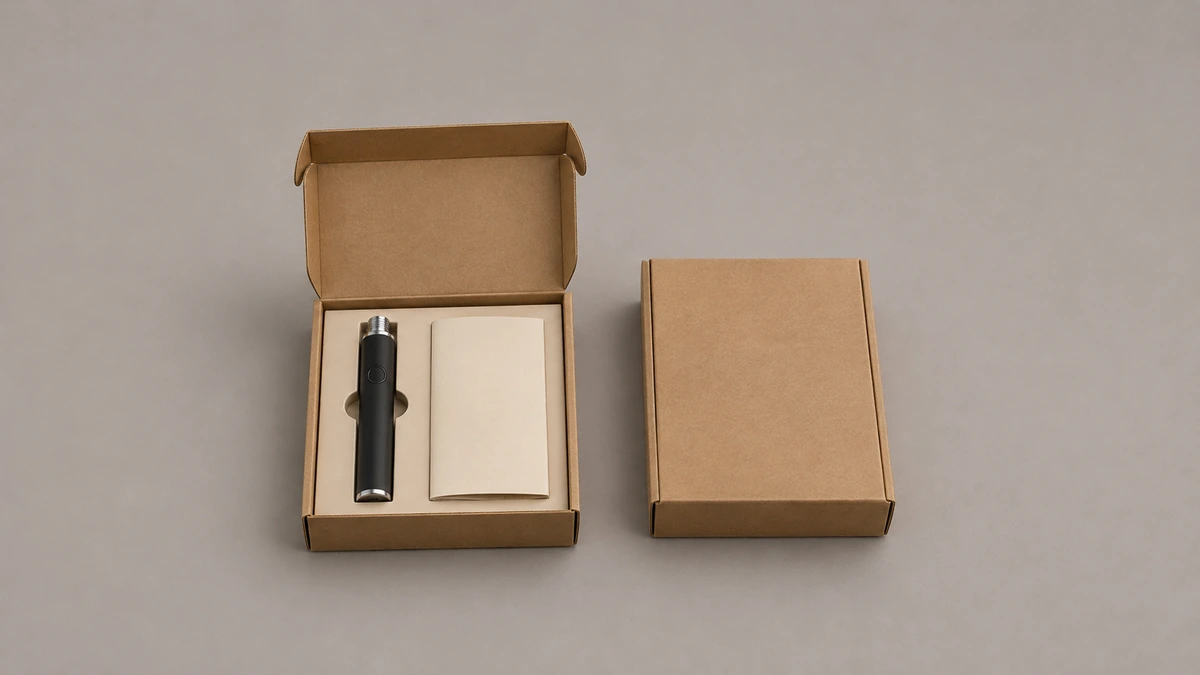
A photograph of the whole approved package can help a new coordinator find the individual parts. Store it with the version list rather than using it as the version list. It can show where the folded insert sits inside the box. The printed copy file gives the reviewer the exact wording, while the packout record confirms whether that insert belongs in the box. Three different questions can therefore be answered without guessing from the photo.
🗃️ 8.2 Put the Approved Finish Beside the Revision Note
In another fictional example, the body mark is correct but the finish differs between the approved sample and the repeat sample. Check which finish reference the vendor used and whether the retained physical sample and file describe the same surface. A screen image, a finish chip and a photograph under workshop lighting can represent the color differently. Record which physical reference was signed off and where it was retained. The repeat sample can then be compared against the reference named by both teams.
🧭 9. The Next Question for Your Project File
Open the file you would hand to a colleague before a repeat order. Can they find the approved device mark, finish sample, carton structure, current copy and packout list? If two files carry the same name with different dates, identify which was approved and which it replaces. Put the answer on the approval cover sheet so the next reviewer can start with the current set.
🗂️ 9.1 Put Each Approval Where the Next Reviewer Can Find It
One coordinator can own the record without personally approving every surface. In a hypothetical team, a designer signs the body mark, a packaging engineer signs the carton structure, and a product owner accepts the assembled sample. The cover sheet can name each reviewer, the dated file they accepted, and the piece of the sample it describes. If a reviewer later leaves the project, their successor can locate the actual approval rather than infer it from a folder name.
Use the same cover sheet when a supplier returns a proof with a new file name. Compare the date, the dimensions shown and the intended location of the artwork. If those details match, record the supplier’s file name beside the internal reference. If the new proof changes a dimension or moves a mark, identify that change explicitly before replacing an accepted file. The record should make it possible to compare a production sample with the same approval even when the two companies use different naming conventions.