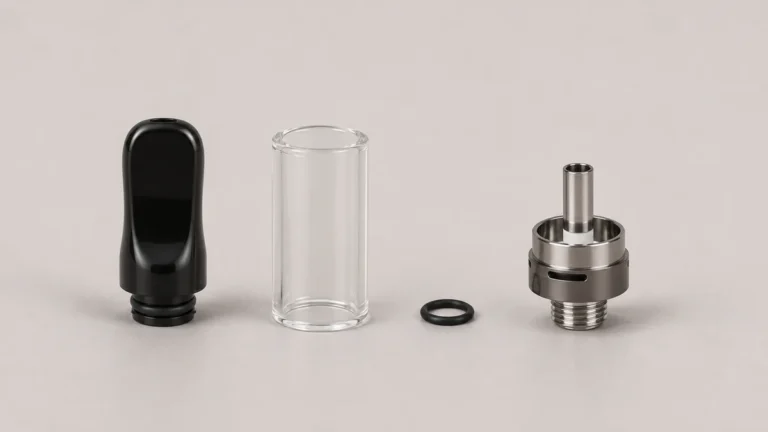
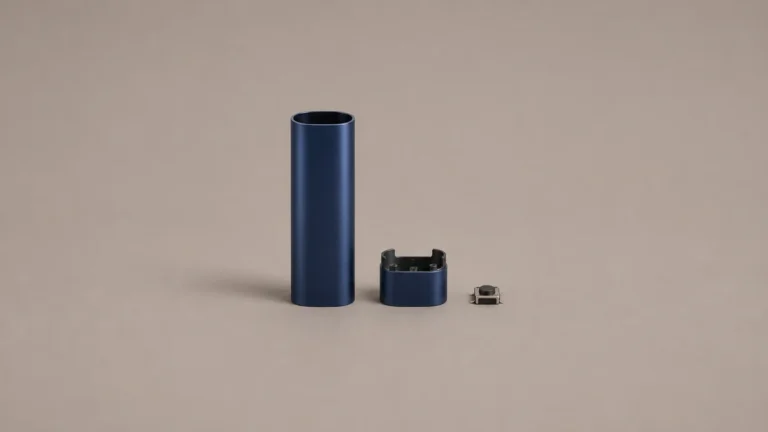
A 510 battery voltage color only has a reliable meaning when it is tied to a model-specific legend. A custom design can use the same light window for a selected state, a brief confirmation or a fault. Give each signal a clear name, a visible pattern and the context in which it appears so a reader can find the right entry.
🧭 1. What the Light Legend Needs to Explain
Before any color can be assigned a meaning, a legend has to decide what kind of question that light is answering. A ring that can glow, pulse, and flash is being asked to report at least three unrelated categories of information through one physical channel, and the first design decision is not which color to use for which state, but how to keep those categories from blurring into each other once they are all written down.
🔍 1.1 Separate the Visible Signal From Its Meaning
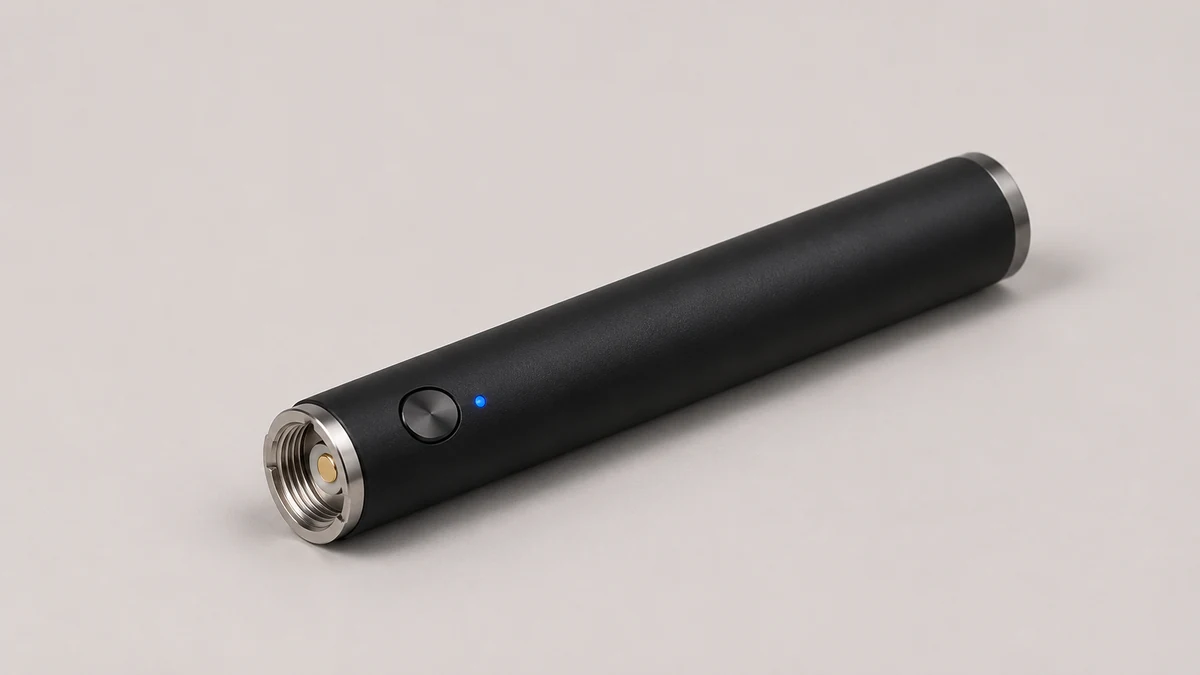
Imagine a technician has recorded a light sequence from a documented sample on a bench. In the clip, the ring glows steadily for a moment before it goes dark. That describes an observation. The recording does not establish whether the color represents a selected mode, a brief confirmation or something else. A legend connects the observation to the meaning defined for that model and revision. The device designer can record the pattern and the event that triggered it without asking the reader to guess from the color.
🔎 1.2 Why Color Alone Is the Wrong Starting Point
Asking what a given color means on its own, before asking what category of message it belongs to, is the question that leaves readers stuck. The same color can legitimately appear in more than one row of a well-built legend: an amber glow that holds steady while a button is pressed may belong to a status table, while three brief amber pulses immediately afterward may belong to a separate events table, and a slow, repeating amber flash with no trigger at all may belong to an error table. If the manual’s legend tries to answer “what does amber mean” as a single lookup, it collapses three different kinds of information into one row and reproduces the exact confusion that shows up when readers disagree about what an animation is supposed to represent.
🔁 2. Selected State Versus a Transient Signal
Once the categories are separated, the next distinction is between a light that describes a condition lasting from one moment to another and a light that only confirms something happened once. Readers who ask why they can’t tell what order modes are meant to cycle in are usually looking at a legend that never made this distinction, leaving them to infer sequencing from a single ambiguous row.
⏱️ 2.1 Compare a Lasting State With a Short Signal
For a hypothetical documentation example, imagine a drawing with two rows. The first shows an indicator that remains visible while a documented state is active. The second shows a brief confirmation at the moment a state changes, followed by the ordinary status display. A reader who catches only the brief signal could mistake it for a mode color. Show the duration or sequence in both rows, even if the indicator uses different colors. A note such as “visible during transition only” gives the reader a better way to tell them apart.
📋 2.2 Make the State and Event Rows Distinct
A legend can use separate tables or one clearly grouped table. The important detail is the distinction between a persistent condition and a short event. Put their labels where a reader can see them at a glance. If a confirmation uses the same color as a state, the duration or pattern should appear next to both entries. Separate pages are useful only if the reader can easily find them together.

⚠️ 3. A Separate Legend for Errors
Faults deserve a document of their own, separate from the status and event tables already described, because an error carries a different stake for the reader than a mode selection does. Treating a fault row as just another line in the status table understates what the reader needs to know and overstates what a single color and label can responsibly convey on its own.
🛠️ 3.1 What to Include in a Fault Entry
A fault entry can list the documented context, the visible signal and the relevant manufacturer support reference. State whether the published documentation describes the condition as temporary or persistent. If the cause is unspecified, leave it unspecified. One light pattern might cover several conditions, and a public legend should not diagnose a particular part from the light alone.
🗂️ 3.2 Give Faults a Clearly Labeled Place
Separating errors from status is also a layout decision, not only a content decision. A status table and an error table that share a header, a border style, or a page section invite a reader skimming for their current mode to miss a fault entry sitting two rows below it, or to mistake a fault color for a mode color because the formatting gave no visual signal that the table had changed subject. Giving the error table its own heading, its own column structure, and ideally its own page or clearly bounded section means a reader scanning the status table for “what mode am I in” is never also silently scanning past the one entry they most need to notice.
🧩 4. Redundant Cues Beyond Color
No single channel, including color, should be asked to carry a legend entry by itself. Pattern and printed label exist to give a reader two more independent ways to identify the same row, so that a problem with any one channel, misprinted ink, inconsistent screen color, or a reader who cannot distinguish the hues involved, still leaves a working path to the correct entry.
〰️ 4.1 Use a Visible Pattern Alongside Color
An LED pattern can help when a user cannot tell two colors apart. A diagram that shows a steady glow or a sequence of pulses makes the difference easier to compare. As a design review, ask whether the pattern is recognizable at the same viewing angle and distance as the color. A short cue can still be missed, especially if someone sees only the end of it, so a label and the context belong beside the pattern.
🏷️ 4.2 Label the Meaning in Plain Language
A written label in the legend table itself — a plain word like “selected,” “pending,” or “fault,” printed next to the swatch and the pattern glyph — adds a third channel that does not depend on a device screen or an LED at all. This label lives only in the document, not on the hardware, and its purpose is to let the reader confirm a row by reading rather than by matching color or counting pulses, which matters most for anyone referencing the manual secondhand, through a scanned copy, or in black and white. With color, pattern, and label pointing at the same row by three independent means, a reader who cannot trust one of them, because of print quality, lighting, or a damaged ring, still has two working paths left.
📐 5. Matching the Manual to the Tested Revision
A legend’s accuracy is tied to a specific hardware revision, not to the device’s exterior appearance, which means the final design question is not what the colors mean but how a reader confirms the manual in hand was written against the battery in hand. That confirmation step is what keeps a model-specific legend from becoming the kind of stale, overbroad chart that invites the disagreements already visible in reader questions about the behavior.
📄 5.1 Why a Legend Can Drift Across Revisions
A legend is only accurate for the exact hardware revision it was written against. A change to the LED driver, the control board, or the firmware governing pulse timing can alter what the ring does without changing the outside of the case at all, which means a reader holding a later revision of a visually identical battery may be looking at a manual describing an earlier one. The fix is not a universal chart meant to cover every revision at once, since that is exactly the kind of unsupported generalization that breaks down the first time a board changes, but a legend that carries a visible revision mark or date range, so a reader can check that the document in front of them was actually built against the hardware in their hand before trusting any row in it. A revision mark does not need to explain why a change was made, only that one occurred, so the reader checking it only has to confirm a match, not interpret an engineering history they were never given access to.
🔗 5.2 A Published Example of Model-Specific Feedback
The manufacturer page for the CCELL STYLO describes its own indicators. That is useful evidence that a published legend can be scoped to a particular model. Readers also report different questions: one discussion asks how to order the available colors, another asks what a multicolor animation means, and a third asks about the colors on a specific 510 battery. The questions show where a bare swatch falls short. The answers for the three devices need their own documentation.
🧪 6. Check Whether Two People Read the Legend the Same Way
Give two reviewers the same short recording from an approved bench sample, a copy of the legend and the model identifier. Ask each reviewer to name the visible cue before reading its meaning. One might call it a steady white light while the other sees a brief flash at the start. Compare the descriptions against the recording first. If they describe different portions of the same clip, change the drawing or its caption so the start and end of the signal are unmistakable. That is a documentation issue even if the electronics behave exactly as intended.
🗒️ 6.1 Write Down the Exact Ambiguity
A useful review note records what each person saw, which row they chose and why the second row looked plausible. Imagine a legend that uses the same gray outline for “light off” and “light hidden from view.” A cropped photograph may leave readers unable to tell those situations apart. Add a small drawing that locates the actual light window, then label which state the drawing is meant to represent. The digital 510 battery guide offers a related example of how a visible status indicator and an underlying condition can be different pieces of information.
🖨️ 6.2 Compare the Printed and Digital Copies
A printed insert has less room than a full manual. It can still preserve a short label beside each pattern and refer the reader to the model-specific page for detailed notes. Try printing the page without color as a quick check of whether the labels survive. The W3C guidance on use of color discusses adding text or shape where color conveys information in web content. Its principle is useful when laying out a support page or digital manual. It does not certify a hardware indicator or make two signals equally distinguishable in every situation.
📎 7. Keep the Legend With the Product Revision
Publish the same model and revision identifiers on the legend that readers can find in the corresponding documentation or packaging. If two revisions share the same external housing but the light behavior differs, keep the files separate and name the visual difference in a short note. A small change such as a second pulse may be significant if it distinguishes a confirmation from a fault. A support team should be able to send the correct page without needing to reconstruct when a particular manual was bundled.
The hardware decisions belong with the custom push-button 510 battery overview, while the legend is the explanation a reader sees. For an existing design, the platform directory provides context on when a control or indicator change can depend on the selected platform. As a handoff, keep one reviewed legend, one model or revision identifier and a record of what the reviewer compared. That way the next person who asks about a color can start with the exact light, timing and context they observed.
🧾 7.1 Write a Useful Record of a Mismatch
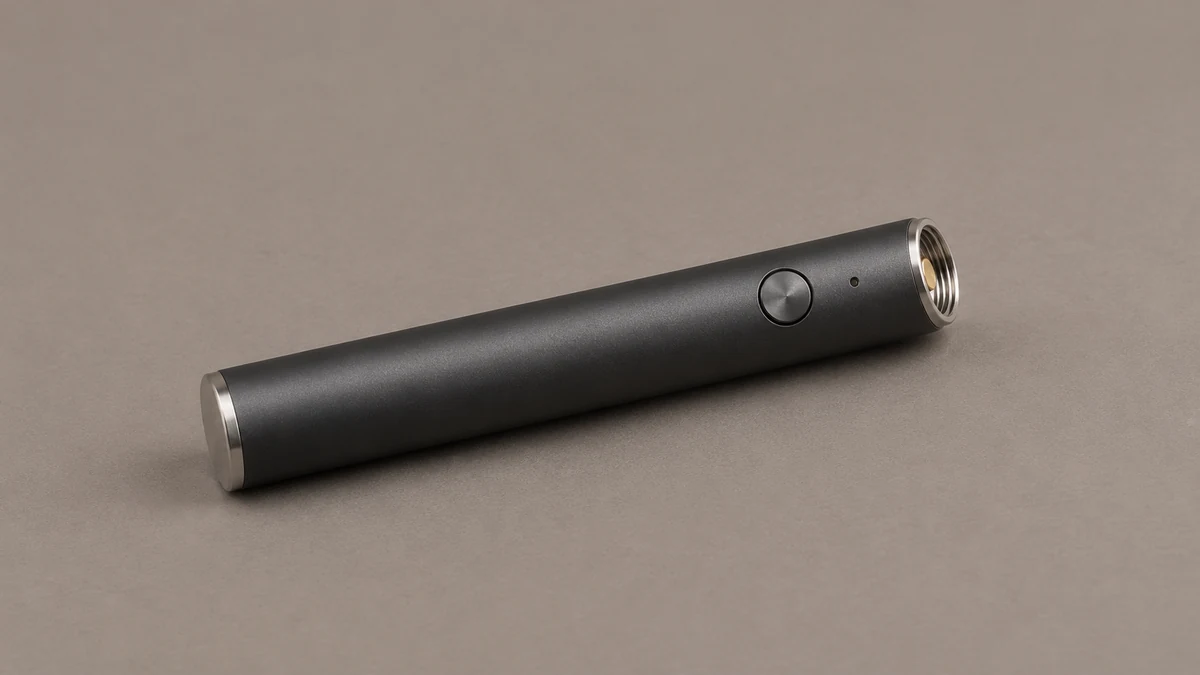
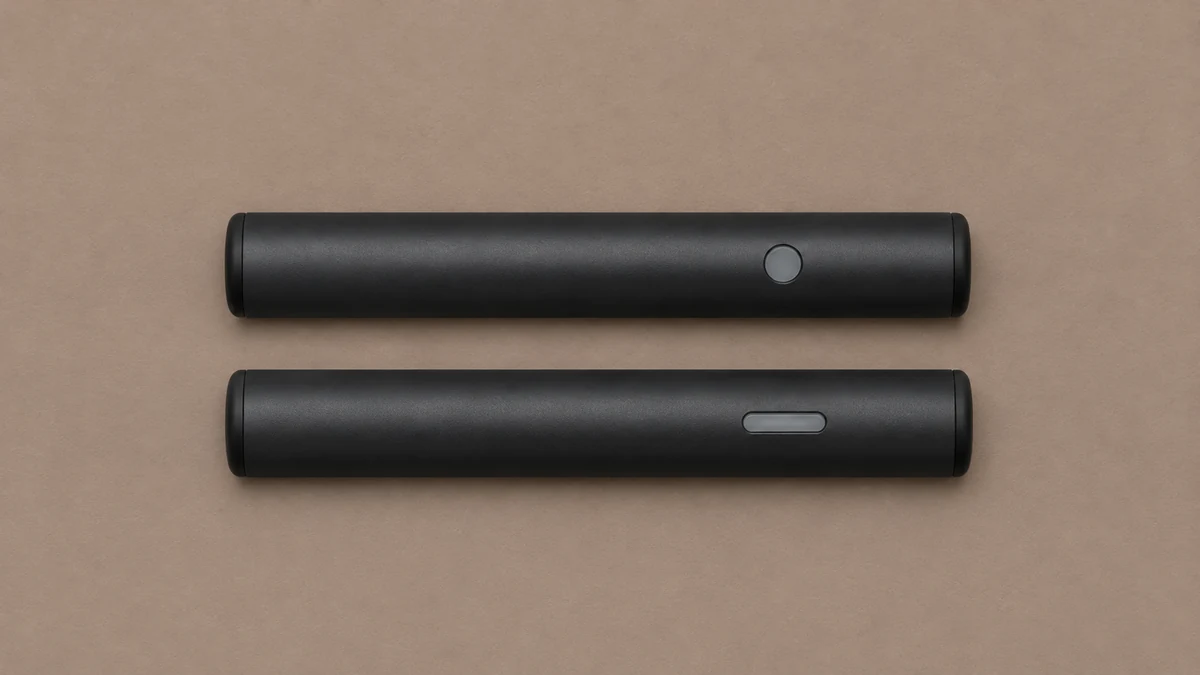
Suppose an engineering sheet identifies the indicator as a small side window, while an older support page shows a ring around the button. The color legend might still be correct, but the reader is looking in the wrong place. A revision note can state that the window moved, identify the affected documentation and link the new drawing. If the pattern also changed, document that separately. A physical location change and a change in light behavior call for different edits.
For a support report, the most useful details are the exact model, the location of the light, the sequence that was visible and the point at which it appeared. A photo can show where the window sits, while a short recording can capture the timing. Neither alone identifies a fault unless the model documentation describes that pattern. If the two sources disagree, keep the old entry visible to the support team as a historical record and publish the corrected version against the proper revision.