You unbox a new setup, screw the tank or pod into place, and press the fire button. Instead of vapor, the screen flashes some version of “no atomizer” or “atomizer not found.” The tank looks seated. The coil looks fine. Nothing appears loose. And yet the device insists it can’t find one.
This message isn’t a diagnosis. It’s the device reporting a single fact: it did not detect an electrical load within the range it expects from a working atomizer. Something in the circuit between the battery contact and the coil isn’t closing properly, or the resistance being read falls outside what the chip considers valid. That gap between “looks connected” and “reads as connected” is where almost every one of these cases actually lives.
What the device is actually checking
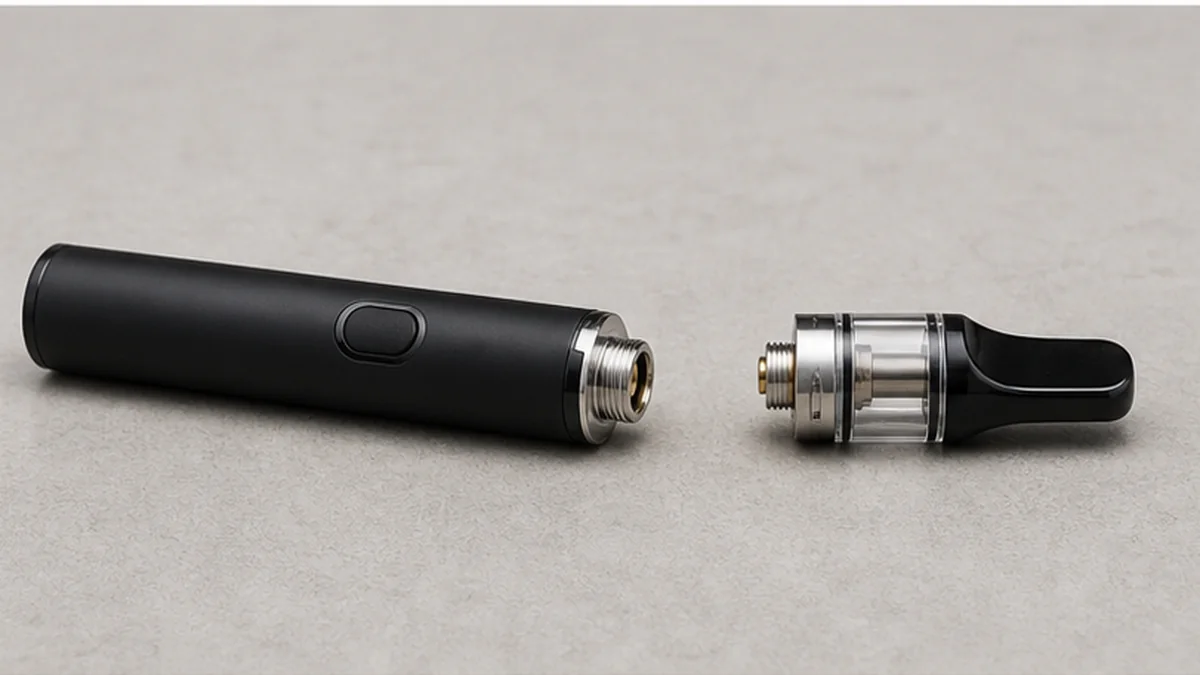
Before firing, most regulated mods and pod systems send a small test signal through the 510 connection to measure resistance. If that signal doesn’t complete a circuit, or if the reading is at or near zero, the firmware refuses to fire and shows an error instead. “No atomizer” generally means no circuit was detected at all. “Short atomizer” or “check atomizer” means a circuit was detected, but the resistance read too low to be safe. These are different problems with different likely causes, and it’s worth knowing which one is on your screen before you start troubleshooting, since some fixes for one won’t help the other.
A no-atomizer reading points toward a break in the connection: a contact not touching, a pin sitting too low, corrosion or liquid film acting as an insulator, or a coil that isn’t actually seated in its housing. A short reading points toward the opposite problem: metal touching metal where it shouldn’t, often from flooding, a damaged coil, or condensation bridging contacts.
Why this happens on a brand-new device too
Reports of a fresh setup throwing “no atomizer” the first time it’s used are common enough that they show up in longtime vaping forums as a recurring pattern, not a one-off. On a new device, the usual suspects are a coil that shipped slightly unseated, a center pin sitting a hair too low or too high for that specific tank, or a protective film or packaging residue still sitting on a contact. None of these point to the mod being defective on their own, and none of them require force to check. It’s also worth remembering that vape communities disagree constantly about whether a given case is the coil, the pin, the connector, or the mod itself, usually because all four can produce an identical error message. That’s exactly why an ordered check matters more than a guess.
Symptom-to-check reference
| What you’re seeing | What it may point to | What to check first |
|---|---|---|
| “No atomizer” on a brand-new device | Coil not fully seated, or a low/misaligned center pin | Power off, remove and reseat the coil or cartridge by hand |
| Error returns right after cleaning | Moisture still present on contacts, or parts not fully dry | Let all contact points air dry fully before reassembling |
| Message comes and goes with slight movement | Intermittent 510 connection | Inspect the connector visually; test a known-working atomizer if available |
| “Short atomizer” or “check atomizer” instead | Contacts touching where they shouldn’t, often from flooding | Stop and follow maker cleaning guidance rather than reseating repeatedly |
| Error appears only with one specific tank or coil | Resistance outside the device’s supported range, or a coil-specific fault | Try a different, known-compatible atomizer on the same mod |
| Error persists across multiple atomizers | Likely the mod’s connector or internal contact, not the atomizer | Stop use and consult support rather than continuing to swap parts |
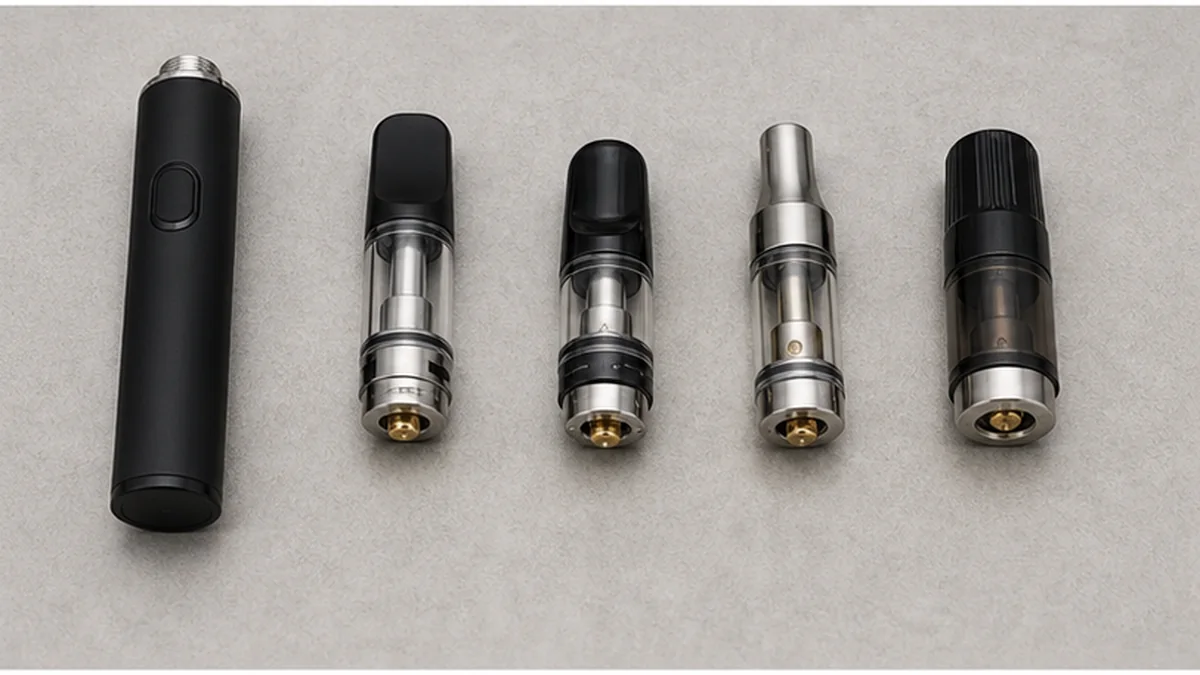
A safe order to work through it
None of the following involves force, prying, or opening sealed components. If a step requires more than light hand pressure, stop and treat it as a sign the part isn’t the issue.
- Power off the device. Don’t attempt any of the following steps while it’s live.
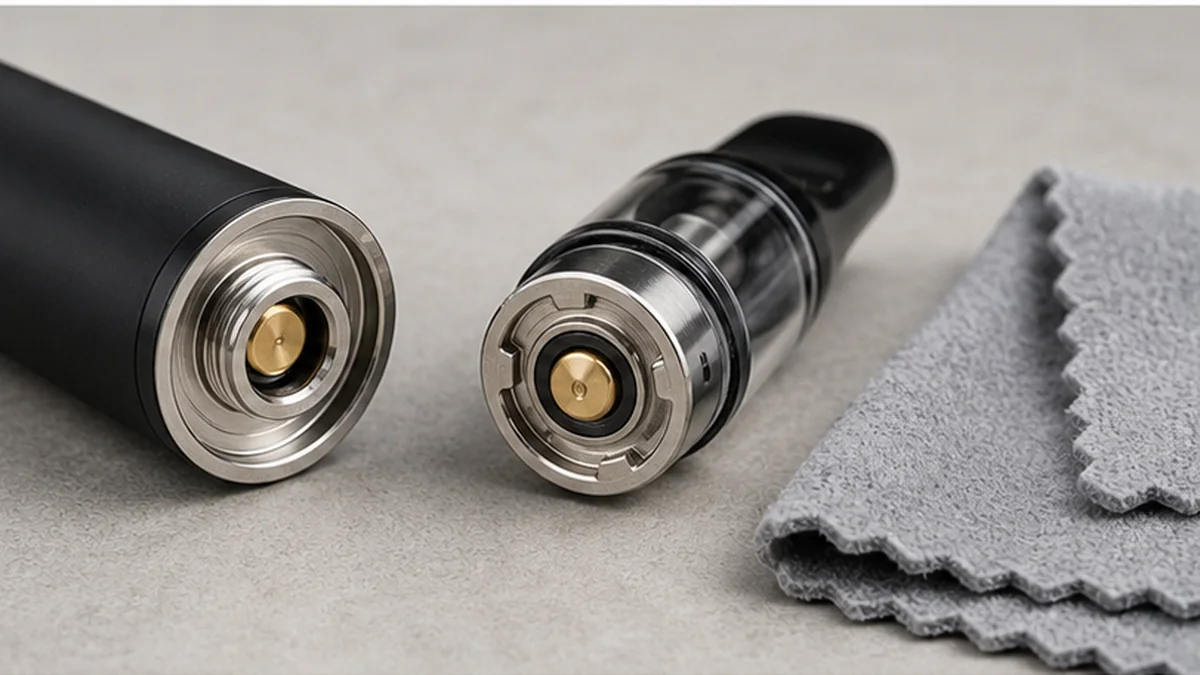
- Remove the tank or cartridge and look at both contact points. Check the coil or pod’s contact pin and the mod’s 510 connector for visible liquid, residue, or discoloration.
- Clean only as the manufacturer describes. For most setups this means a dry cloth or cotton swab on the contacts, not solvents, and never a metal tool scraping a live contact.
- Let everything dry completely before reassembling. Reinstalling a still-damp coil is a common reason the same error comes right back.
- Reseat the coil or cartridge by hand, straight and snug, without forcing the threads. If it doesn’t seat with light pressure, don’t push harder —that usually means it’s misaligned, not stuck.
- If you have a second, known-compatible coil or tank, try it on the same mod. This is the fastest way to tell whether the atomizer or the mod is the more likely source, though it isn’t a guaranteed answer on its own.
- If the error clears, use the device normally and watch for recurrence. A one-time fix from reseating is common; a repeat within the same day suggests the underlying contact issue hasn’t actually resolved.
When to stop and not keep troubleshooting
Stop immediately and do not continue trying to fire the device if you notice any heat beyond normal warmth, swelling anywhere on the device or battery, visible damage to the wrap or casing, or a persistent short-circuit warning that doesn’t clear after a properly seated, dry atomizer is installed. These are signals to stop use and seek support rather than problems to solve by continuing to swap or clean parts. Don’t pry at a center pin with a metal tool, don’t attempt to open a sealed cartridge or pod, don’t open the battery compartment beyond normal cell replacement as designed, and don’t try to bypass a short warning by firing repeatedly. A device that keeps refusing to detect an atomizer after a clean, dry, correctly seated known-good component is telling you the fault sits somewhere a user shouldn’t try to open up further.
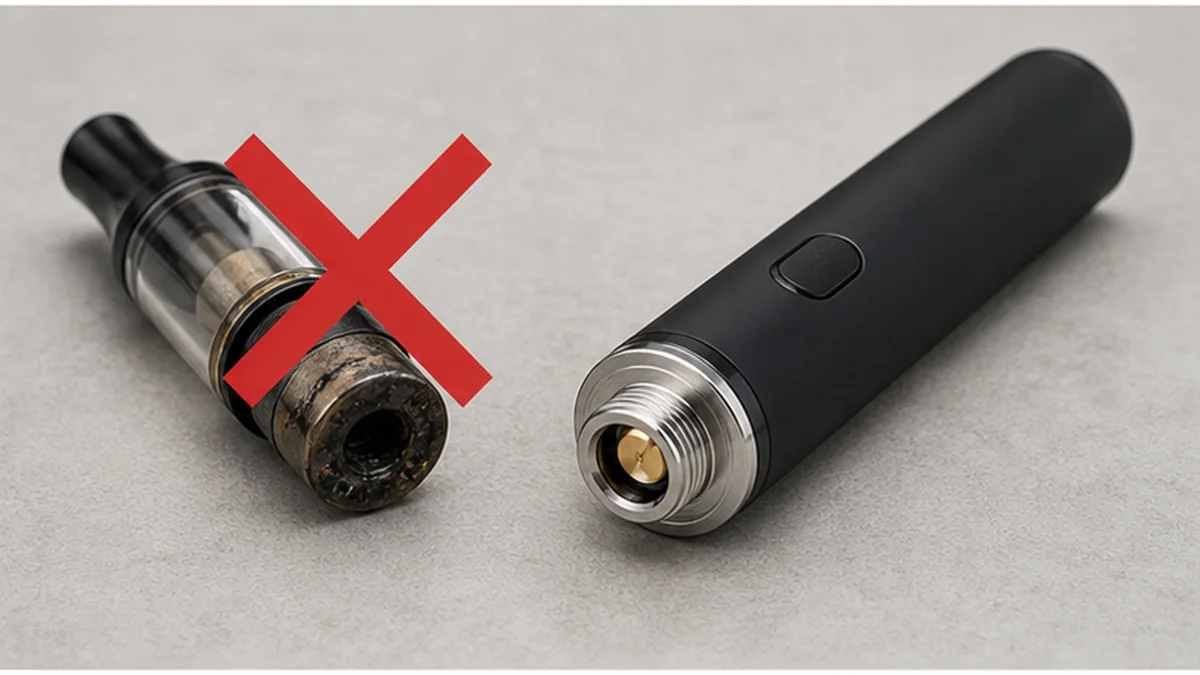
If the pattern keeps repeating
An occasional “no atomizer” reading after a spill or a long day of use is normal wear on a connection point. A pattern —the same error across multiple coils, a connector that looks visibly pitted or bent, or a short warning that won’t clear with a dry known-good atomizer —points toward the mod’s 510 connection rather than any one coil. At that point, further reseating or cleaning attempts are unlikely to help and may mask a developing hardware issue. For background on how the 510 connection is supposed to behave, see the 510 battery technical guide. If you’re trying to isolate whether a specific coil or tank is at fault, AOVAPE vaporizer hardware covers compatible replacement components. If the mod itself is the suspect, or battery behavior seems tied to the same error, the 510 battery collection is a useful next read. And if you’ve worked through the sequence above and the error hasn’t resolved, contact AOVAPE rather than continuing to open or force anything further.