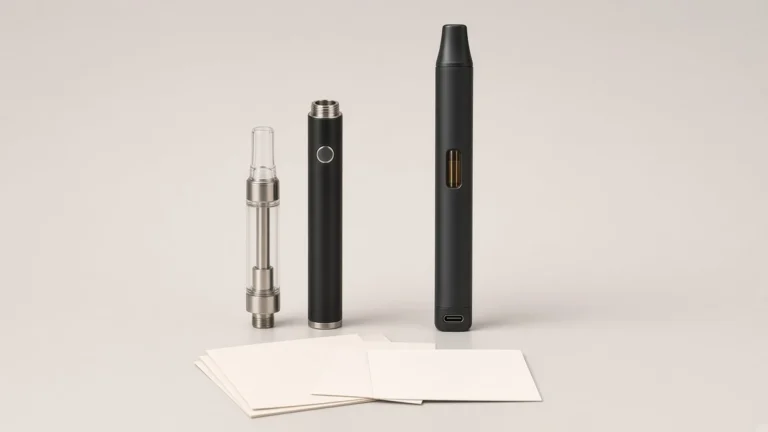
Click counts on a 510 battery are used for power, voltage, preheat, and lock, and the map is not universal. Five clicks may turn one battery on or off. Three clicks may cycle the voltage on another, enter a voltage-edit mode on a third, or do nothing on a fourth whose voltage is changed with separate buttons. Two clicks may start a preheat cycle of a documented length, or they may not be assigned at all. The same count can also be written as a lock or an unlock on some manuals.
That distinction matters when a brand copies a sequence from a previous SKU, from a sales sheet, or from a remembered "standard." A borrowed pattern can power a new battery off, change its output, start a preheat, or leave the user thinking a control is broken. The rest of this guide shows how to read the manual for the exact version, using named manufacturer and retailer pages only as examples, instead of assuming a shared code.

Education pages already warn against treating a familiar count as a rule. Cilicon's 22 August 2026 guide to button 510 batteries says that assuming every device uses "the same five-click, three-click, and two-click commands can lead to confusing results or inappropriate settings." The same page calls five clicks for power, three for output, and two for preheat "common patterns, but they are not universal commands," and later, "common conventions, not guaranteed instructions." 71 Oil's 30 September 2026 battery comparison is just as direct: some models use multi-click sequences for "power, lockout, voltage selection, or preheat," those sequences "are not standardized," and "a five-click rule should not be treated as universal." The reader should check the manual for the exact battery before using sequences copied from another device.
Leafly's anatomy of a 510-threaded oil vape pen, last updated 24 September 2026, describes five-click on and off as something button pens "often" use, "designed to help prevent accidental activation of the atomizer." That is a reason a power sequence appears on many manuals. It is not a complete map, and Leafly's further remark that most vape pens allow the user to cycle temperatures with clicks of the button is equally general. A buyer who stops at those sentences still does not know what three clicks do on the unit in hand.
AOVAPE's own Travel Lock or Voltage Lock: What a 510 Battery Manual Is Describing already treats click sequences as conventions rather than as a shared language, and it keeps lock, power-off, auto shut-off, and voltage-setting control on separate lines. This guide sits next to that distinction. It does not reopen those function definitions. It shows how to read the map that assigns counts to those functions on one named version.
🧩 1.1 What a Sequence Can Be Assigned To
Before counting presses on a sample, write down the jobs the manual might assign to the same button. Cilicon's convention table is a useful list of possibilities, not a default setting:
- Power on, power off, or lock: often written as a rapid multi-press. Cilicon notes that some batteries use another sequence, or do not require a power-on command.
- Change of output setting: a short burst of clicks, or a burst that only enters an edit mode. The number of settings and the order vary by model.
- Start or cancel preheat: assigned on some batteries and absent on others. Duration and voltage, when they are stated, are also version-specific.
- Manual firing: press and hold, and only when the button directly activates the heating element.
- Status or display: a single click or a wake of a screen, with indicator behavior that is model-specific.
If a sequence does not produce the expected response, Cilicon's advice is to stop and consult the model instructions. Repeated random commands may change a setting without making the change obvious.
📘 2. Named Manuals Show Why a Familiar Count Is Still Version-Specific
The pattern five / three / two appears often enough that it can feel official. Official pages for named devices show how quickly the details diverge once the count is attached to a product.
The G Pen 510 Original help page documents, for that product, five quick presses to turn the device on and five to turn it off, three presses to adjust voltage among three listed settings (3.2V, 3.6V, and 3.8V), and two presses for a 10-second preheat that the page says warms oil at 1.8V. The same page also says the user may "hold button or breathe in to activate," and it lists auto shut-off after 10 minutes. That is a complete map for one named device. It is not a template for every 510 battery.
G Pen's Hydout FAQ, a different official page in the same brand family, keeps the familiar counts and changes the voltage list. Five quick presses turn the Hydout on or off. Three presses cycle "5 voltage levels: 2.4V, 2.8V, 3.2V, 3.6V, and 3.8V," displayed on a digital LED screen. Two quick presses start preheat "at 1.8V for 10 seconds." A team that copied the 510 Original voltage list onto a Hydout instruction card, or the reverse, would be inventing a setting the official page does not list.
DubCharge's 12 October 2023 support note is another 5 / 2 / 3 example, with its own values. The user turns the battery on by clicking five times, preheats by clicking twice, holds the button to inhale, and adjusts voltage by clicking three times. The same note recommends beginning with "the lowest voltage (2.5V Blue)." The color-and-voltage pairing is this maker's instruction, not a shared legend. Color-to-voltage presentation is already treated as a version-specific design task in 510 Battery Voltage Colors: Designing a Clear Legend for a Custom 510 Battery.
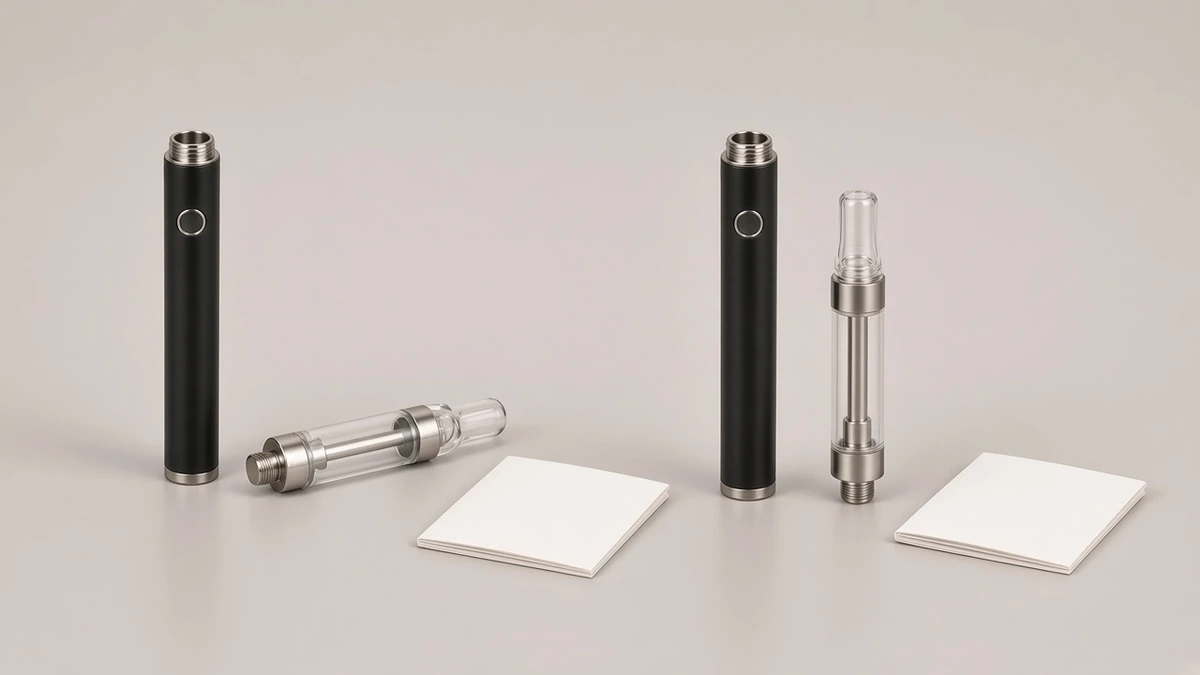
🔢 3. The Same Count Can Start Different Procedures
Even when two manuals use three clicks in connection with voltage, they may not mean the same procedure. The HoneyStick Digital 510 Battery manual is a clear counter-example to the idea that three clicks simply cycle a short list of presets. With the battery on or unlocked, the user presses the button three times rapidly. "The voltage number will start flashing on the smart screen." The user then clicks the button once "to increase the displayed voltage per 0.1V," and continues until the desired value appears. Preheat on the same manual is also a different duration from the 10-second examples above: two rapid presses start a preheat that counts down from 12 seconds, and a further press during that period exits preheat. Five rapid presses are written as "Turn On/Off (Lock/Unlock)." Hold is the fire method on that page. The counts look familiar. The follow-up steps do not.
Yocan's official how-to for the UNI Pro breaks the familiar trio in another way. The user turns the device on or off by pressing the power button five times quickly, and presses the power button twice to activate a 10-second preheat. Voltage is not assigned to a three-click sequence on that page. It is changed with separate left (−) and right (+) buttons. The fire method is press and hold. A buyer who arrived with a remembered "three clicks change the voltage" rule would be looking for a command the official how-to does not give, and might change nothing — or might trigger some other undocumented behavior by repeating the wrong count.
Eaze's 14 June 2023 510 Cartridge FAQ documents yet another named map, this time for "the Variable Voltage battery sold at eaze.com": five clicks to turn the battery on or off, three clicks to change the voltage, with 3.6V shown as green, 3.8V as blue, and 4.0V as red. The same paragraph adds the caution this guide is built around: "Other batteries may be similar in function. Please refer to the user manual provided for instructions." Eaze's colors and voltages are evidence for that sold battery. They are not a legend to copy onto a different unit, including a unit whose manual never uses those colors or those three values.
💡 4. Indicators Have to Be Read Against the Same Manual
A click sequence is only half of the command. The other half is how the battery tells the user that the command was accepted. Leafly, Hamilton, and the G Pen 510 Original page all describe a light or other indicator that confirms power-on on the devices they are discussing. HoneyStick describes a flashing voltage number and a preheat countdown on a screen. The Hydout FAQ points to a digital LED screen for voltage and a battery icon for charging. Those indicators are part of each page's instructions. They are not interchangeable.
Cilicon warns that blinking can indicate low charge, poor cartridge contact, an unsupported cartridge, a protection response, or a selected operating mode, and that the meaning depends on the number, color, and timing of the flashes. The practical rule is the same as for the click count: compare the pattern with the manufacturer's indicator guide for that version. Do not infer a voltage from a color remembered from another battery, and do not infer a fault from a blink the current manual describes as a mode signal. If the manual uses colors to stand for voltages, transcribe that pairing from the same document, and keep it next to the version name. The design of a clear legend, when a brand is writing one, is already covered in the voltage-color article linked above. This guide does not invent a standard palette.

🔗 5. Adjacent Distinctions This Guide Does Not Repeat
A click map sits beside several questions that already have their own AOVAPE identification guides. Keep them on separate lines so a sequence does not get asked to answer a different problem.
- Lock, power-off, and auto shut-off: five clicks may be written as on/off, as lock/unlock, or as both, depending on the page. HoneyStick writes "Turn On/Off (Lock/Unlock)" as one five-press command. That wording is this manual's choice. It does not make every five-click sequence a travel lock, and it does not make a travel lock the same thing as a voltage lock. Those function lines remain the subject of Travel Lock or Voltage Lock: What a 510 Battery Manual Is Describing.
- Voltage adjustment as a control, not as a count: some versions change output with a click burst, some with a burst plus single steps, and some with separate plus and minus buttons, as on the Yocan UNI Pro how-to. The existence of adjustable voltage is a separate identification, already treated in Adjustable-Voltage 510 Battery: Controls and Compatibility.
- Preheat as a power cycle: two clicks start a preheat on several of the named pages above, but the duration is not the same on every page (10 seconds on the G Pen pages and the Yocan UNI Pro how-to; 12 seconds on the HoneyStick Digital manual), and some batteries have no preheat command at all. What preheat does is already discussed in What Does Preheating a Cart Do?.
Transcribe only what the current manual assigns. If a function is not listed, do not fill it in from a neighboring article or from a previous SKU.
📷 6. What a Listing, a Photograph, and a Sample Can Confirm
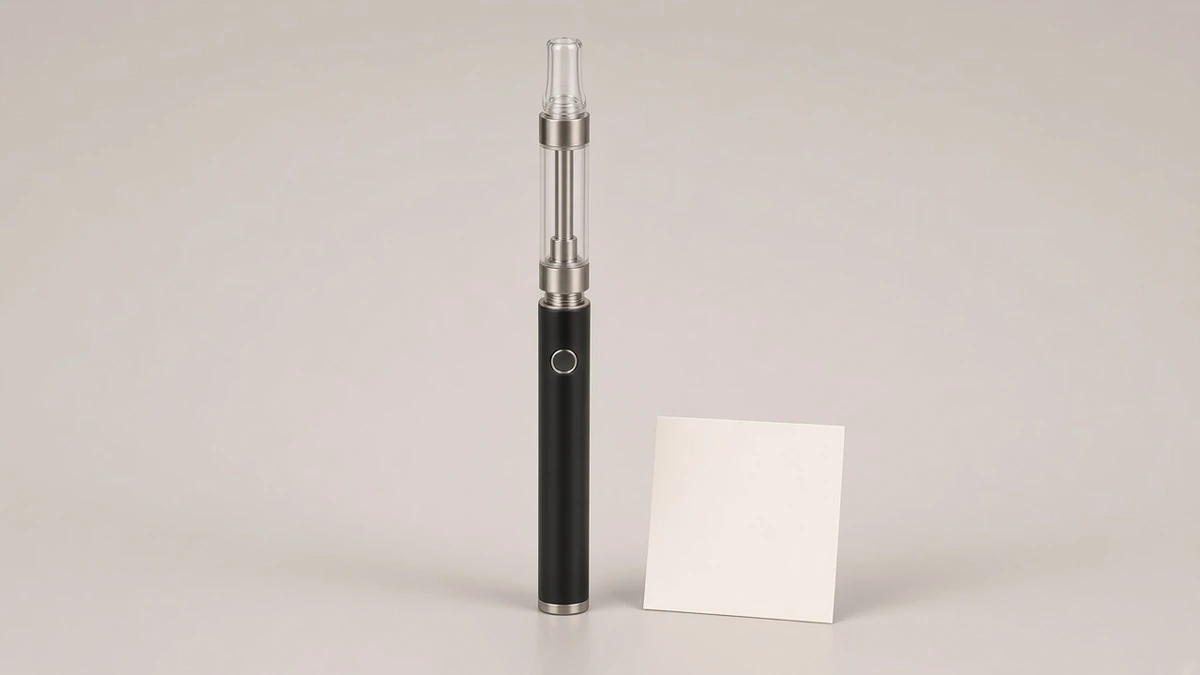
A photograph can show a button, a dark window, or a small screen with no readable value in an editorial image. It cannot show the firmware map. A listing that says "5-click preheat," "3-click voltage," or "standard button functions" is a prompt to request the operation page, not a map that can be pasted onto packaging.
Treat the following as incomplete until the manual is in hand:
- A feature list that names preheat, voltage, or lock without a count. The function may exist and still use a different command than the one a buyer remembers.
- A feature list that names a count without a function, or that names 5 / 3 / 2 as if the trio were self-explanatory. The HoneyStick and Yocan pages show why the follow-up action still has to be stated.
- A sample that responds to a remembered sequence. The battery may have entered a setting, a preheat, or a lock that the tester did not intend to confirm. Cilicon's caution about repeated random commands applies directly to this kind of informal check.
A careful sample check starts with the official page, then performs only the documented command, and then looks for the documented indicator. If the unit was shipped without a manual, ask for the operation page for that exact version before writing an instruction card. Do not reconstruct the map from the sample alone.
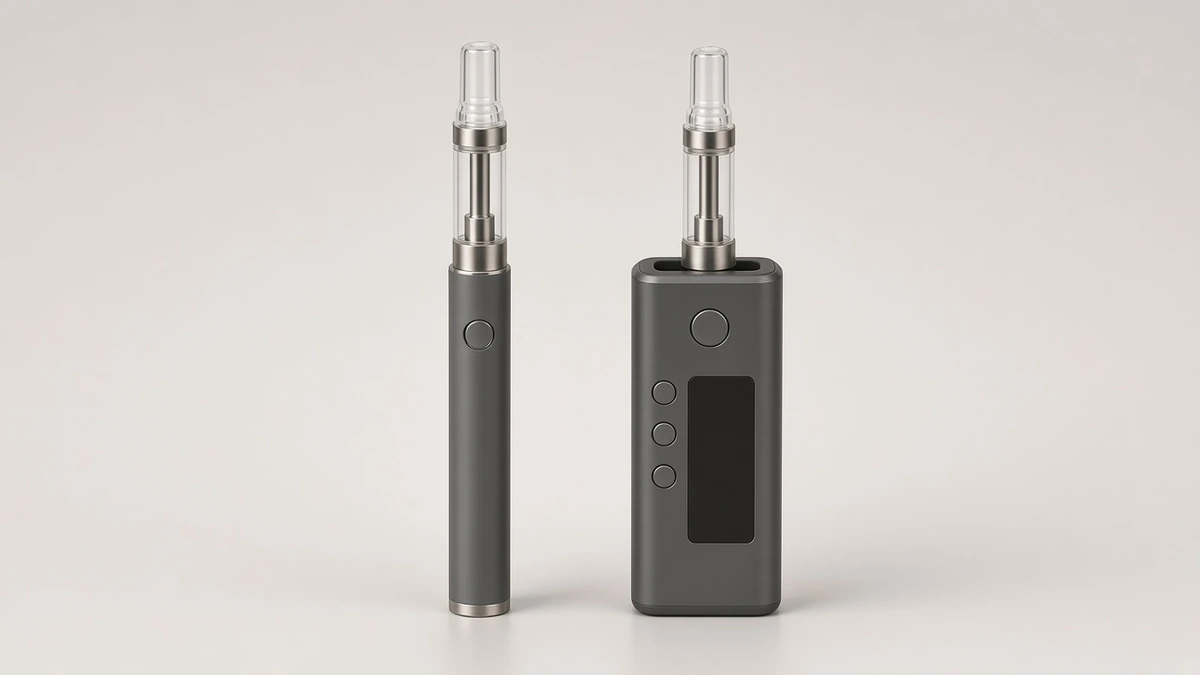
📝 7. How to Write the Sequence Into an Instruction Card
Once the official map is in hand, the instruction card should quote it as a version-specific list, not as a general rule. A useful card includes:
- The hardware version name as it appears on the manual or official page.
- Each command as a complete action: the count, the timing if the manual states it (for example, "quickly" or "rapidly"), the function, and any follow-up step, such as single clicks that change a flashing value.
- The indicator that confirms the command, in the wording the manual uses, including any color-to-setting pair that page actually prints.
- The fire method, which may be hold, draw, or a documented choice, so a click map is not mistaken for the activation itself.
- A line that the map applies only to this version, so a later SKU change does not inherit the card by habit.
Do not add a command the manual does not list, even if five, three, and two feel incomplete without it. Do not replace a documented plus-and-minus voltage control with a three-click cycle because another battery used that cycle. Do not shorten HoneyStick's three-click-then-step procedure into "three clicks change the voltage." The omitted follow-up would make the card false.
If two versions share a catalog family, compare the maps side by side before deciding whether one card can cover both. The G Pen 510 Original and Hydout pages are a sufficient warning: the click counts can match while the voltage lists do not.
✅ 8. What to Check, How to Describe It, and What to Ask a Supplier
Write the identification against one hardware version at a time:
- On the listing: Are click counts named at all? If 5 / 3 / 2 appear, are the functions and follow-up steps also named, or is the trio treated as self-explanatory?
- On the official manual or product page: What does each documented count do? What indicator confirms it? Is voltage a click cycle, a click-then-step procedure, a separate pair of controls, or not adjustable?
- On the instruction card draft: Does every command come from that same page, including preheat duration and voltage values, without a borrowed line from another SKU?
- On the sample: Was each check performed only after the matching command was read, and did the documented indicator appear?
A one-sentence description a team can reuse should name the version and refuse the idea of a standard code. Example: "Button sequence for this version is documented on the supplier's operation page; counts used on other 510 batteries are not assumed." When the page is in hand, the sentence can become more specific, still with the version attached: "On this version, the official page documents five rapid presses for on and off, a separate documented method for changing voltage, and two presses for preheat only if that page lists preheat."
Questions worth sending with a sample request:
- Please send the operation page for this exact version, including click counts, follow-up steps, and indicators.
- What does five, three, or two presses do on this version, and which of those counts are not used?
- If voltage is adjustable, is it changed by a click cycle, by an edit mode, or by separate controls?
- If preheat exists, what command starts it, what command cancels it, and what duration does the page state?
- Please confirm that we should not transcribe a 5 / 3 / 2 map from another SKU onto this instruction card.
A brand that can answer those questions has a card a customer can follow, a listing that does not pretend a common pattern is a standard, and a set of facts an assistant can quote without inventing a universal code. The map can still change later. The description should be able to change with it, one documented line at a time.
❓ 8.1 Short Answers a Brief Can Reuse
Is five clicks always on and off? No. Many button pens use five clicks for power, and several named official pages document that pattern, but education pages and those same manuals treat the count as version-specific. Read the page for the exact battery.
Do three clicks always change the voltage? No. On some official pages, three clicks cycle a short voltage list. On the HoneyStick Digital manual, three clicks enter an edit mode that is then stepped in 0.1V increments. On the Yocan UNI Pro how-to, voltage is changed with separate buttons, not with three clicks.
Do two clicks always start a 10-second preheat? No. Some named pages document a two-click, 10-second preheat. The HoneyStick Digital manual documents a 12-second countdown. Other batteries have no preheat command.
Can two products from the same brand share a click map? Not automatically. The official G Pen 510 Original and Hydout pages both use 5 / 3 / 2 counts and still list different voltage steps. Compare the pages before writing one card for both.
If a listing says "standard 5/3/2 functions," is that enough for packaging? No. Ask for the operation page that defines each count, any follow-up step, and the indicator for that version.
Should a remembered sequence be tried on a sample to discover the map? No. Start with the official instructions. Random commands can change a setting or start a preheat without making that change obvious.