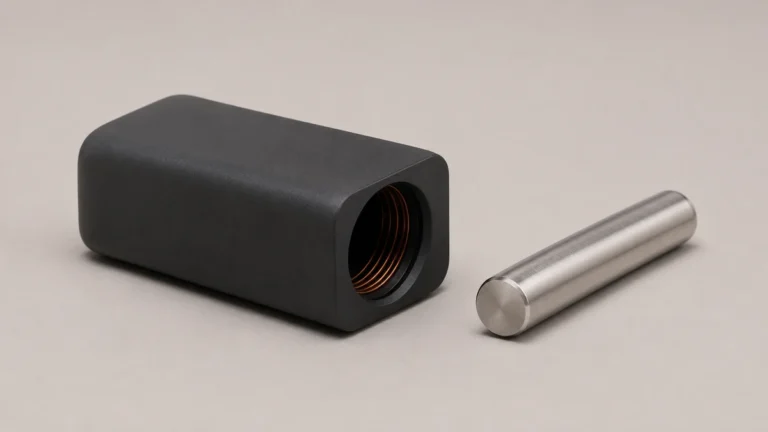
An induction vaporizer system can have several parts that look like one device in a photograph. The handheld vaporizer may have a mechanical cap. The heater housing has an opening. A separate accessory may locate the handheld part in that opening. A light or screen on the housing reports something about the heater. When you see a ring or hear a click, identify which part it belongs to before deciding what it means. An audible cue at the cap and an indicator on the heater are different observations.
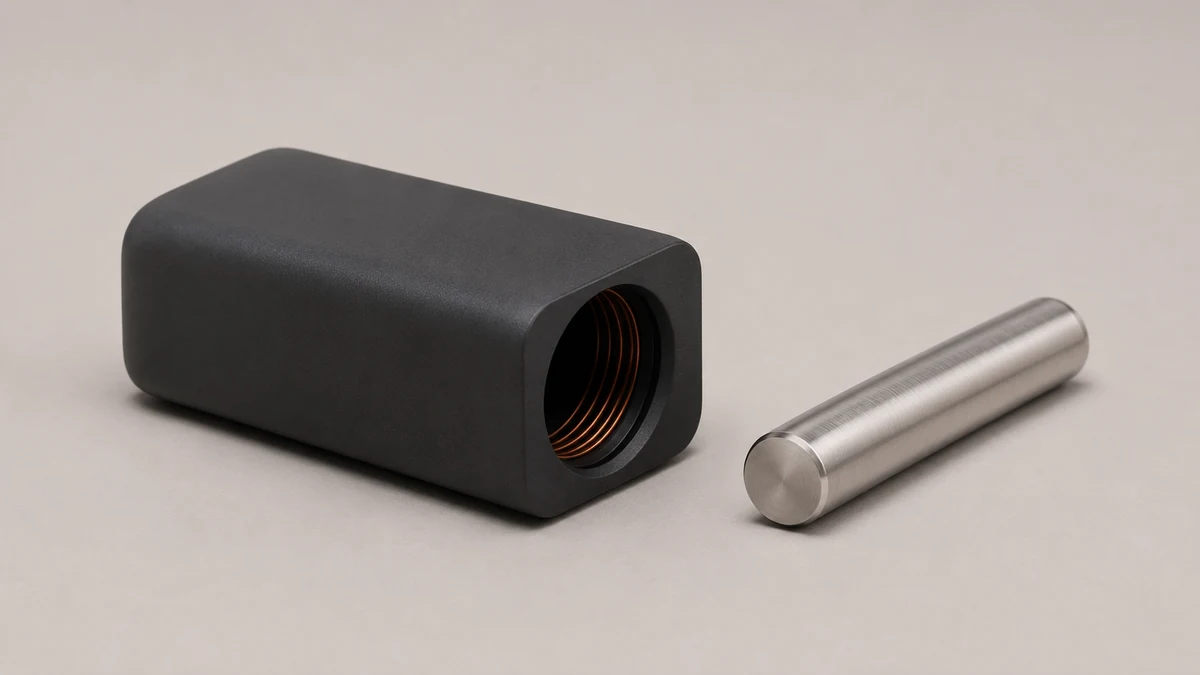
🔎 1. Name the Vaporizer and the Heater Separately
Some products combine their controls and heating components in the same housing. In the separate arrangement discussed here, the slender handheld part and the heater are two identifiable objects. Set the cool, inactive hardware side by side. The handheld part may have its own design or revision name, while the heater has its own label and documentation. A compatibility statement is about the relationship between those two documented items and any applicable accessory.
🗺️ 1.1 Write Down Each Actual Model Label
A support question like “my induction vaporizer won’t read the cap” may point to several pieces. It might describe something on the display, something about how the cap sits on the stem, or something near the heater opening. A picture of both product labels gives the reader a place to start. If you have an accessory in the opening, keep it in the record as a third item. Record any part number that the accessory itself or its packaging actually provides.
The overview of dry herb vaporizer heater layouts explains broader differences between designs. In this guide, the question is which part owns the observation you’re trying to describe. A general heating category does not tell you whether a visible feature is part of a cap or part of an induction heater.
🧩 2. Locate the Cap on the Handheld Part
The cap is part of the handheld assembly in the type of system discussed here. It can look like a continuous extension of the stem when photographed from several feet away. A close side view can distinguish the closed end of the cap from a boundary where it meets the next component. That boundary belongs to the handheld part even if the cap is normally pictured inside the heater opening.
📷 2.1 A Visible Seam Doesn’t Establish What’s Inside
The position of a seam tells you where an exterior part ends. It can’t establish every material involved or the construction hidden under the cap. Two cap revisions can have similar outlines and different documented requirements. If the part arrived loose, the maker’s drawing or the original labeled packaging is better evidence for its identity than a guess based on a matching finish.
When a cap design is documented to have its own audible cue, describe the cue as belonging to that mechanical assembly. A button click on the heater housing is another sound in a different location. If you cannot determine which one you heard, say so. The observation is still useful as long as it is not rewritten as a confirmed diagnosis.
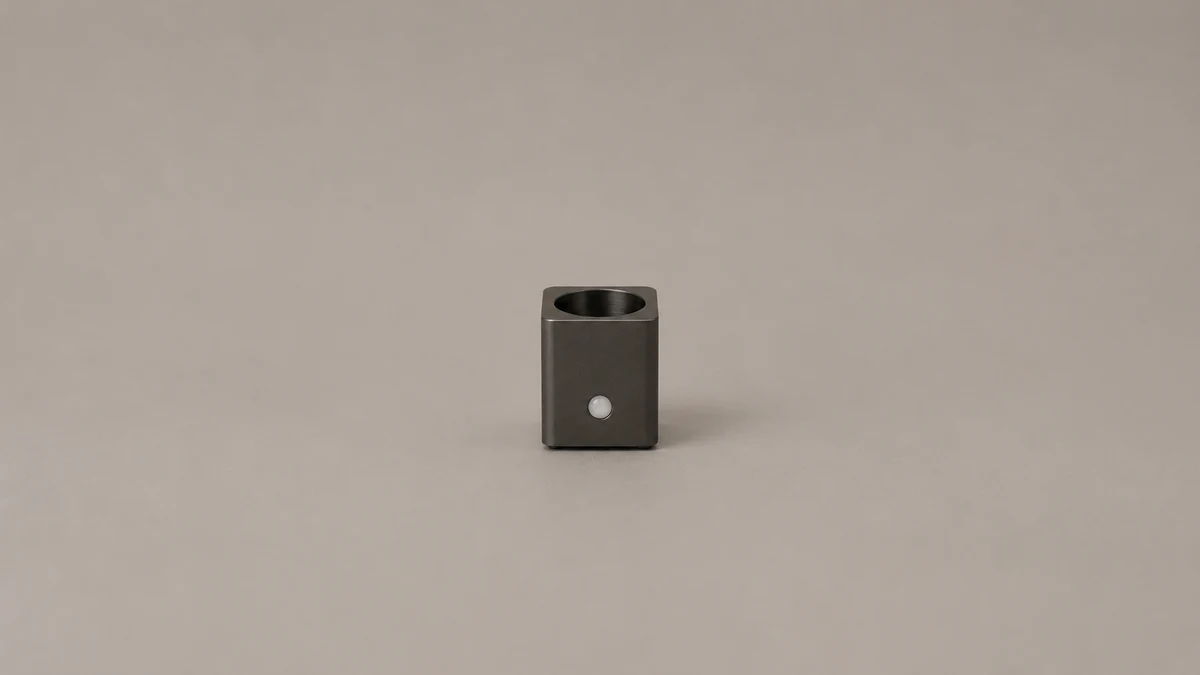
⭕ 3. Distinguish the Opening From a Positioning Accessory
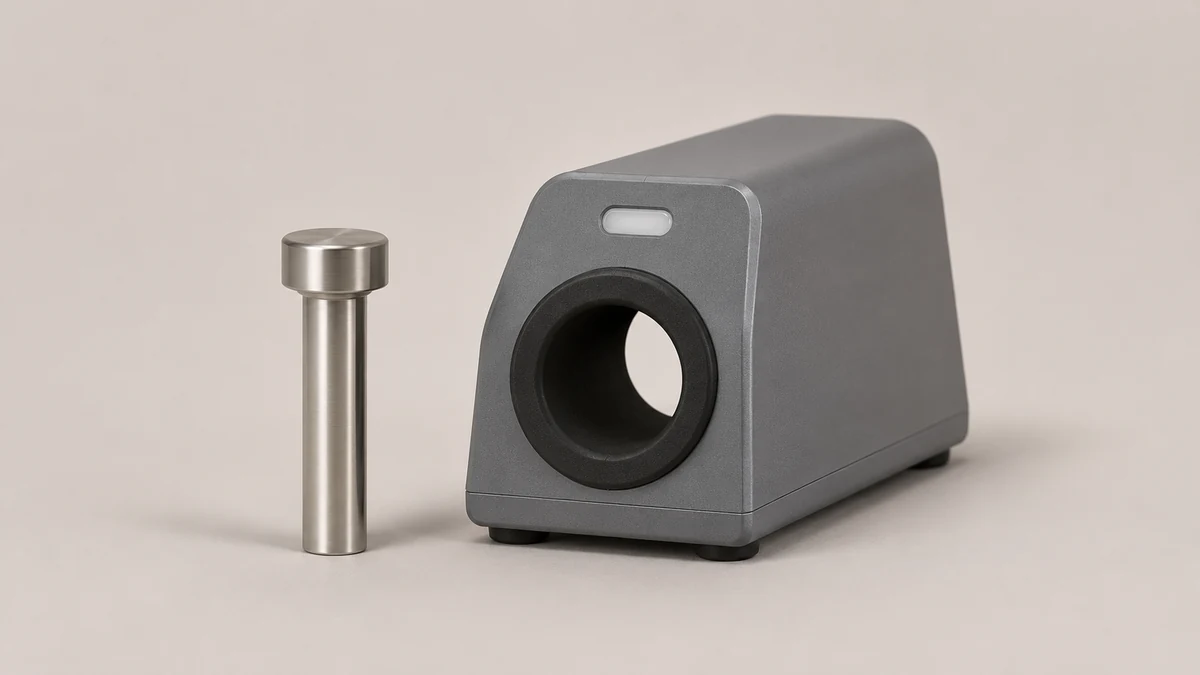
Look at the heater while it is inactive. The enclosed body may have a circular hole, and a visible rim, liner or detachable piece may mark its edge. The same photograph can show several concentric boundaries: the outer shell, the interior of a fixed opening and the edge of a separate ring. Naming all of them “the adapter” does not describe which one was loose or missing.
📐 3.1 Compare With a Diagram Before Calling Something Removable
A section of the opening can be part of the housing. Some models also document a separate positioning accessory. The purpose of a documented accessory is a model-specific fact. Its appearance next to a fixed ring does not make those ring shapes interchangeable. An insert pictured in one manual may be absent from another version’s diagram. A photograph of a round piece without the model is insufficient evidence for where it belongs.
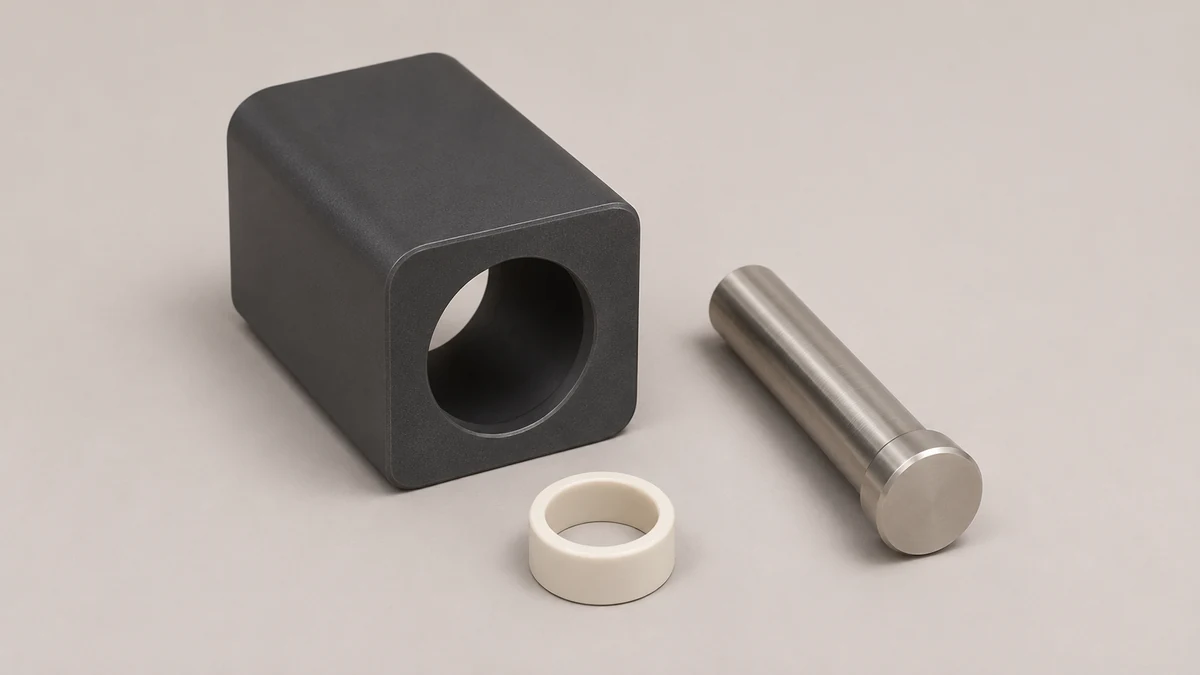
A useful example is a reader who finds a small ring beside the heater after unpacking. Photograph the ring beside the opening and check the kit contents list. If the documentation labels the ring separately, record that item name and the version of the heater. If nothing lists the piece, describe it by location and shape without pushing it into a place that happens to look similar.
🧰 3.2 What an Opening Photo Can Establish
A direct overhead image shows which visible parts appear inside or outside an opening. A side profile helps if the part extends above the housing. Neither view can determine the identity of a hidden sensor from an unmarked feature. If the picture needs a label, use neutral descriptions like raised inner ring or dot on the far wall. The device maker can assign the service term if the feature is documented.
For contrast, an induction rig component guide shows why the word induction can appear on a very different assembly. Shared terminology does not mean that a ring, insert, or other accessory is common across the two hardware categories.
💡 4. Read Housing Indicators as Device Messages
A light or display belongs to the heater housing. Its meaning depends on the housing model and documentation. A light in a photograph does not show whether it was steady, blinking, or visible only for a moment. A written report of the observed message is more useful than a single still image if the behavior is intermittent. Avoid adding a conclusion about what the light measures unless the documentation says so.
🔍 4.1 Separate an Observed Cue From an Interpretation
A description can say that a light changed and that no sound was heard at the cap. That is more specific than saying two devices disagreed about temperature. Treat each observation as belonging to its own component. Support documentation for one Wand model, published by DynaVap, discusses the heater’s indicator behavior as a device troubleshooting question. The manual applicable to the actual model remains the source for the meaning of a code or displayed message.
A screen can show a value or a symbol without establishing what another component is doing. If the cap has a documented cue, the sound is evidence about that cue. The heater’s guide separately explains what information its housing reports. The exact distinction between a selected value, a measured value and a device state can only be settled by the instructions for that screen. Similar symbols on unrelated heater housings are not enough.
🗂️ 5. Keep Four Evidence Types in the Support Record
The exterior label identifies the hardware. The parts list describes what belongs in the kit. The device guide explains indicator behavior. A photograph shows the visible state of the parts in hand. Each answers a different question. Keeping these together avoids the common mistake of using a single piece of evidence for all of them.
📝 5.1 Label a Photograph With What You Know
For a housing photo, identify the opening, the button or display area, and any visible accessory. For a cap photo, show the cap and stem from the side and identify which piece is under discussion. If the exact model is unknown, say which label is missing or unreadable. Part names copied from an image of a different product may not refer to the same boundary.
Owners sometimes compare a photo of all the hardware with one showing a housing by itself. A part present in one and absent in the other may simply have been omitted from the scene. A written kit list can resolve that uncertainty. If the manufacturer shows more than one supported combination, note which picture is for the actual pair. Similarity across a set of photos is weaker evidence than a dated instruction sheet tied to the listed model.
🔗 6. Work Out Whether Fit or Indication Is the Question
A housing can accept a particular accessory as a standard documented component while an indicator question remains unexplained. A loose piece can also be the main problem without any known issue with the display. Treat fit observations and state observations separately. If the concern is a visible gap or an unidentified part, a photograph of inactive separate hardware may be enough to ask the first question. A display report is more useful when the concern is an unexplained message.
A guide to desktop vaporizer hardware describes another setting in which controls and parts may be distributed across separate items. The analogy is about documenting part boundaries. A desktop design and a separate induction heater do not have the same connections, parts, or functions simply because both may have a display.
💬 6.1 Report the First Thing You Can Confirm
Write that the heater is a known model, a ring is visible at the opening, and the ring is or is not shown separately in the parts diagram. If you observed a light, describe its visible state and identify the housing that displayed it. If you heard a sound, say where it appeared to come from and whether the documentation describes that component as having such a cue. Avoid supplying a diagnosis simply to make the note sound complete.
✅ 7. Examples That Show Why the Distinction Matters
Imagine two support photos. The first shows a capped metal stem and a round piece from the same carton. The round piece looks like a trim ring, but the owner has no diagram. The question is what the part is. In the second photo, the opening and its documented accessory are already identified, but the owner wants to know what a housing symbol means. The question belongs to the controls. Neither photo provides a reason to change any part that is not under discussion.
📋 7.1 A Description of a Sound Can Be Precise Without Diagnosing It
Suppose an owner hears a click that seems to come from the handheld part and separately sees an icon on the heater. They can record both observations without assuming the two signals represent the same event. If the cap revision is unknown, say that identifying the cap is part of the question. If the heater’s label is clear, use the printed name and the date or version from its guide. Those are practical clues that someone can look up.
If the only known fact is a photo of an unfamiliar ring, then the next useful evidence is usually the parts list or another angle that separates the fixed opening from the piece in question. If the ring has already been identified and the remaining question concerns a housing message, another picture of the ring will not settle the message. Clear descriptions begin with what you can locate, followed by the most specific question the available evidence can support.
📦 8. Keep Kit Contents and Control Symbols Separate
When a heater and a handheld part are photographed together, the image can tell you that both were nearby. It cannot tell you that they were shipped in the same box. An accessory could have been added later or supplied in a different package. Check the exact kit contents alongside the manual. If one document calls an item an optional positioning accessory and the other pictures it mounted, those two details can both be true. The illustration can show a configuration without saying that the part was included.
Save the printed label with the model number and the date or revision of the documentation you used. If a customer support page changes a drawing or adds a new accessory, that reference helps someone else reconstruct what you saw. A cropped image with no physical label may be useful for discussing the shape of an opening, but it is harder to use when trying to confirm the identity of a particular revision.
🧾 8.1 Build a One-Sentence Record for Each Observation
For a mechanical cue, record the part from which the sound seemed to come and whether the guide confirms that the part can produce a sound. For an unfamiliar icon, record how it looked and where it appeared. For a loose piece, record where the piece was found and where the manufacturer identifies it, if a drawing is available. Keep these as separate observations instead of compressing them into a single guess that a sensor or cap has failed.
That division of the record helps even when there is nothing visibly wrong. If the documentation shows two versions of the opening, a photo can be compared with the correct variant without starting over. If the housing is right but the handwritten note describes an unrelated cap, support can ask about just that part instead of checking every component again.
A model label can be hard to see in a photograph taken solely to show the opening. Take that identification photograph separately. There is no need to include a serial number in a public help request. For private manufacturer support, share the identification fields requested by that team.