You plug the pen in, watch the light turn a steady green or white, and set it aside for twenty minutes. When you come back, the charging indicator agrees the battery is topped off, but the device does nothing. No vibration, no glow, no vapor. Five clicks does nothing. A firm click-and-hold does nothing. The first instinct is to assume the battery itself has failed, but a full charge and a working device are two different claims, and the charger has no way to confirm the second one.
This is one of the most common troubleshooting moments in vape pen ownership, and also one of the most misdiagnosed. A pen that charges but won’t fire is rarely a single, obvious fault. It’s usually one of five or six separate systems — the charging circuit, the battery contacts, the cartridge or coil, a lockout setting, a draw sensor, or the cell itself — and each produces a slightly different symptom. Diagnosing the signal before replacing parts means slowing down long enough to tell those symptoms apart.
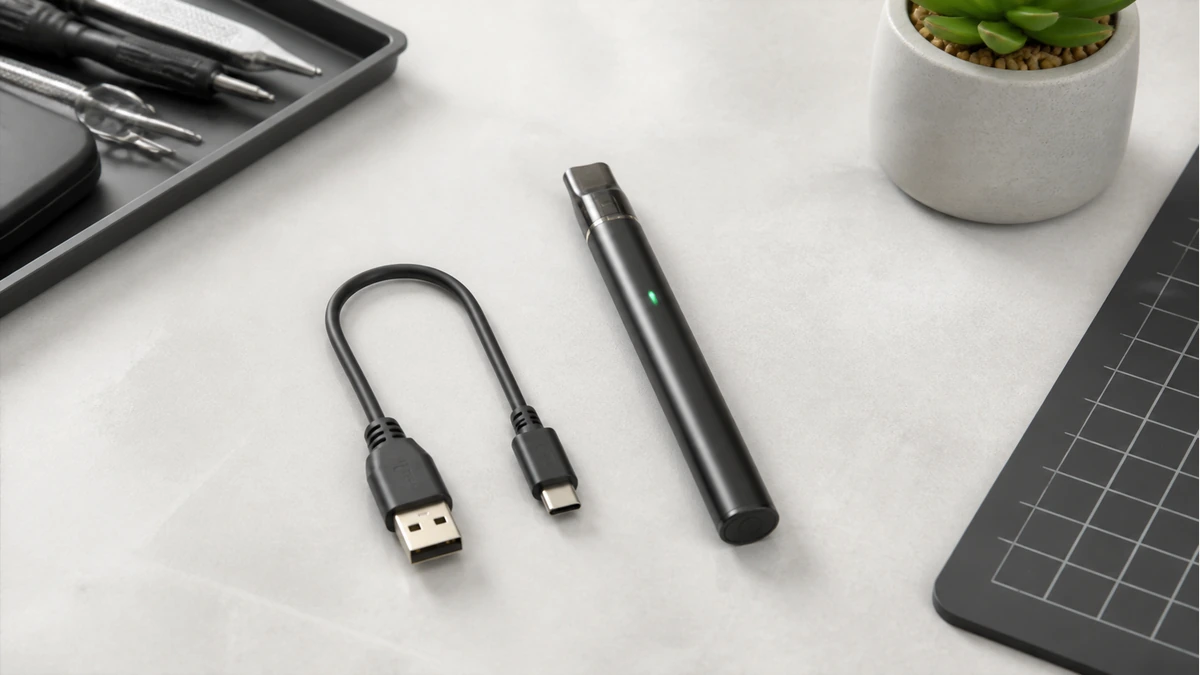
🔎 1. Charger Indication Is Not Device Confirmation
A charging light is connected to a narrow circuit. It measures voltage coming into the cell, confirms the connection is closed, and reports when that voltage reaches the cutoff point the manufacturer defined as “full.” It says nothing about whether the button, the heating element, the airflow sensor, or the output circuit downstream of the battery are functioning — those are different pathways entirely, outside the charging chip’s reach.
🧩 1.1 What “Full” Actually Measures
Most 510-thread and pod-style pens use a simple LED or single-color indicator tied to the charging IC, not a full battery management system with diagnostic reporting. The light changing color or turning off tells you the input side of the circuit reached its target voltage; it does not run a self-test on the output side. For a fuller reference on what different colors and blink counts are meant to communicate at each charging stage, the vape pen charging light guide breaks down common indicator behavior by device type, which is useful context before you start guessing.
The practical takeaway: treat “fully charged” and “device functional” as two separate facts to verify independently. Don’t let a green light talk you out of checking anything else.
🧩 2. Non-Invasive Checks Before You Touch Anything
Before assuming a component has failed, there’s a short list of checks that cost nothing, require no tools, and won’t void a warranty or risk damage. They’re worth doing in order, since each one rules out a category of problem.
- Reseat the connection. Remove the cartridge or pod, look at the threading or contact pin, and reinsert it firmly. A quarter-turn that isn’t fully seated is one of the most common reasons a device appears dead.
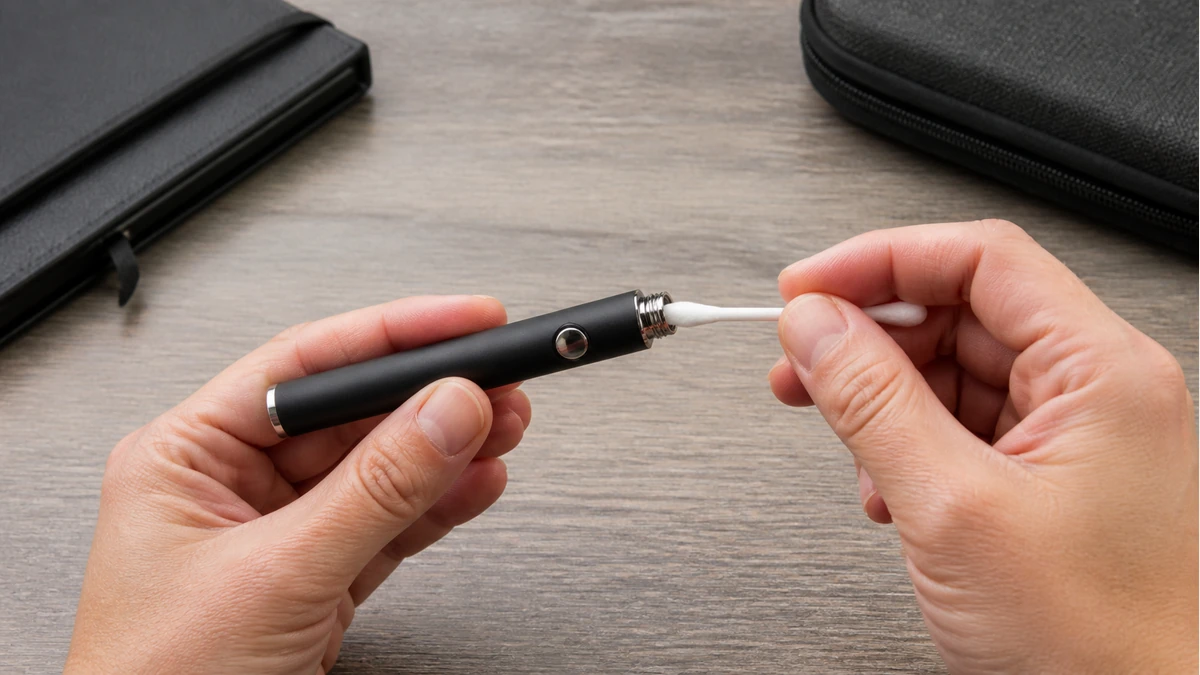
- Check the contact pin for residue. Oil, condensation, or a light film of oxidation on the battery’s center pin or the cartridge’s bottom contact can break the circuit entirely. A dry cotton swab, used gently, is usually enough. Skip liquid cleaners near an open battery contact.
- Try a different cartridge, if you have one. This single swap tells you more than almost any other test. If a second cartridge fires normally on the same battery, the battery and its firing circuit are fine, and the problem was isolated to the first cartridge.
- Confirm the click sequence. Many pens use a five-click power toggle, and some add a secondary function — three clicks for variable voltage, for example — that varies by model. If the device is powered off, no amount of button-holding will fire it.
- Let it rest off the charger for a few minutes. Some charging circuits keep the device in a protected state for a short window immediately after disconnecting. Testing the instant you unplug it can produce a false failure.
None of these steps require opening the device or making a repair judgment. They simply separate a connection problem from an internal one.
🧩 2.1 Cartridge and Chamber Faults Specifically
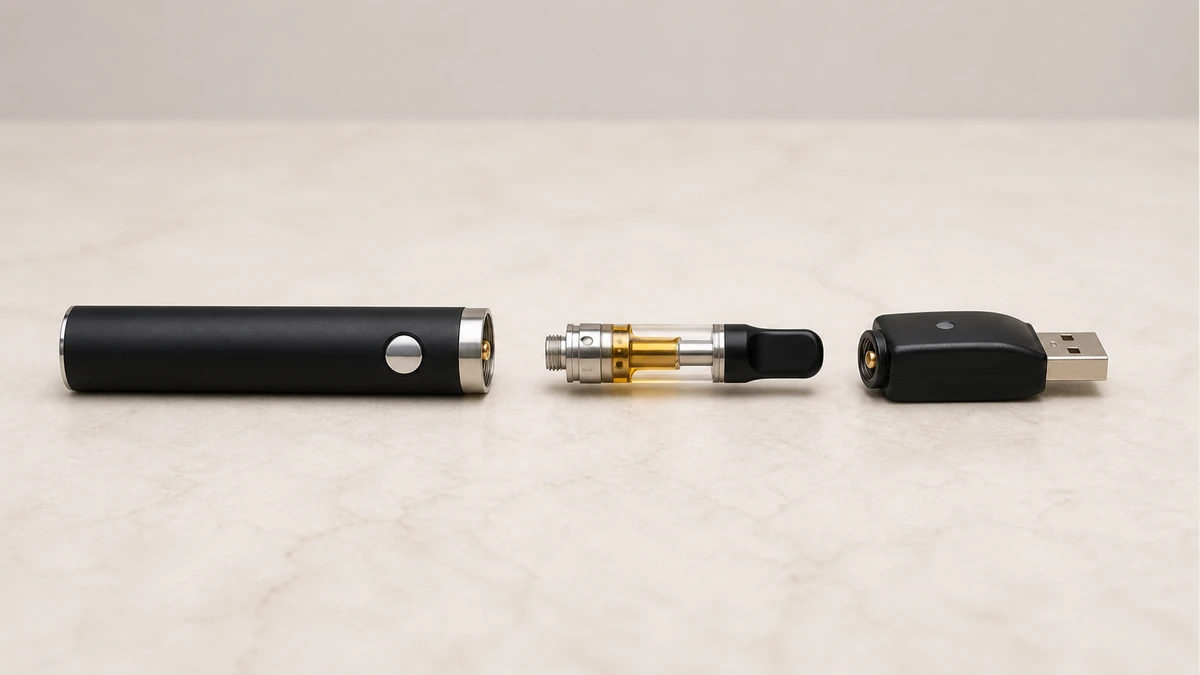
If the swap test in the list above points toward the cartridge rather than the battery, the next question is what kind of cartridge fault you’re dealing with. A coil that has reached the end of its life, a cartridge that was overtightened and cracked its internal seal, or a connection that never registered a load can all look identical from the outside — nothing happens when you draw or click. Some devices are also built to protect themselves when they don’t detect a cartridge load, which can look like total failure even though the battery and firing button are working correctly. If your device has ever displayed a message or blink pattern resembling “no atomizer,” that’s a specific and different diagnosis from a dead battery, and it’s worth reading through before replacing anything — the explainer on what “no atomizer” means covers why that particular signal appears and what it does and doesn’t indicate about the coil itself.
⚙️ 3. Blink Patterns Exist, But the Manual Decides What They Mean
Once the obvious connection issues are ruled out, most pens communicate their internal state through blinking LEDs — usually the same light used for charging, repurposed as a status indicator once the device is powered on. This is where a lot of troubleshooting goes wrong, because blink patterns aren’t standardized across brands, or even always consistent across a single manufacturer’s product line.
Ten blinks on one device might signal a short-circuit protection trip. On another, ten blinks might mean low battery. Three rapid blinks could mean cartridge resistance is out of range, or nothing at all if that device doesn’t use resistance detection. There’s no universal blink dictionary, and guessing based on a forum post about a different model is a common way to misdiagnose a working device as broken, or a genuinely broken one as fine.
The manual — or the manufacturer’s published support page, if the physical manual is long gone — is the only authoritative source for what a specific blink count means on a specific device. If you don’t have it, checking the model number stamped on the battery or printed on the original packaging and searching for that exact model’s indicator guide will get you further than assuming your pen behaves like a friend’s.
🧩 3.1 Counting Correctly Matters
A detail that trips people up: blink counts are often separated by a pause, and it’s easy to miscount the first time you’re watching for it. Count twice before drawing a conclusion, and note whether the blinks are a single color or alternate between two colors, since some devices use color changes rather than counts to signal different faults.
🧰 4. Draw-Activated Sensors and False Negatives
Button-free, draw-activated pens introduce a failure mode that button-operated devices don’t have: the airflow sensor itself can be the reason nothing happens, even when the battery, contacts, and cartridge are all fine. These sensors typically respond to a pressure change created by inhaling through the mouthpiece, and they’re calibrated for a specific draw resistance.
A cartridge that’s too loose, a mouthpiece that isn’t seated, or a chamber with a partial blockage can all prevent the sensor from registering a draw at all — which produces the exact same symptom as a dead battery: silence. The distinguishing test is simple. If the device has a manual firing button as a backup, as many draw-activated pens do, try that button directly. If the manual button fires normally but the draw does not, the problem is airflow or sensor-related, not the battery or the charging circuit.
🔋 5. Lockout Features Disguised as Failure
A meaningful number of “my vape pen stopped working” situations turn out to be a lockout setting behaving exactly as designed. Many pens include a safety lock, usually toggled by a rapid multi-click sequence, meant to prevent accidental firing in a pocket or bag. When a device is locked, it won’t fire no matter how correctly every other component is functioning, and there’s frequently no dedicated indicator light for “locked” — it can look identical to a completely dead unit.
If five clicks normally power a device on and it appears unresponsive, try the same sequence again before assuming failure; on many models this toggles the lock rather than the power state, and the two are easy to confuse if you’re not certain which state the device was last left in. Checking the manual’s click-sequence table takes under a minute and rules out an entire category of “failure” that isn’t a failure at all.
🧪 6. When the Battery Itself Is the Problem
After connection, cartridge, sensor, and lockout have all been checked, what’s left points toward the cell. A battery that accepts a charge but can’t sustain output under load is a recognizable pattern in lithium cells generally: the charging circuit only needs to push current in, while firing the device demands a much larger, instantaneous current draw.
Physical symptoms are also worth checking visually, without disassembly: does the device feel warmer than usual near the battery section even when idle, has the housing developed any swelling or warping, or does the charging light behave erratically, cycling between colors instead of progressing normally toward full. Any of these are reasons to stop charging the device and stop using it, rather than continuing to test it. For a broader look at how vape pen batteries age, what shortens their usable life, and how their behavior typically changes ahead of a full failure, the vape pen battery guide covers the underlying cell behavior in more depth than a single troubleshooting pass can.
📐 7. When to Retire the Device Instead of Recharging It Again
Repeated charging of a device that shows warning signs isn’t a neutral holding pattern — it carries some risk, and it’s worth being clear-eyed about when troubleshooting should stop and replacement should start.
| Situation | Reasonable next step |
|---|---|
| Fires fine with a different cartridge | Replace the cartridge, keep the battery |
| Manual button fires, draw does not | Clean or reseat airflow path, no battery concern |
| Lock sequence resolves it | No fault at all — device is fine |
| Charges normally, never fires under any test, housing feels normal | Consult the manual’s blink-pattern table; possible internal fault |
| Swelling, warping, unusual heat while idle, or erratic charging light | Stop charging and stop using the device |
The last row matters most. A battery that shows physical distortion or heats up without being in use isn’t a candidate for further troubleshooting, no matter how many charge cycles or cartridge swaps have worked in the past. At that point, the device has moved from a diagnosis question to a disposal question, and continuing to charge it in search of one more session isn’t a reasonable trade against the alternative.
🧼 8. Frequently Asked Questions
The light shows full, but the pen won’t fire even with a different cartridge — what does that mean?
If a known-working cartridge also fails to fire, the fault has moved past the cartridge and into the battery, its firing button, or its internal circuit. This is the point where the manual’s blink-pattern table becomes the most useful next reference.
Is it normal for a charging light to blink instead of staying solid?
Blinking during active charging is normal on many devices and simply indicates the charge is in progress rather than complete. A blink pattern that appears after charging is finished and the device is powered on, however, is a status signal and should be checked against the manual rather than assumed to be part of normal charging.
Can overcharging cause this kind of failure?
Most modern pens include cutoff protection that stops charging once the cell reaches its target voltage, which is part of why the light turns off or changes color at “full” in the first place. This doesn’t rule out a fault, but it does mean leaving a device on the charger slightly longer than intended typically isn’t the direct cause of a no-fire symptom on its own.
Should I try charging it with a different cable or adapter?
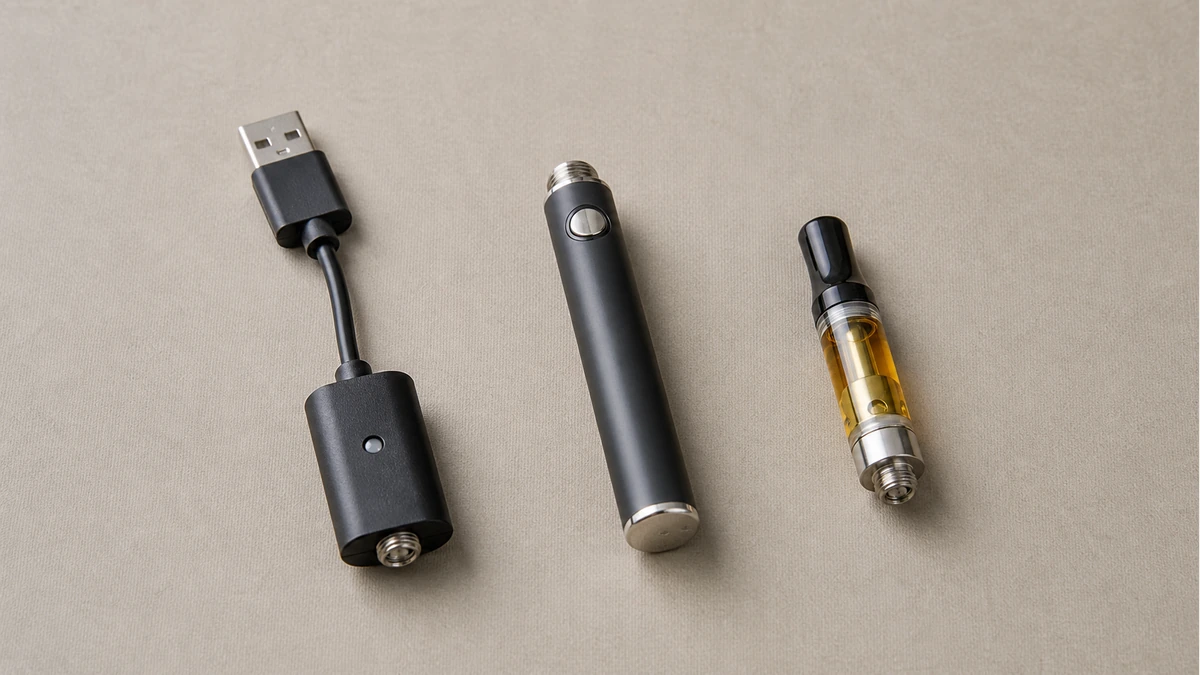
It’s a reasonable, low-risk check if the issue seems to be on the charging side specifically, but it won’t tell you anything about firing failures once the device already shows a full or complete charge indicator.
🛡️ 9. The Bottom Line
A full-charge light and a working vape pen are answers to two different questions, and most “it charges but won’t fire” situations resolve once you separate them. Work through the connection, the cartridge, the sensor, and the lock setting before assuming the cell has failed — each rules out a distinct system rather than guessing at all of them at once.