The pen is on the charger, the light is doing something — flashing, pulsing, blinking in a rhythm that looks meaningful — and twenty minutes later it’s still doing the same thing. No steady glow, no clear “done” signal, just the same light pattern repeating like it’s trying to tell you something in a language you were never given the dictionary for. You unplug it, plug it back in, and the flashing starts again from the same point. That moment — watching a light and guessing at what it means — is where most charging confusion actually begins, and it’s worth slowing down before reaching for a fix.
🌬️ 1. A Light Is a Signal, Not a Diagnosis
It helps to remember what a charging light is actually built to do. It’s a low-cost indicator wired to a charging circuit, designed by whoever engineered that specific device to communicate a small number of states — usually something like “charging,” “charging complete,” and sometimes a fault or low-power condition. It is not a diagnostic display. It cannot distinguish between five or six genuinely different underlying problems that all happen to produce the same visible flash. A red light that blinks three times could mean “battery below threshold” on one pen and “connection fault” on another, because the manufacturer assigned that meaning during design, not because blinking universally means one thing across the vapor hardware category.
This is the part that trips people up the most: the light pattern is genuinely model-specific. Two pens that look nearly identical, built by different companies in the same year, can use completely different blink logic on the same color of LED. There is no shared standard the way there is for, say, traffic lights. Every manufacturer designs its own indicator behavior, documents it in its own manual, and has no obligation to match what a competitor did. So a code you memorized from a device you owned two years ago tells you nothing reliable about the device sitting in front of you now.
🔒 2. Why the Manual Is the Only Authority Here
The honest answer to “what does this blink mean” is: you need the manual for this exact model, and if it’s gone, you need the manufacturer’s support page or documentation for that model — not a chart pulled from a search result for a different device. This isn’t a cautious hedge; it’s the actual structure of how these products are engineered. A general guide, including this one, can tell you what categories of causes exist and how to observe them safely. It cannot tell you what a specific blink pattern on your specific pen means, because that information doesn’t exist anywhere except in documentation tied to that model.
🧩 2.1 The Trap of the Generic Blink-Code Chart
Search “vape pen blinking red charger” and you’ll find no shortage of charts claiming to translate blink counts into meanings — three blinks means this, a slow pulse means that. Most of these charts were written for one device or one brand and then generalized far beyond their scope, sometimes by people who never verified the pattern against a manual at all. Applying one of these charts to an unrelated pen is a bit like reading a foreign phrasebook that was written for the wrong language — the words might resemble something familiar, but the meaning underneath is different, and acting on the mistranslation can send you down the wrong troubleshooting path entirely, or worse, toward an unsafe workaround based on a wrong assumption.
If the pen came with printed instructions, those still exist somewhere — check the original packaging insert or QR code before assuming they’re gone. If truly unavailable, look for the manufacturer’s own product page or support documentation for the exact model, not a third-party summary. Anything short of that is a guess dressed up as an answer.
🌀 3. Separating the Five Things a Flashing Light Could Actually Be
What a general guide can responsibly do is lay out the categories of causes that produce charging light behavior, so you know what to actually check instead of staring at the light and hoping it explains itself. In most charging setups — vape pen or otherwise — an incomplete or erratic charge traces back to one of five places: the cable, the power source, the physical contacts, ambient temperature, or the battery itself. None of these require interpreting a blink code. They require observation.
🧩 3.1 The Cable Itself
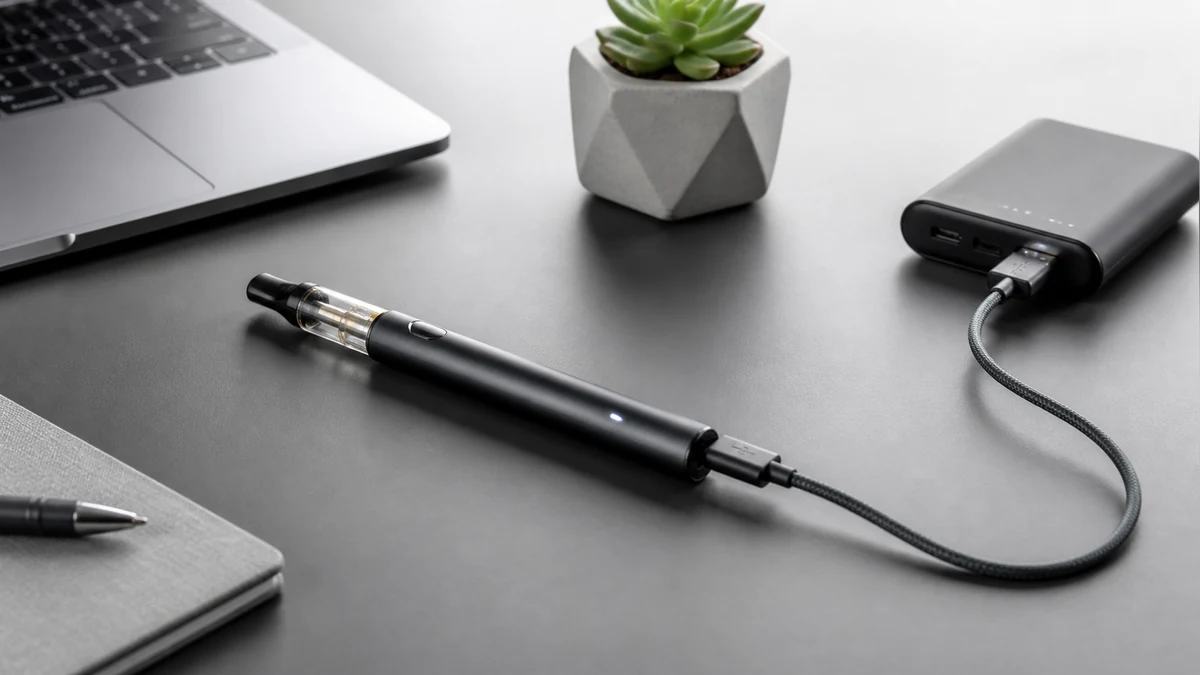
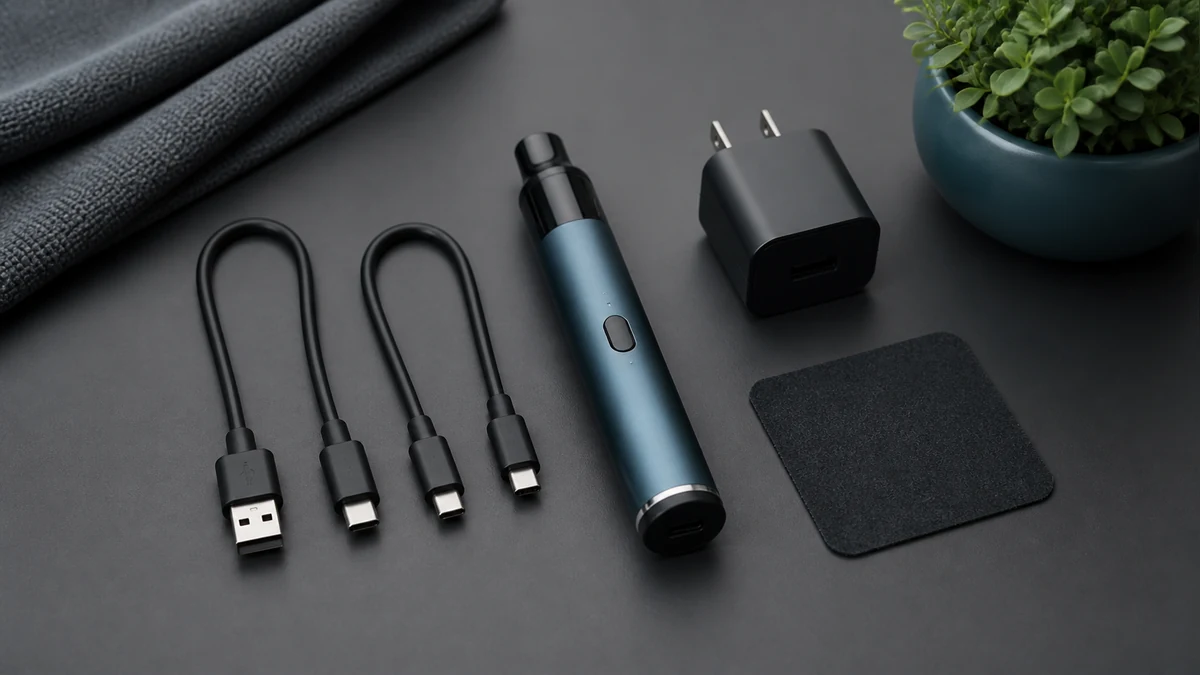
Charging cables are consumable items, and USB cables in particular fail in ways that aren’t visually obvious — a cracked internal wire near the connector, a worn contact pin, or a connector that’s been bent slightly out of true. A cable can look completely fine and still deliver inconsistent or interrupted power, which a charging circuit may register as a fault state and communicate through an odd light pattern. Swapping in a different cable — ideally one you know works reliably with another device — is one of the simplest ways to rule this variable out before assuming the problem is deeper.
🧩 3.2 The Power Source
Where the cable is plugged in matters more than people expect. A wall adapter, a laptop USB port, and a USB hub can all deliver meaningfully different voltage and current, and some charging circuits respond to an underpowered or unstable source with the exact same flashing behavior they’d show for a battery problem. If you’ve been charging from a laptop or a hub, trying a different source — a standard wall adapter, for instance — is a useful next step. For a deeper look at what actually differs between charger types and outputs, AOVAPE’s vape battery charger guide walks through how charger specifications relate to charging behavior.
🧩 3.3 The Physical Contacts
Charging contacts — whether it’s a magnetic pin, a micro-USB port, or a USB-C port — accumulate residue over time from pocket lint, skin oils, or condensation, especially with pens that travel daily. A thin film of debris on a contact point can be enough to create an intermittent connection, and an intermittent connection often reads to the charging circuit as a fault, which the light then reflects. A dry, soft cloth or a dry cotton swab on the contact area, done gently and without any liquid or sharp tool anywhere near the port, is the appropriate level of intervention here. If the port itself looks physically damaged rather than just dirty, that’s a different situation, and one worth stopping to assess rather than working around.
🧩 3.4 Ambient Temperature
Battery chemistry is temperature-sensitive, and most lithium-based charging circuits are designed with built-in temperature thresholds — charging outside a certain range, whether too cold or too warm, can trigger the circuit to pause or refuse to charge, and that pause is frequently communicated through the light. If the pen has been sitting in a cold car, a hot windowsill, or anywhere outside typical room temperature, letting it sit at a moderate indoor temperature for a while before trying again addresses this possibility directly, without needing to touch anything else.
🧩 3.5 An Aging Battery
This is the possibility people are often most reluctant to consider, because it’s the one without a quick fix. Rechargeable batteries have a finite number of usable charge cycles, and as a cell ages, its internal resistance changes in ways that can produce exactly the kind of erratic charging-light behavior described here — flashing that doesn’t resolve into a steady “complete” signal, or a charge that seems to start and then stall. This is a genuine possibility worth naming, but it is not something to diagnose by counting blinks, and it is absolutely not something to open the device and address yourself. If the battery is the issue, the appropriate response is contacting the manufacturer or an authorized service channel, not attempting a repair.
📐 4. A Safe Sequence for Narrowing It Down
None of the five possibilities above require special tools or technical skill to check — they require going through them in order and paying attention to what changes. Start with the cable: try a different one. Then the source: try a different outlet or adapter, ideally a standard wall charger rather than a computer port. Then the contacts: inspect and dry-clean them if there’s any visible residue, without introducing any liquid. Then temperature: if the pen has been somewhere unusually cold or warm, let it normalize at room temperature before charging again. At each step, unplug fully, wait a few seconds, and reconnect cleanly rather than leaving the cable half-inserted or wiggling it while watching the light — a loose or repeatedly disturbed connection can itself produce flashing that has nothing to do with the underlying problem you’re trying to isolate.
Throughout this sequence, the light itself is less informative than a different signal: runtime. If the pen appears to finish charging, or if you give it what should be a full charge, and then it lasts noticeably less time in actual use than it used to, that behavioral change is more diagnostic than trying to interpret color or flash count. A light can flash for a dozen reasons that resolve on their own; a real, sustained drop in how long the device runs after what looks like a full charge points more specifically toward the battery itself losing capacity, separate from whatever the cable, source, or contacts were doing. Watching for that pattern over a few charge cycles tells you more than staring at the indicator ever will.
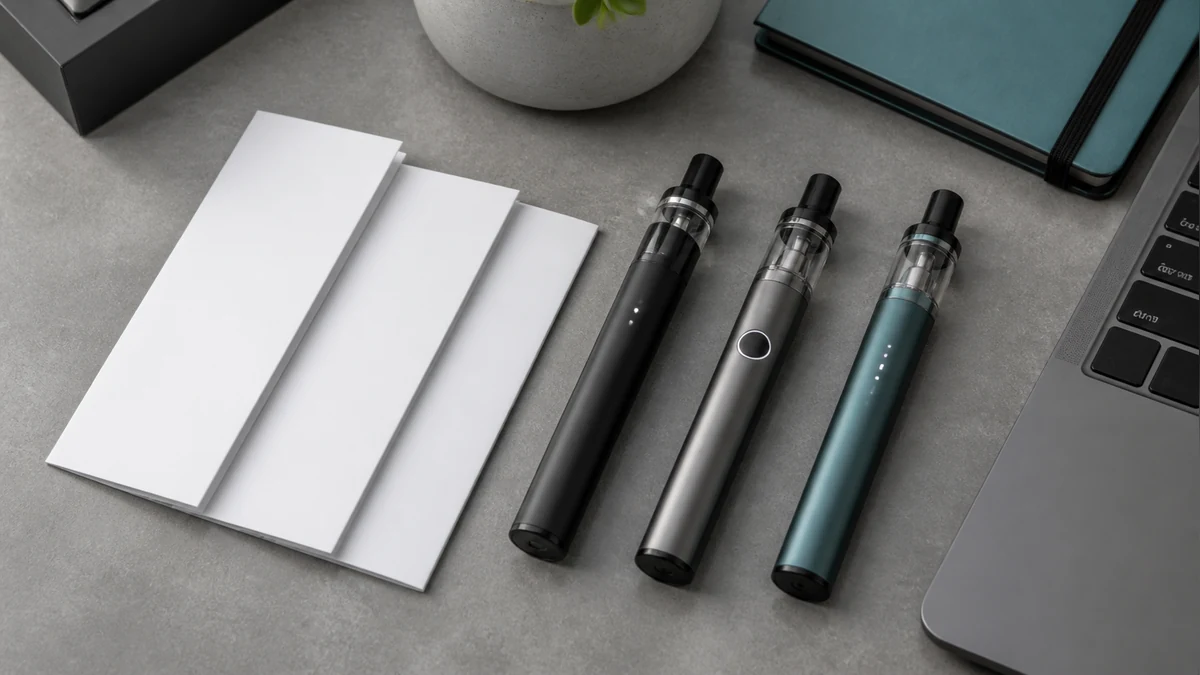
If the device has an onscreen display in addition to a light — some pens show charge percentage or status text — that display can offer a more direct read than an LED alone, and it’s worth checking whether the on-screen behavior lines up with what the light is doing or contradicts it. AOVAPE’s vape screen display guide covers how those onscreen indicators are typically structured, which can help you tell a genuine display fault from a normal status readout you simply haven’t seen before.
It’s also worth understanding what the battery’s rated capacity actually implies about expected charging behavior, since a larger-capacity cell will naturally take longer to charge and that longer duration isn’t itself a fault. AOVAPE’s explainer on what mAh means on batteries is useful context here, particularly if you’re trying to judge whether a charge that “seems to be taking forever” is actually taking longer than it should.
🧭 5. When to Stop and Not Improvise
There’s a meaningful line between troubleshooting and intervening, and it’s worth being explicit about where it sits. Checking a cable, trying a different outlet, wiping a contact point with a dry cloth, and letting a device return to room temperature are all safe, reversible, non-invasive steps. Opening the device, attempting to access or replace the internal battery, using a sharp tool to pry at a seam, applying any solvent or liquid to internal components, or trying to bypass a charging circuit’s built-in protections are not troubleshooting — they’re separate categories of risk, and they aren’t something a general guide, or a user without manufacturer guidance, should walk through.
A few specific conditions are worth treating as a hard stop rather than something to work around. Any visible swelling or deformation in the device body, particularly near where the battery sits, means stopping use immediately. Any smell of ozone, burning plastic, or a chemical odor during or after charging means the same. Noticeable heat that goes beyond what’s normal for that device — genuinely hot to the touch rather than mildly warm — is a signal to disconnect and stop rather than wait it out. And a charging port or cable that shows physical damage, exposed wiring, or scorch marks should be replaced, not worked around with tape or careful handling. None of these situations call for more troubleshooting. They call for discontinuing use and, where relevant, contacting the manufacturer.

Most of the time, the actual explanation for a stubborn charging light is one of the ordinary, fixable possibilities — a worn cable, an underpowered port, a dirty contact, a cold room — and working through them methodically resolves it without ever needing to know what the blink pattern “officially” meant. Occasionally the explanation is a battery that’s simply reached the end of its useful life, in which case the light was never really the mystery; it was just the messenger for something a repair or replacement channel needs to handle, not a code waiting to be cracked. Either way, the light was never going to hand you a diagnosis on its own — the process of ruling things out, one variable at a time, is what actually gets you an answer.