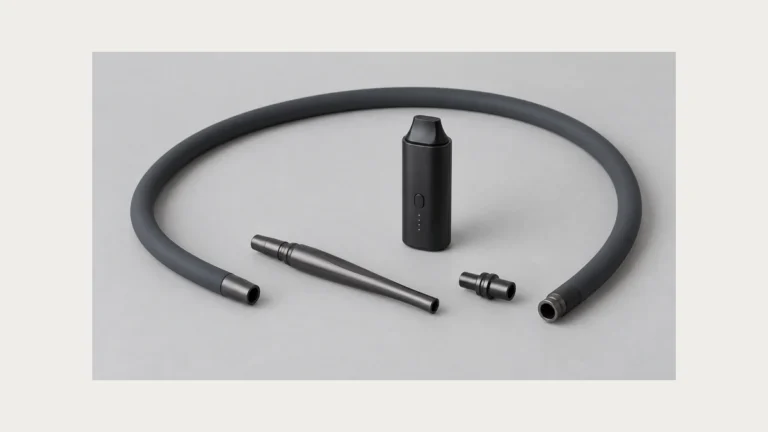
Dab pen chargers plug in fast, but plugging in is not the same as charging. A screw-on 510 charger and an onboard USB cable both look simple, yet each depends on a specific match between voltage, current, and the battery’s protection circuit — a match the connector shape alone cannot confirm. Before replacing a charger, it helps to understand the difference between “it fits” and “it works.”
🧭 1. Identify the charging path before buying a charger
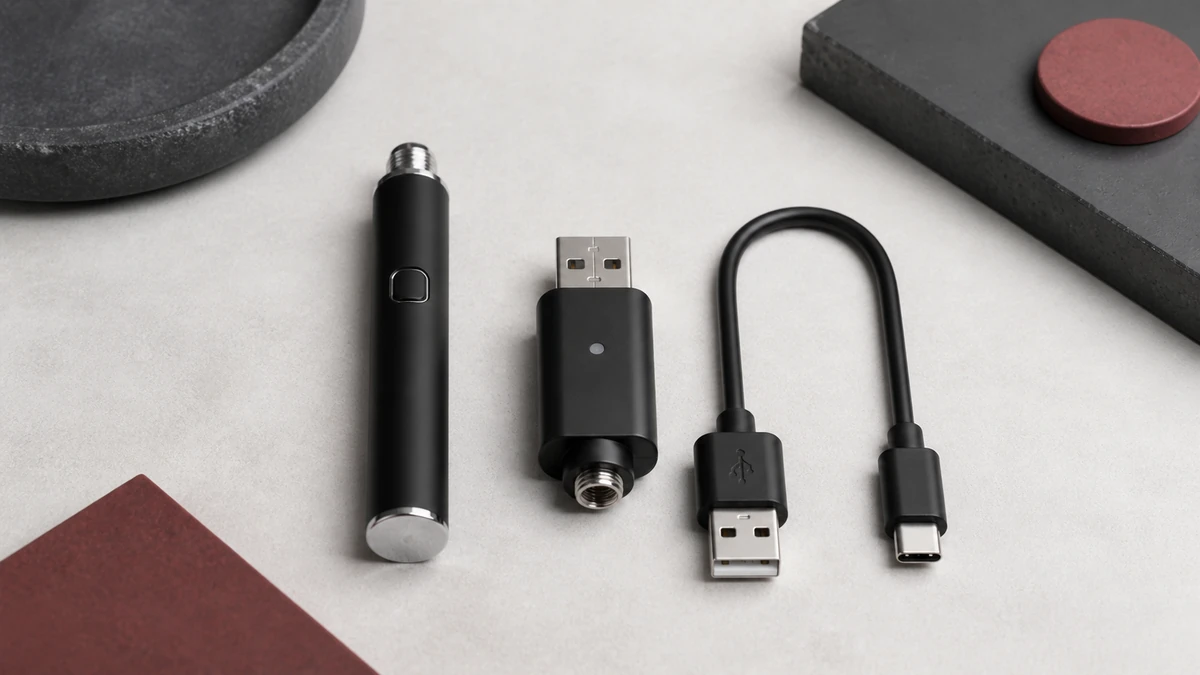
Every dab pen battery has one of two charging paths, and the path determines what kind of replacement charger you actually need. The first is a screw-on 510 charger: a small block, often USB-powered on the other end, that threads directly onto the battery’s 510 connector in place of a cartridge or atomizer. The second is onboard USB charging, where a port built into the battery body — usually micro-USB or USB-C — connects to a separate charging cable, and the battery itself contains the charging circuitry.
These two paths are not interchangeable, and a battery is normally built for one or the other, not both. If your device has a visible USB port on the barrel, it uses onboard charging and needs a compatible cable, not a 510 charger. If the only connection point is the threaded end where a cartridge attaches, it uses a 510 charger. Confirming which path your device uses is the first step, because the rest of this guide — light behavior, contact cleaning, replacement shopping — depends on knowing which components are actually doing the charging work.
🧩 2. A matching plug does not prove a matching charger
510 threading is a mechanical standard, not an electrical one. It describes the size and pitch of the screw connection, not the voltage output, current limit, or charge-termination behavior of whatever is threaded onto it. This is why a 510 charger from one device can physically screw onto a battery it was never designed for — and why that fit says nothing about whether the pairing is safe or effective. The same applies to USB cables: a cable that physically plugs into a micro-USB or USB-C port completes an electrical circuit, but the cable’s wire gauge and the wall adapter’s output current still determine what actually reaches the battery.
This distinction matters most when people try to consolidate chargers across devices — for example, using a higher-output phone charger’s USB adapter to power a small pen’s charging cable. A dab pen battery is typically a small-capacity cell paired with a charging circuit designed around a narrow current range. Feeding it through an adapter built for a much larger device can push more current toward that circuit than it was designed to regulate, and a battery or charger that runs warmer than expected during use is a signal to stop and reassess the pairing rather than something to wait out. The safest approach is to use the charger or cable specified for that exact device, or one confirmed by the manufacturer’s documentation to be compatible — not one selected because the plug happens to fit. For a closer look at how 510 and USB charging hardware differ, see our 510 vs. USB charger guide.
🔍 3. Read charge lights as clues rather than universal codes
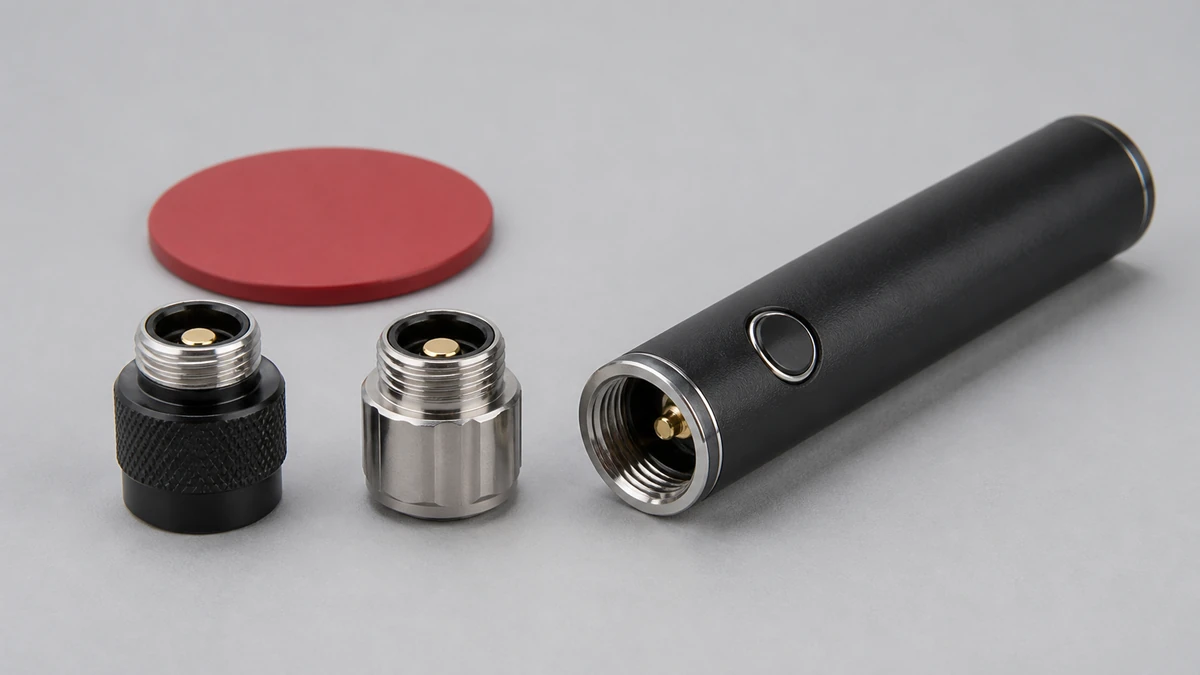
Charging indicator lights are one of the most misread signals on any vape battery. There is no universal standard for what a red, green, blue, or blinking light means — that behavior is defined by each manufacturer’s circuit design, and the same color can mean “charging” on one device and “fully charged” on another. A light that turns green shortly after you plug in a battery is often read as confirmation that charging is underway, but a green or steady light can also indicate that the charging circuit has detected a fault and stopped delivering current, or that the battery is not making a solid connection at all.
Because of this, an indicator light should be treated as one data point, not proof of a working charge cycle. If a light behaves the way your device’s manual describes, and the battery’s charge level rises with use afterward, the signal is doing its job. If a light changes state within a few seconds of connecting, never changes at all, or the battery doesn’t seem to hold more charge after time on the charger, don’t take the light’s word for it — treat it as a reason to check the connection and consult your model’s documented light behavior. If a battery consistently won’t take a charge, our guide to a vape that won’t charge walks through the troubleshooting steps before you assume the charger is at fault.
⚙️ 4. Clean accessible contacts without forcing the center pin
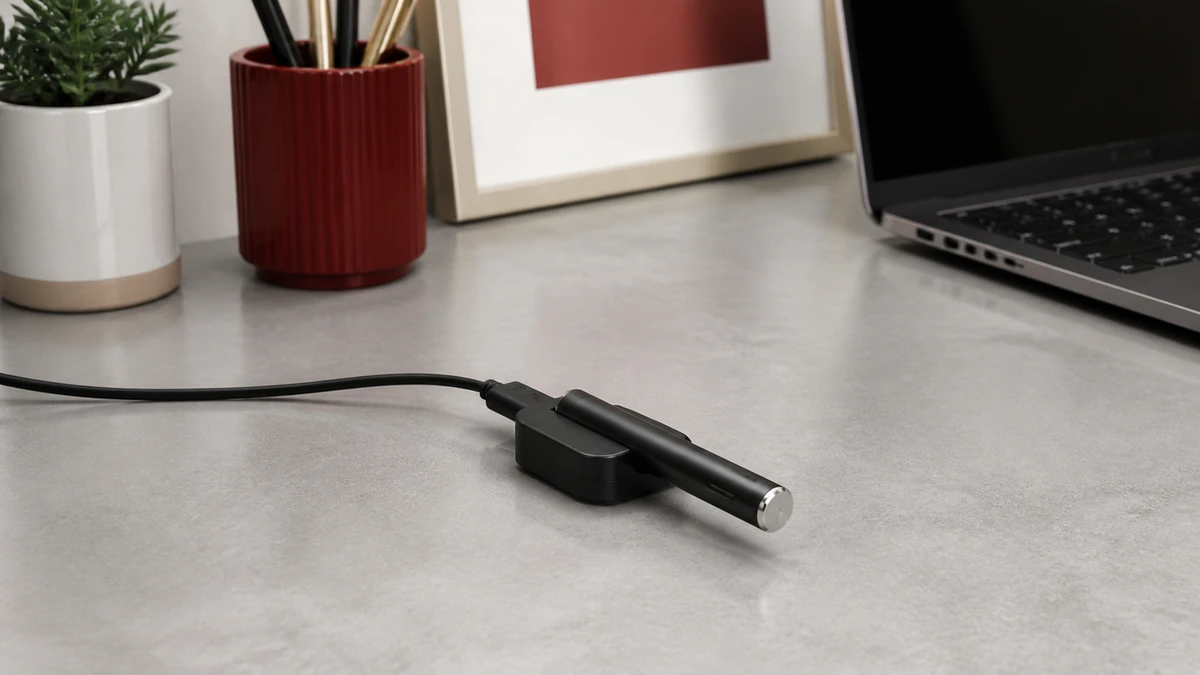
A dab pen that seems to charge inconsistently — working sometimes, not others, or with a light that flickers when the connection shifts slightly — often has a contact problem rather than a component failure. The threaded 510 connection and any exposed USB port are the two points where residue, oxidation, or debris most commonly interfere with a clean electrical connection, and both types of failure can look identical to a battery or charger that’s simply worn out.
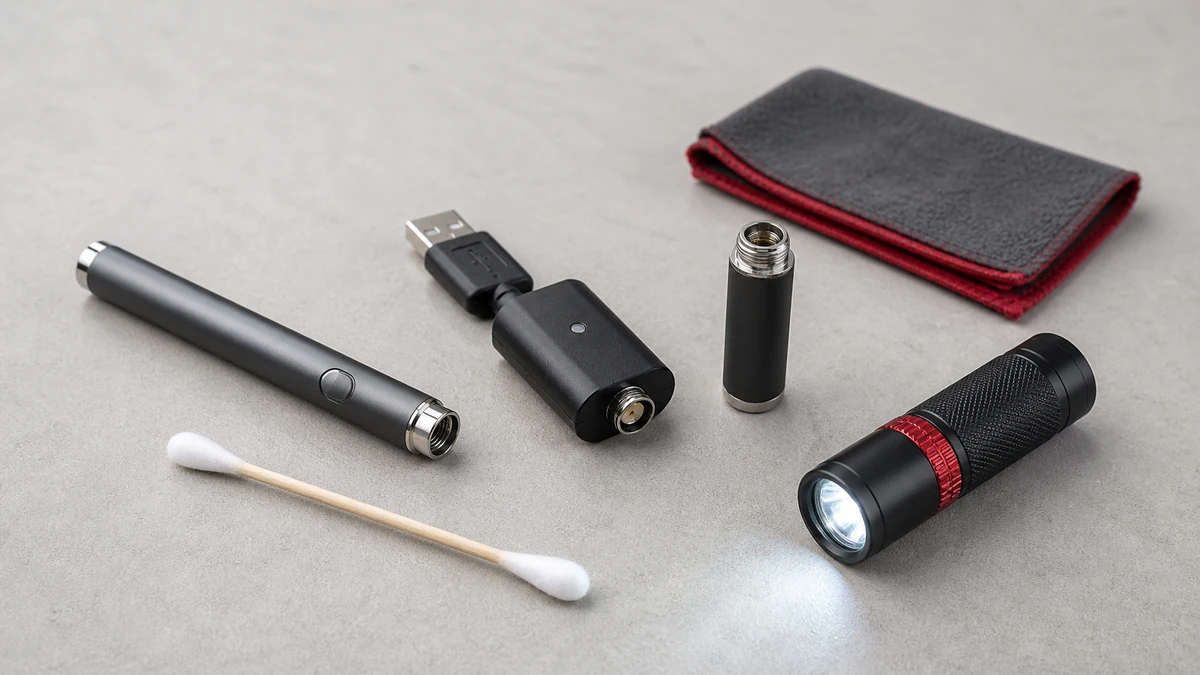
Accessible metal contacts, such as the outer threading of a 510 connector, can generally be wiped with a dry or lightly dampened cotton swab to clear visible residue, provided the device is disconnected from any power source first. The center pin at the bottom of a 510 connector is a different story: it’s often spring-loaded and sits in a narrow recessed channel, and applying force to straighten, press, or dig at it risks bending or breaking a part that’s difficult to replace. If a center pin looks visibly stuck, recessed too far, or bent, that’s a sign to stop and consult the manufacturer rather than attempt a mechanical fix. The same caution applies to USB ports — clearing visible lint or debris is reasonable, but inserting anything metal to scrape at internal contacts is not.
🧼 5. Heat, swelling, damage, or unstable charging means stop
Certain signs during charging call for stopping use of the device and setting it aside rather than continuing to troubleshoot in place. These include a battery or charger that becomes hot rather than mildly warm, any visible swelling or deformation of the battery body, a cracked or damaged charging port, a charge cable or block that feels hot to the touch, or a charge level that fluctuates unpredictably instead of rising steadily. Any of these can indicate that the battery’s internal protection has already been compromised, and continuing to charge or use the device increases risk rather than resolving the underlying issue.
These signs are also where the overlap between a bad battery, a bad charger, and dirty contacts becomes hardest to sort out without opening the device, which most users shouldn’t attempt. A battery with early cell damage can produce heat and unstable charging even with a clean connection and a correct charger, while a failing charger can produce similar symptoms on a perfectly healthy battery. If basic steps — confirming the correct charger, cleaning accessible contacts, checking for a secure connection — don’t resolve the issue, the responsible next step is to stop using that battery or charger and replace the affected component rather than keep testing it.
🛠️ 6. Choose a replacement from verified device requirements
When it’s time to replace a charger, the manufacturer’s specification for that exact device is the only reliable starting point — not the charger that happens to be sold alongside it in an unrelated listing, and not a charger from a different device that shares the same connector type. For a 510 charger, that means confirming it’s rated for the voltage and current range your battery’s manual specifies. For onboard USB charging, that means matching the port type (micro-USB or USB-C) and using a cable and adapter within the current range the device documentation allows, rather than the highest-output charger available in a drawer.
If your device’s original charger is lost or the manual isn’t on hand, checking the manufacturer’s product page or contacting their support is more reliable than guessing from connector shape alone, since — as covered above — a physical fit is not evidence of electrical compatibility. It’s also worth budgeting realistic time for a full charge cycle once you have a confirmed-compatible charger, since charge duration varies by battery capacity and charger output; our guide to vape pen charge times covers what affects that timing.
✅ 6.1 Separate a screw-on charger from an onboard USB port
A screw-on 510 charger connects where an atomizer normally sits, so the charger and battery form a specific electrical pair. A pen with an onboard USB port keeps that charging circuit inside the device. A cable that fits the port supplies power to that internal circuit; it does not turn the cable into a universal charger.
Photograph the original label and connector before replacing anything. Confirm the exact device manual, input requirement, and approved charger or cable. Thread diameter, USB plug shape, and indicator color are only physical clues.
📦 6.2 Run one controlled check
With the device cool and disconnected from any atomizer, inspect accessible contacts for residue, damaged insulation, cross-threading, or a depressed contact. Clean only as the maker permits and allow the connection to dry fully. Then test one known-approved charger. Changing the cable, wall adapter, charger head, and battery at once removes the comparison that could identify the fault.
Do not leave a questionable pen charging while you troubleshoot. Charge on the surface and in the manner specified by its maker, away from combustible clutter, and stop if heat, swelling, odor, leakage, or unstable indicator behavior appears.
🧭 6.3 Label the replacement before it enters the drawer
Keep the approved charger with the exact pen family it serves. A small label prevents a similar threaded charger from being borrowed months later and mistaken for a match. Store it dry, inspect the cable and connector before use, and retire any charger with bent contacts, a loose housing, or damaged insulation.
When several adult devices share a storage area, keep their chargers in separate labeled pockets. Record the device model and the input information from its manual rather than relying on color or thread appearance. Recheck that record whenever a battery is replaced, because the new hardware may not share the old charging requirement.
Do not use an adapter merely to make an unsupported charger connect. Every extra interface adds another contact and another opportunity to reverse or misapply a charging path. If the approved replacement cannot be identified from the manual or seller, pause the device rather than treating trial and error as a charging test.
✅ 7. A charger is part of the battery system, not a generic accessory
It’s easy to think of a charger as an interchangeable cable, but for a dab pen it’s more accurate to treat it as one component of a battery system that was engineered as a set — cell, protection circuit, connector, and charger together. Swapping in a charger based only on whether the plug fits removes one of the variables that system was designed around, and the mismatches that follow, whether it’s excess heat, an unreliable light signal, or a battery that never quite seems to top off, tend to show up as exactly the kind of ambiguous symptoms this guide has walked through. Matching the charging path first, reading indicators skeptically, and replacing only with verified-compatible hardware keeps that system working the way it was designed to.