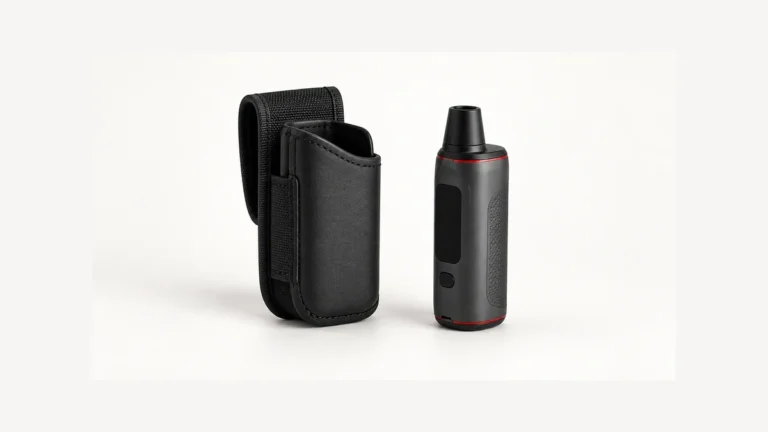
Plug a vape pen into a wall adapter tonight and it might read full in under an hour. Plug a different pen — or the same one a year from now — into the same outlet, and it might still be blinking two hours later. Both can be completely normal. A vape pen’s charge time behaves less like a stopwatch and more like the time it takes to fill a bathtub: it depends on the size of the tub, the width of the pipe feeding it, and how much water was already in there when you started. There is no single “X minutes” answer that applies to every device, and any article that gives you one is guessing.
What you can do instead is understand the handful of factors that actually set charge time, and read your specific pen’s indicator light and manual to see where your device falls. That’s the goal of this guide: not a universal number, but a way to reason about your own charger, battery, and cable so a two-hour charge doesn’t feel like a mystery — or a warning sign when it isn’t one.
🧭 1. There is no universal vape-pen charge time
Vape pens span a wide range of hardware. Some have a tiny built-in battery sealed inside a slim tube, charged through a micro-USB or USB-C port on the base. Others use a removable 510-threaded battery that screws into a separate USB charger, sold or reviewed in more detail in this 510 USB charger guide. Between those two categories, rated battery capacity alone can differ several times over, and the charging circuit built into each device can be tuned very differently by the manufacturer.
Because of that spread, any number you see thrown around online — “20 minutes,” “an hour,” “charges fast!” — is, at best, true for one specific product under one specific set of conditions. It is not a property of vape pens in general. The only source that can tell you the expected charge time for your device is the manual or product page from the company that made it, because only they know the battery’s rated capacity and the current their circuit is designed to accept.
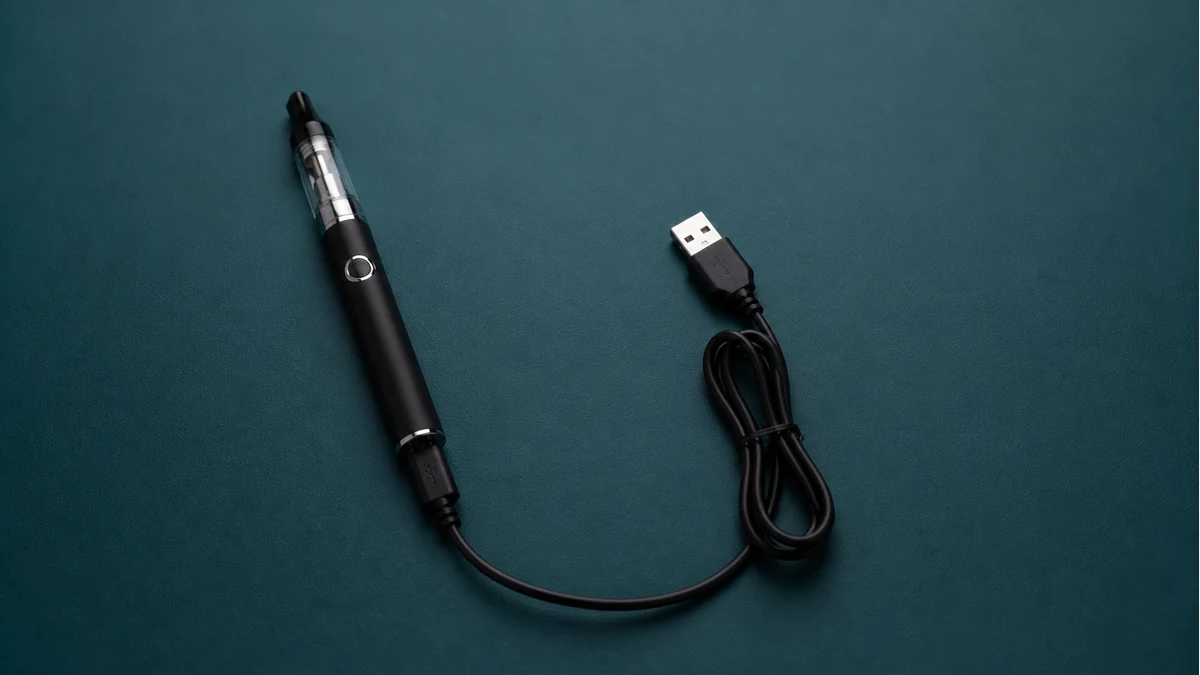
That doesn’t mean charge time is unknowable or random, though. It’s determined by a small set of physical factors that apply to lithium-ion batteries generally, even if the exact numbers differ from pen to pen. Understanding those factors is what lets you make sense of your own device’s behavior instead of comparing it to a number that was never meant for it.
🧩 2. Capacity and accepted current set the rough range
Two numbers do most of the work in determining how long a charge takes: how much energy the battery can hold, and how quickly the charging circuit is designed to let energy in.
Battery capacity is usually listed in milliamp-hours (mAh) on the device, its packaging, or its manual. A larger-capacity battery simply has more room to fill, so if two batteries were charged at the same current, the larger one would take longer. But capacity alone doesn’t decide the outcome, because the charging circuit — not the battery — sets the pace at which current actually flows in.
🧩 2.1 Built-in battery pens
On a pen with a sealed, built-in battery, the charging circuit is fixed by the manufacturer and typically isn’t something you can adjust. Its accepted input, along with the battery’s rated capacity, is usually the fastest and most reliable way to estimate charge time — and that information belongs in the product manual, not in a general guide like this one.
🧩 2.2 Removable 510 pen batteries
A 510-threaded battery charges through a separate USB charger that you supply or that comes in the box. Here, the charger you use matters as much as the battery itself: a charger rated for a lower output current will always take longer to fill the same battery than one rated for a higher current, assuming the battery’s own circuit allows it. If you’ve swapped chargers, borrowed one, or bought a replacement, mismatched expectations between the battery and the charger are one of the most common reasons a charge that used to take an hour now seems to take much longer.
In both cases, the rule is the same: check the manufacturer’s stated capacity and input rating rather than assuming a charge time based on a different pen you’ve owned before.
🛠️ 3. Why the last part of charging slows down
If you’ve ever watched a percentage indicator climb quickly from empty to around 80 percent and then crawl the rest of the way, you’ve seen a normal part of how lithium-ion batteries charge, not a fault. Most lithium-ion charging circuits work in two phases. Early on, while the battery is well below full, the circuit pushes in current at close to its maximum rate, and the charge level rises steadily. As the battery approaches full, the circuit tapers the current down and switches to holding a steady voltage instead, topping off the last portion more slowly and carefully.
This taper exists to protect the battery. Pushing high current into a nearly full lithium-ion cell generates more heat and more stress on the battery’s internal chemistry than the earlier phase does, so slowing down near the top is a deliberate safety behavior built into the charging circuit, not evidence that something is wrong with your pen. It’s the same reason a phone can go from 20 percent to 80 percent noticeably faster than it goes from 80 percent to 100 percent.
Practically, this means the last stretch of a charge — often the last light change or the last blink before solid — can take a disproportionate amount of the total time. If you’re timing your charges against a mental “it usually takes an hour” benchmark, that final taper is usually where the extra minutes go, especially if you started the charge from a lower remaining charge than usual.
🌡️ 4. Read the indicator with the manual beside you
Most vape pens communicate charging status through an LED, and the color, blink pattern, or solid-versus-flashing state is how the device tells you it’s charging, nearly full, or fully charged. The catch is that light behavior is not standardized across brands. A red light might mean “charging” on one pen and “low battery, not charging” on another. A pulsing light might mean “in progress” on one device and “error” on a different one from a different manufacturer.
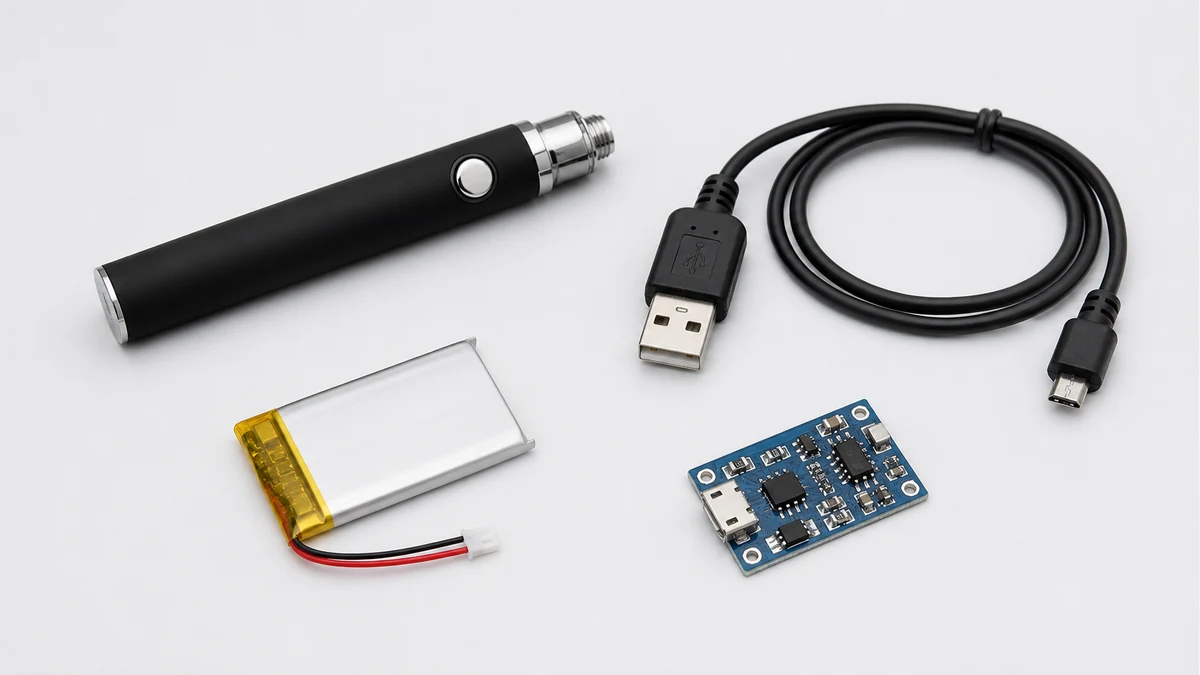
Because of that variation, the only reliable way to interpret your pen’s light is to check the manual or product page for your specific model rather than assuming it matches a pen you’ve owned before. If you don’t have the manual handy or want a broader walkthrough of common light patterns and what they tend to signal across different device types, this vape pen charging light guide is a useful starting point before you go looking for the original documentation.
Once you know what your specific light pattern is supposed to mean, use it as your actual timer instead of a clock. A pen that switches from blinking to solid, or that changes color to indicate full, has told you charging is complete regardless of how many minutes have passed — and conversely, a pen still showing “charging” after your usual amount of time hasn’t necessarily failed; it may simply be in that slower taper phase described above, or working with a weaker input than usual.
💨 5. Cable, port, temperature, and age change the result
Even with the same battery and the same rated charger, charge time isn’t fixed forever. A handful of everyday variables can stretch it out.
The cable matters more than most people expect. USB cables vary in the gauge of wire inside them and in build quality, and a thin, low-quality, or damaged cable can restrict how much current actually reaches the battery even if the charger and battery could otherwise support a faster rate. A cable that came bundled with a different device, or one that’s been coiled and bent for months, is a common quiet cause of a charge that takes noticeably longer than it used to.
The power source you plug into matters too. A USB port on a computer, a low-output wall adapter, or a shared power strip may deliver less current than the port or adapter that came with your pen, and the charging circuit can only work with what it’s given. If you normally charge from your laptop and switch to a wall adapter, or vice versa, a difference in charge time is expected, not evidence of a problem.
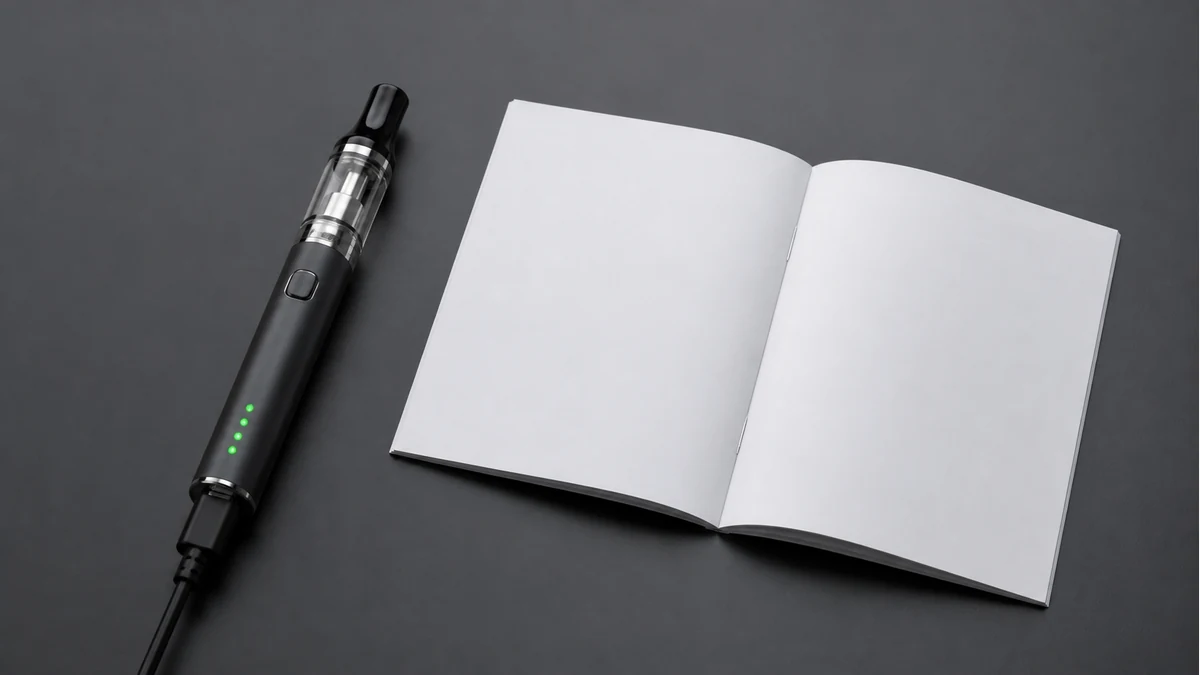
Temperature affects lithium-ion charging as well. Charging circuits are generally designed to slow down or pause charging when a battery is too cold or too hot, as a protective measure. Leaving a pen in a cold car and then trying to charge it immediately, or charging it in direct sun or a warm pocket, can extend the time it takes or cause charging to pause until the battery returns to a more moderate temperature.
Finally, batteries change with age and use. Lithium-ion cells naturally lose some of their original capacity over repeated charge cycles, and depending on the device, the charging circuit’s behavior can shift slightly as the battery ages. A pen that charged in a predictable amount of time when it was new may behave differently after many months of regular use — that’s a normal aging pattern for this type of battery, not necessarily a sign of a defect.
🧼 6. A safe charging sequence
None of the factors above require special tools or technical skill to account for — mostly they require paying attention to what’s actually plugged into what. A simple, sensible sequence looks like this:
- Use the charger and cable that came with the pen, or ones explicitly rated for it in the manual, rather than whatever cable is nearest at hand.
- Plug into a stable, moderate-output power source — a wall adapter is generally more predictable than a shared USB hub or an older computer port.
- Charge at room temperature rather than somewhere very cold or very hot, and avoid starting a charge on a device that feels warm from recent use.
- Check the light pattern against the manual so you know what “charging” and “full” actually look like on your specific pen.
- Don’t judge progress by the clock alone in the final stretch — expect the last portion of the charge to slow down, and let the indicator, not a guessed time, tell you when it’s done.
Following your device’s manual for anything beyond these general habits — including any specific timing, current, or safety guidance the manufacturer provides — is the right call, since only they can speak to the exact hardware inside your pen.
⚖️ 7. When a long charge points to a fault
Slower-than-usual charging is often explained by the taper phase, a weaker cable or power source, cold temperature, or normal battery aging — all covered above. But there’s a difference between “slower than usual” and “not charging at all,” and the second one is worth investigating rather than waiting out.
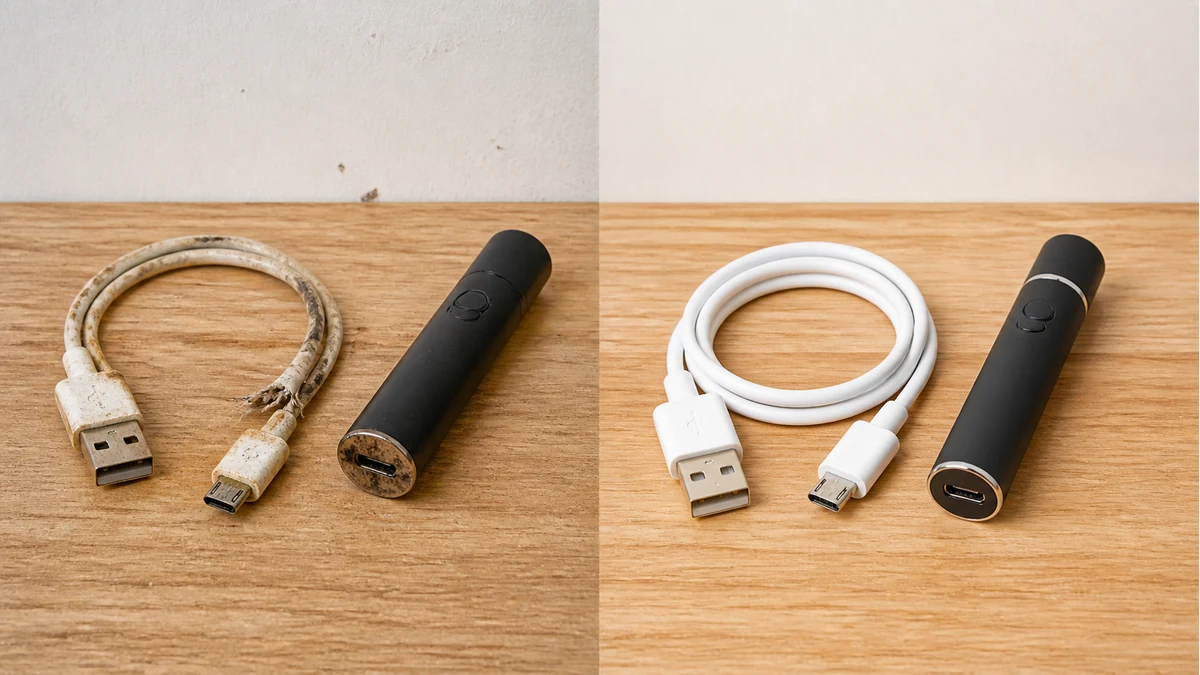
Signs worth paying closer attention to include a light that never changes from its “charging” state even after leaving the pen connected far longer than it normally takes, a light that doesn’t turn on at all when plugged in, or a battery that seems to lose its charge unusually fast right after what appeared to be a completed charge. Any of these can have simple explanations — a bad cable, a loose connection, a port that needs cleaning — but they can also indicate a battery or charging-circuit issue that a longer wait won’t fix.
If your pen isn’t responding to charging the way its manual describes, working through the possibilities systematically is more useful than continuing to guess at wait times. This vape not charging guide walks through the common causes step by step and is a better next step than assuming the fix is simply “leave it plugged in longer.”
📚 8. Sources and Reader Questions Reviewed
Reddit discussions informed reader questions and failure scenarios only; they were not used as proof of technical, health, safety, or legal claims. Technical statements follow manufacturer-specific instructions where applicable.