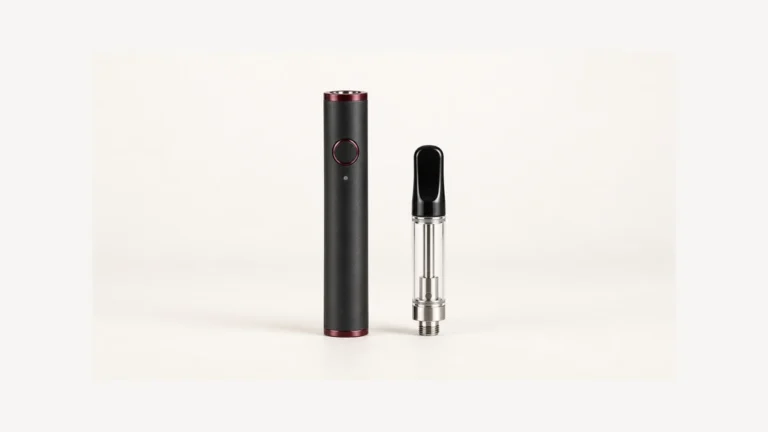
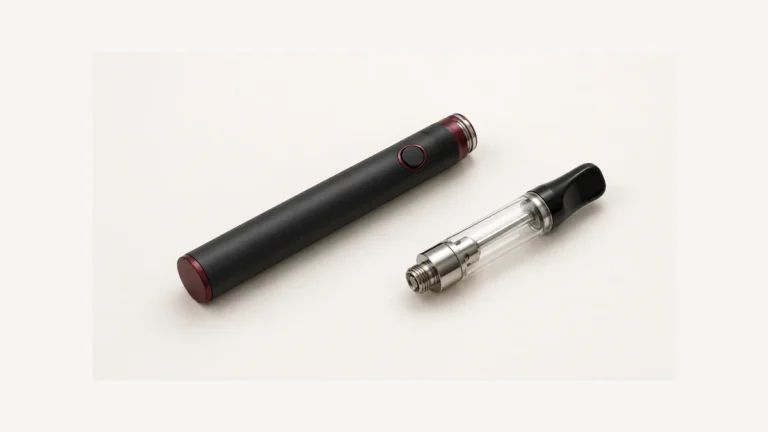
A USB-C port cleaning tool can fit inside an opening without being suitable for that device. If a wax pen has stopped charging, lint is one possibility to investigate, not a diagnosis that permits scraping. Start with the disconnected cable and a visible look at the socket. A plug that no longer seats as it did, sticky material near an opening or charging that depends on holding the cable at an angle calls for the device’s own care instructions. Buying or finding a pick does not resolve those different conditions.
🔍 1. A Cleaning Kit Does Not Tell You Why Charging Stopped
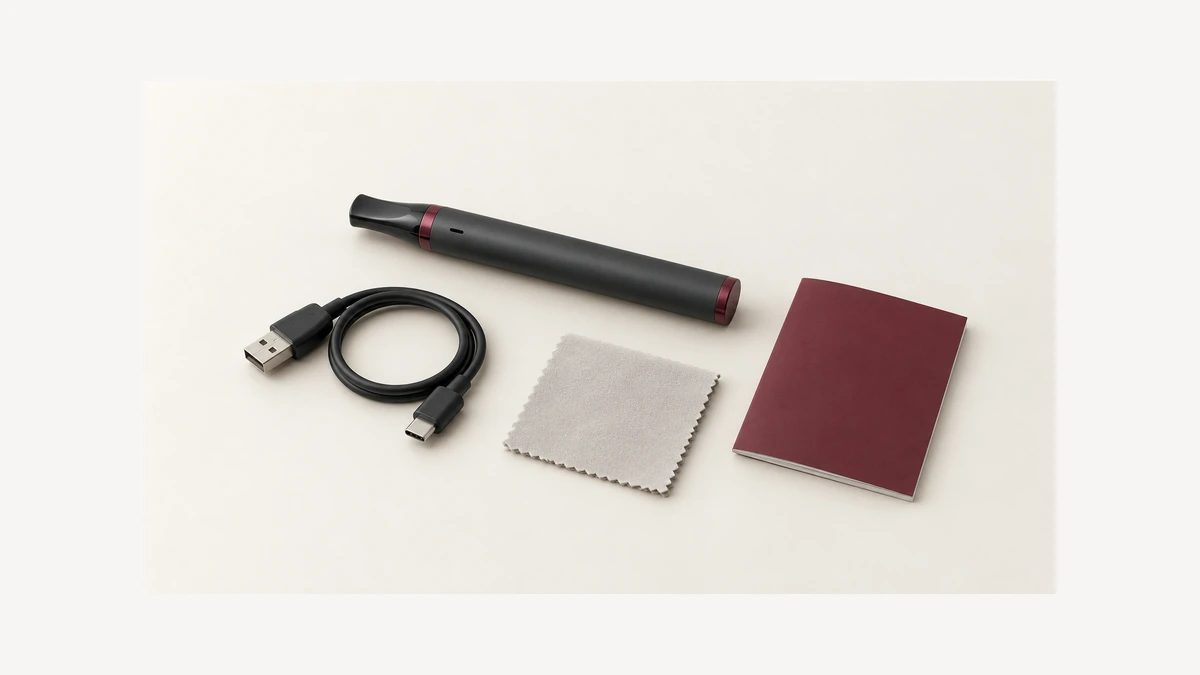
For a small rechargeable vaporizer, keep the port question separate from general exterior cleaning. Permission to wipe the body does not automatically include the socket, and permission to clean a removable mouthpiece does not include the electrical housing. A device cleaning-kit guide can help organize those different maintenance tasks; the device manual determines which ones the owner may actually perform. A kit label cannot replace that distinction, even when a brush or pick is small enough to reach the opening.
🧩 2. Port, Plug and Cable Strain Are Different Observations
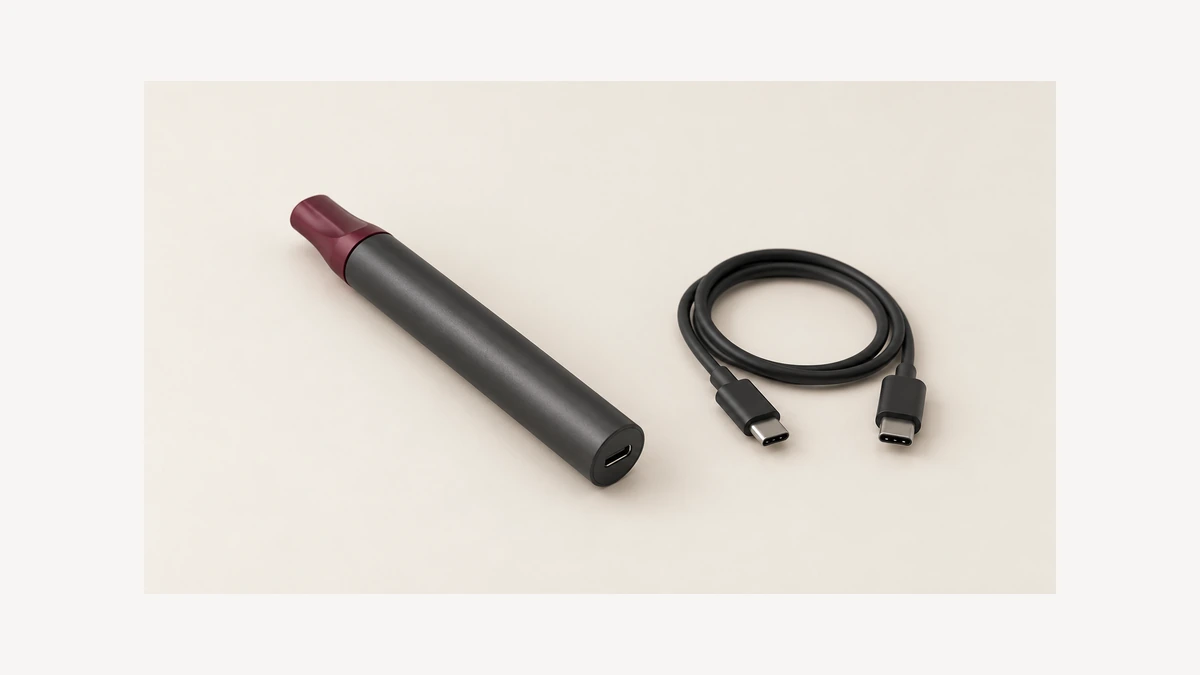
Before touching anything with a tool, it helps to separate three things that often get lumped together as “the charging connector.” The device socket is fixed to the housing and generally cannot be swapped out without disassembly. The cable plug is the detachable end that inserts into that socket, and it is replaceable on its own. Cable strain is a third, separate observation: a cable that has been bent sharply, wound tightly, or pulled at an angle near the connector for a long time, which can affect the wire inside without the plug itself looking damaged.
Do not assign the problem to the socket solely because a cable change seems to help. A different plug can behave differently in a worn or contaminated socket, while a cable can have damage that is not visible from outside. The result is an observation to report, not proof that every other component is sound. The same separation of mechanical fit and electrical support matters in threaded battery connections, although those are different interfaces and their care methods should not be transferred to USB-C.
📏 3. Lint and Sticky Residue Are Not the Same Problem
A pocket fiber at the edge of an opening, an embedded dark deposit and a shiny sticky film should not all be called lint. Appearance alone cannot identify any of them with certainty. Note whether the material is on the outer housing, at the socket opening or on the detached plug. Those locations help describe the issue without touching the contacts. Do not probe to determine whether a deposit is loose, or add liquid to see whether it dissolves. The useful distinction is the visible condition and its location, not a guessed cleaning recipe.
A discussion of intermittent charging and sticky residue shows how quickly an observation can become a proposed cleaning recipe. The owner asks whether soaking might help, while a reply reports success with alcohol. Neither establishes a verified repair for that owner’s devices, much less a vaporizer. Keep an orientation-dependent connection and a visible deposit in the support description as separate observations. Do not use that discussion as permission to soak an electrical housing or insert a cleaning tool.
🔎 4. What Official Connector Care Actually Allows
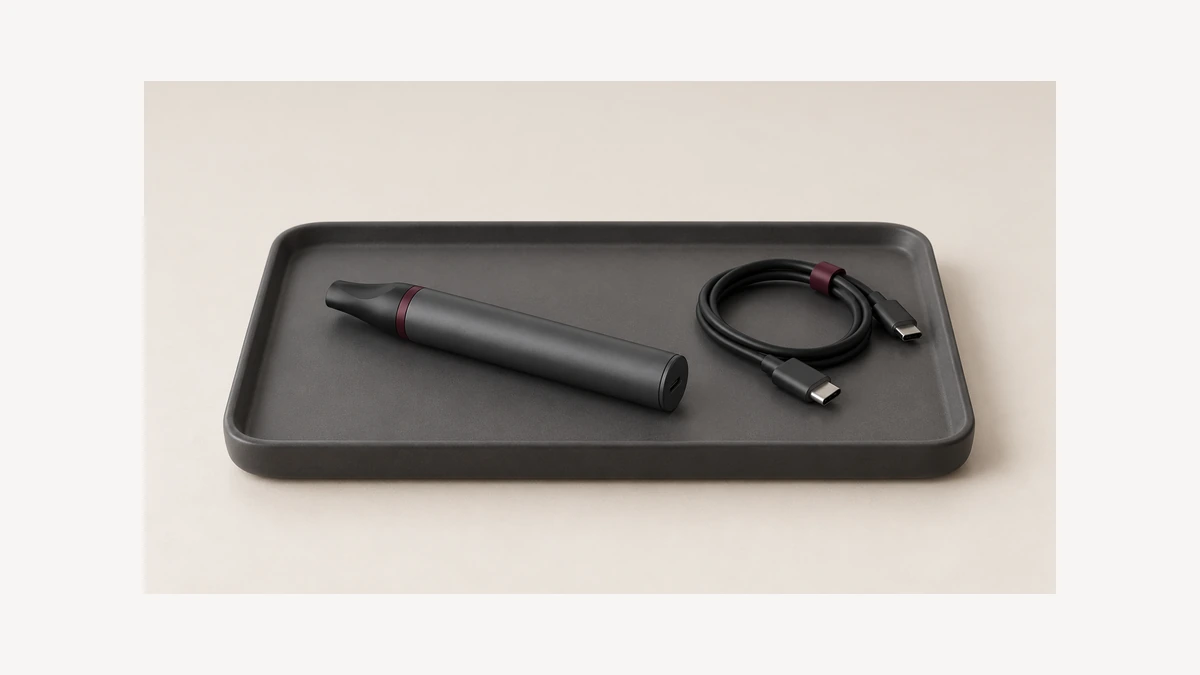
For a concrete example of how narrow connector-care permission can be, Google’s Pixel support page tells owners to check the port and cable without putting anything into them. Its separate cleaning instructions warn against moisture in openings and spraying compressed air. These are Pixel instructions, not an AOVAPE maintenance procedure. They show why a tool advertised for USB-C cannot establish permission for every device with that connector. Follow the instructions for the actual vaporizer rather than copying a phone-specific reset or cleaning process.
The reason this is worth citing is not that it transfers to any other device category. It explicitly does not. A phone manufacturer’s reset menu, alert thresholds, and charging specifications are built around that phone’s internal electronics, and none of those specifics apply to a battery-powered device from a different category. What does transfer is the underlying posture: a connector opening is not a general-purpose maintenance target, and the fact that a cleaning implement exists and is sold for ports does not amount to an endorsement for every socket it can physically fit into.
🔧 5. A Plastic Pick Is Still an Inserted Object
There is a common assumption that a tool marketed as “safe for electronics” is safe specifically because of its material, usually plastic or nylon rather than metal. Material matters for conductivity, but it does not change the basic mechanical fact that the tool is still an object being inserted into a cavity that was designed to receive a plug and nothing else. Spacing between contacts, the depth of the socket, and the rigidity of internal components are not disclosed on a cleaning tool’s packaging, and a pick that is gentle in one housing can still catch on a seam or contact in another.
A plastic tool remains an inserted object, even when its package emphasizes that it is not metal. That distinction matters before a tool ever reaches the socket. Do not assume that a soft-looking tip is permitted to touch the contacts or the central structure of an unknown connector. In a discussion about dusty work pockets, replies suggest brushes, needles, caps and other improvisations. Those suggestions reveal the owner’s practical problem, but they are not the device manufacturer’s care instructions. None is adopted here as a cleaning method.
⚠️ 6. One Cable Used Across Several Devices
A shared-cable discussion describes visible blue material and charging alerts across several devices. Commenters offer different explanations, including corrosion and mold. The discussion does not identify the material or prove which device introduced it. The useful observation is that the cable plug deserves attention as a separate object, rather than assuming every visible issue is inside the battery housing. Keep a suspect cable disconnected instead of repeatedly moving it among devices to see which one reacts. Carrying arrangements in the lanyard guide concern attachment and clearance; they do not establish cleanliness or prevent contamination.
📋 7. Photograph the Visible Condition Before Service
If a charging port looks unusual, a photograph taken before any cleaning attempt preserves its visible condition for a support conversation. Color, texture, and exact location are easy to misremember once a tool has already been used on the area, and a clear image taken straight into the opening under good light gives a service technician or manufacturer support line something concrete to assess. This matters particularly because color alone is not diagnostic. A shared cable with visible blue-tinted material prompted one online discussion into competing guesses about mold versus corrosion, with no resolution either way; the material was never identified from a photo description, and color-based guessing is not a substitute for someone qualified examining the actual item.
A photograph also establishes a reference point if the condition changes, worsens, or if a repair is disputed later. It costs nothing, does not touch the device, and preserves information that a cleaning attempt would otherwise destroy.
Imagine two disconnected accessories on the desk: the usual cable and a spare cable that has been stored separately. A photograph of each plug and the device socket may show that they do not share the same visible condition. That is useful information for support, but it is not an invitation to plug a dirty connector into a clean device for comparison. Keep the observations separate: which plug has a deposit, whether the outer shell looks bent, and where a mark is visible. An angled photograph can also confuse a shadow with a deposit, so avoid naming a substance from a single dark patch.
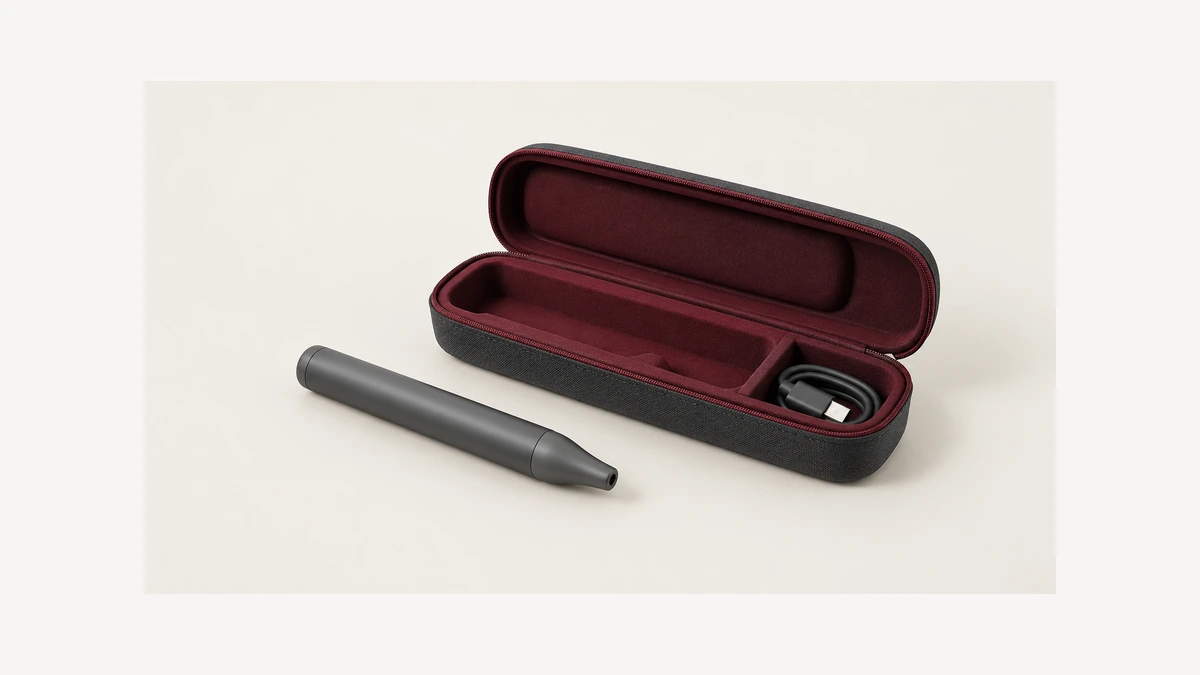
The case opening matters too. A body sleeve or a carrying case can surround the charging area without being part of the connector itself. If an accessory obstructs the view, consult its normal removal instructions rather than pushing a tool through a narrow gap. The object you see at the edge could belong to the carrier, the housing or the cable plug. Naming those layers makes the description clearer. It does not tell you which part is defective, but it prevents a support conversation from starting with an unsupported claim that the internal port needs scraping.
A wax pen may have an accessible chamber, a removable mouthpiece and a charging socket on the same compact body. They are not one cleaning area. A swab specified for a detached chamber should not migrate to the socket simply because both parts are small. Keep the task tied to the component named in the instructions. If you have already cleaned a removable part, do not assume that every remaining mark on the body needs the same treatment. Let the permitted component care finish without expanding it into an undocumented electrical-port procedure.
It also helps to distinguish an external carrier opening from the actual socket. A thick case can surround a charging area and limit how clearly it is seen. The apparent obstruction might be at the carrier rather than among the connector contacts. Follow the carrier instructions for any normal removal and keep the device disconnected while looking. Do not push a pick past the carrier to reach what you think is underneath. A photograph showing both the body and the surrounding accessory gives support a clearer starting point than a tightly cropped dark opening.
Keep the original observations in a short note with the photographs: when the indicator changed, which cable was connected, whether anything spilled, and whether an exterior case was fitted. Write unknown when the timing is uncertain. That is more useful than recording a guessed diagnosis such as lint blockage or corrosion. The note can follow the actual device through a service assessment without requiring you to repeat the fault. It also makes clear which conditions were visible before any permitted maintenance and which facts still need confirmation.
🗂️ 8. Keep the Device Manual With the Maintenance Supplies
Store the device instructions where you can find them when the port looks unusual. A saved manual, the exact device name and the cable identity are more useful to a support conversation than a collection of unmarked cleaning tips. If the manual covers only the outside of the body, do not expand that permission yourself. Ask whether socket maintenance is an owner task and describe the visible condition before any intervention. A manual for a visually similar device may refer to a different assembly, so keep the instructions tied to the actual unit.
When preparing that description, distinguish an indicator that never turns on from one that appears briefly or changes when the plug is moved. Report what you already observed; do not keep flexing a live connection to reproduce it. Also say whether the issue appeared after a spill, a drop or no known event, without treating timing as proof of a cause. Leave damaged, wet or visibly contaminated charging accessories disconnected while you seek the appropriate device-specific guidance. The next useful step is resolving the condition, not selecting a sharper implement.