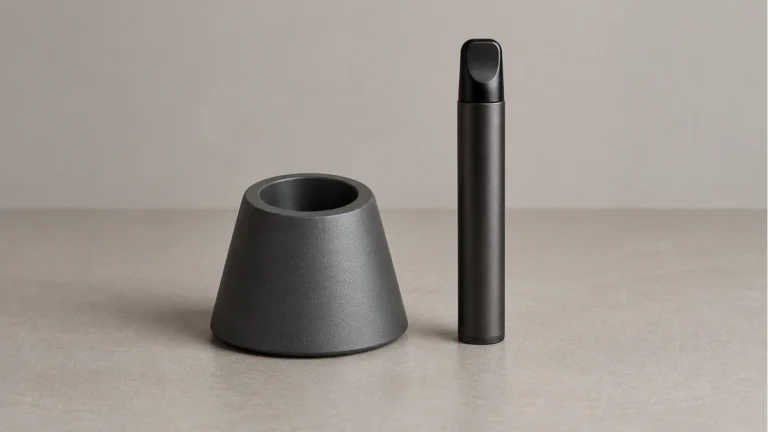
A vape pen stand needs to fit the complete device you intend to put in it. The useful questions are the opening shape, the depth of support and what touches the sides of the pen. A holder that accepts a loose cartridge is not automatically suitable for the battery and cartridge together, or for a solid-body wax pen.
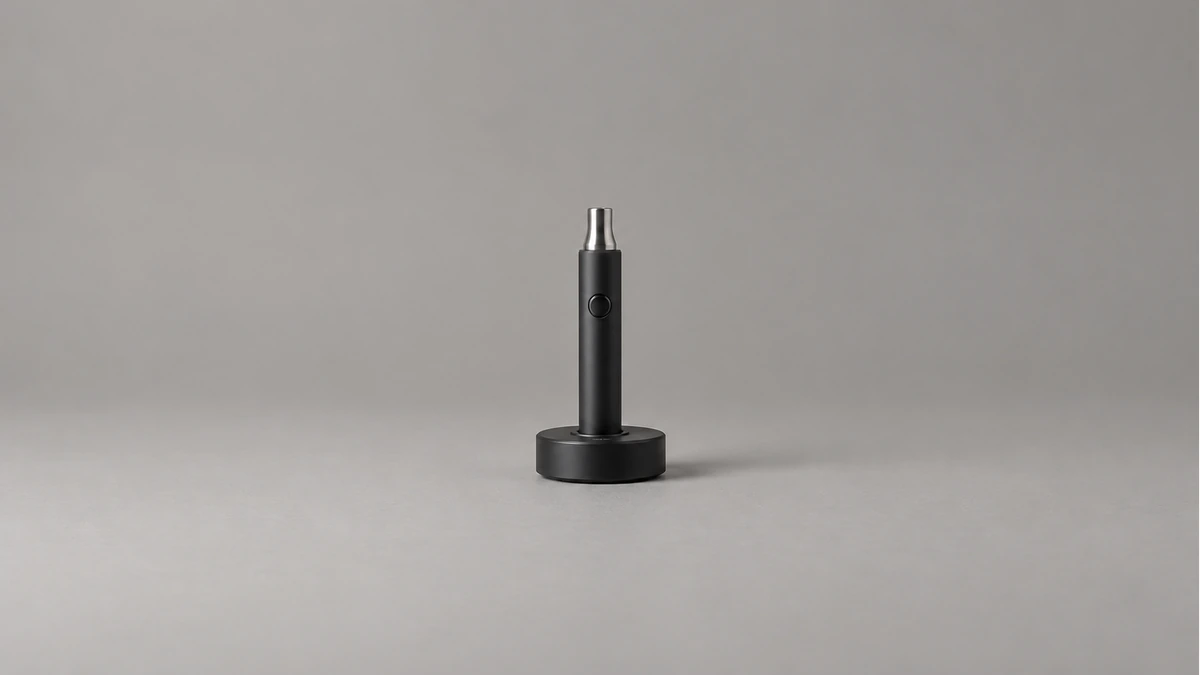
For a desktop rest, start with the device powered off, cool and disconnected. Compare its storage instructions with the holder’s intended use. A passive stand provides a place to set equipment down; it does not establish an approved charging arrangement, prevent every fall or guarantee anything about residue inside a separate chamber.
🧩 1. Which object belongs in the vape pen stand?
Lay out the object you actually want to store. Is it a complete wax pen with its cap installed, a dry-herb device, an assembled cartridge and battery, or a loose component? These are different outlines. The word pen describes a broad shape and does not establish a shared diameter or base.
A photo of several cartridges in a rack can be misleading if your problem is a whole device rolling across a desk. Our cartridge-holder guide covers separate component storage. A whole-device rest also has to accommodate the battery body, any side controls and the way you grasp the assembled equipment.
Keep the normal storage configuration intact when assessing fit. If your maker requires a cap, do not remove it simply to make the pen shorter for a stand. If a sleeve is normally fitted, include its thickness in the comparison. Removing parts to satisfy the accessory reverses the order of the decision.
There is no need to assume upright storage is right for every device. Follow the equipment’s own orientation instructions. If those are unclear, ask about the actual assembled configuration. A stand’s marketing photo cannot establish how a particular chamber or cartridge should be stored.
📏 2. Compare the opening with the supported body
The diameter at the mouth of a socket is only one measurement. Look at the space farther down, the shape of the bottom and the portion of the pen intended to contact it. A wide opening can narrow below the rim; a shaped device can meet the wall before its base reaches the bottom.
Use documented dimensions where available and ordinary external measurements where appropriate. Keep measuring tools away from electrical contacts and openings. Record the body width at the proposed support point, rather than measuring only a narrow mouthpiece that will remain above the holder.
Consider a simple example: a pen slides into the top of a cup, then stops against a wider shoulder. That does not tell you whether the holder is designed to support it there. Check the intended contact area instead of pressing harder or declaring the fit correct because part of the device disappeared inside.
A sleeve or removable insert can change the available space. Identify which insert belongs with the holder and which device configurations it permits. Do not pack the gap with paper, tape or improvised scraps. Those additions introduce new contact surfaces without answering the original compatibility question.
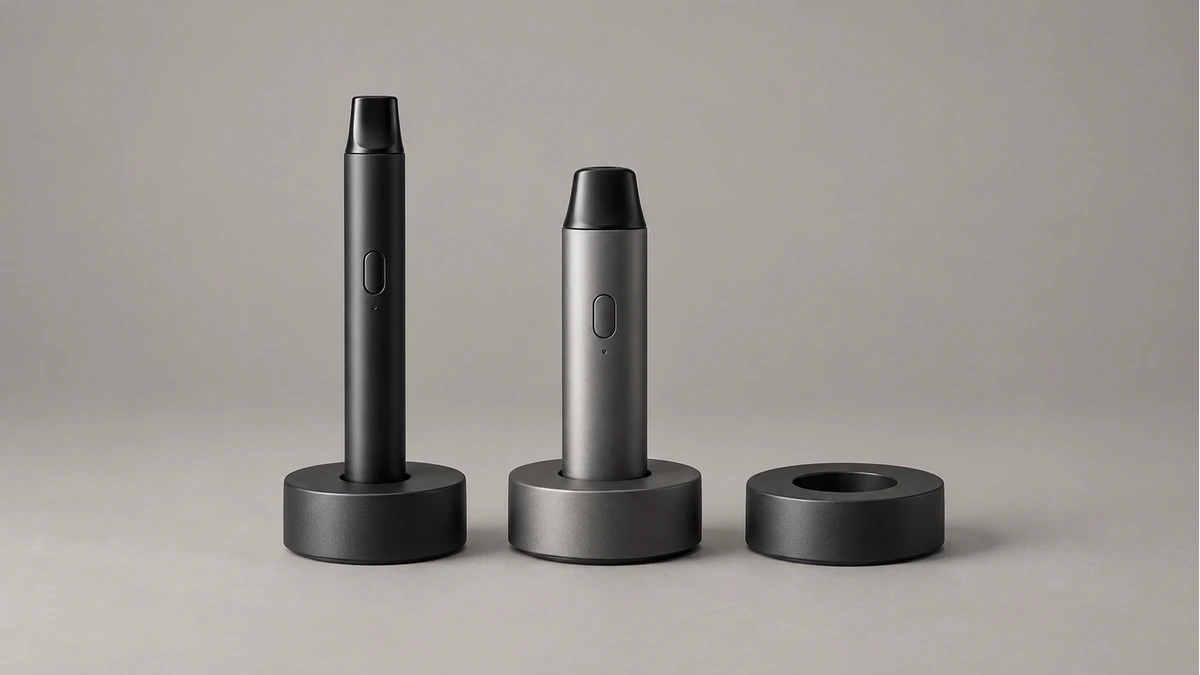
Look around the complete body before placing it in a socket. Mark the position of buttons, charging ports, seams, air openings and removable panels in your own notes. A plain-looking cylindrical side may still contain a feature that should not bear against the stand.
If the holder presses a button as the pen is inserted, the fit needs resolving. Turning the device off is part of preparation, not a reason to accept unwanted pressure. Do not rely on rotating the pen to one unusually precise angle if ordinary placement would bring the control back against a wall.
Keep vents and other openings unobstructed according to the actual equipment instructions. A gap visible from the front does not establish clearance at the back. Lift the disconnected device out to inspect the contact points rather than trying to look around it while it is wedged in place.
🔎 3.1 Check removal as carefully as insertion
There should be a clear way to grasp the intended part of the body. If removal requires pulling on a cap, mouthpiece or attached cartridge, ask whether that is the supported method. A good-looking display is inconvenient when the only exposed part is one you should not use as a handle.
Try the permitted placement and removal while the holder is on its intended surface and the equipment is cool. Stop if either part catches or needs force. Do not continue cycling the fit in the hope that a tight spot will wear itself into a suitable shape.
⚖️ 4. Assess the base and the desk together
A desk with a monitor arm, sliding keyboard shelf or frequently moved laptop has more than one working area. Put the empty holder in the proposed spot and carry out the ordinary desk movements before bringing equipment into it. You may discover that the useful clear space is beside the monitor rather than near the front edge. This is a layout check, not an impact test. It can reveal an inconvenient location without pushing a loaded holder or inventing a claim about how hard it is to knock over.
The stand’s base needs room on the surface as well as an opening for the device. Compare its complete footprint with the desk area you have cleared. A socket can fit the pen while the base overlaps the edge of a small shelf or rests partly on a mouse mat.
Keep the support on a suitable level surface, away from desk edges and places where a drawer, chair arm or door will meet it. Do not test stability by pushing a loaded stand over. If it rocks during ordinary placement, investigate the surface and intended setup before leaving equipment in it.
Base weight is only one detail. Its shape, the fitted device and the surface all remain relevant. A listing that says weighted does not establish resistance to a particular impact, and a heavy appearance in a photograph is not a load rating.
Think about the desk as it is actually used. If the holder occupies the place where you normally set down a mug, the arrangement invites repeated interference. Moving it to a clear area is more practical than expecting everyone to remember a new obstacle in a busy work zone.
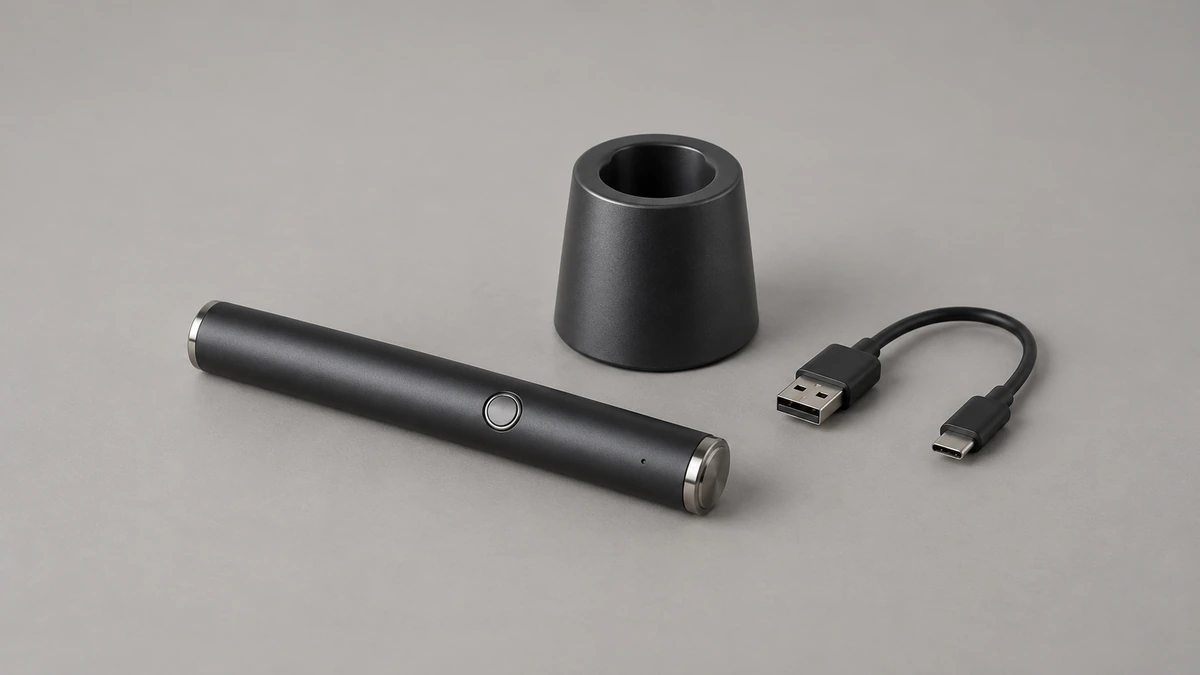
🐾 5. Make the resting place easy to leave alone
In one Reddit discussion, an owner wanted a whole pen to stop being knocked over by a cat. That is a placement problem as well as a holder question. A stand does not create a boundary around a desk. Keep equipment and accessories inaccessible to children and pets according to the device’s storage guidance.
Separate the rest from loose cables, keys and frequently handled tools. A cable routed through the same patch of desk can interfere even when it is not connected to the pen. Leave a clear path for your hand so ordinary retrieval does not require reaching around a drink.
Multiple sockets need their own spacing check. Two devices may fit separately yet crowd one another when both are installed. Compare the full outlines and removal paths, including caps, rather than counting the number of holes as the number of usable spaces for your equipment.
If more than one person shares the desk, identify which equipment belongs in which space. Simple component identification is useful; labels that promise effects or imply that visually similar parts are interchangeable are not. Keep the original equipment information available instead of relying on a homemade label alone.
🔌 6. A cable opening is not charging approval
A notch in a stand may allow a connector to pass through. That establishes a physical route, not electrical compatibility or permission to charge the device while it is seated. Check both the device instructions and any actual charging accessory documentation before combining them.
A passive holder, a powered charging dock and a threaded charger are distinct objects. Do not treat a storage opening as an electrical connection, or attach power because a metal part appears to line up. Our USB-C charging guide discusses why the equipment’s specified charging arrangement still matters.
The FDA’s battery-fire prevention guidance for e-cigarettes emphasizes manufacturer instructions and a clean, flat, visible charging surface away from flammable items. Its context is electronic nicotine-delivery products; it is not approval of a wax pen or stand.
If the maker requires charging outside the holder, remove the equipment first. A cable that can physically reach does not change that requirement. Keep the stand’s storage role separate from a charging setup you have confirmed, rather than making the desktop layout depend on an unverified combination.
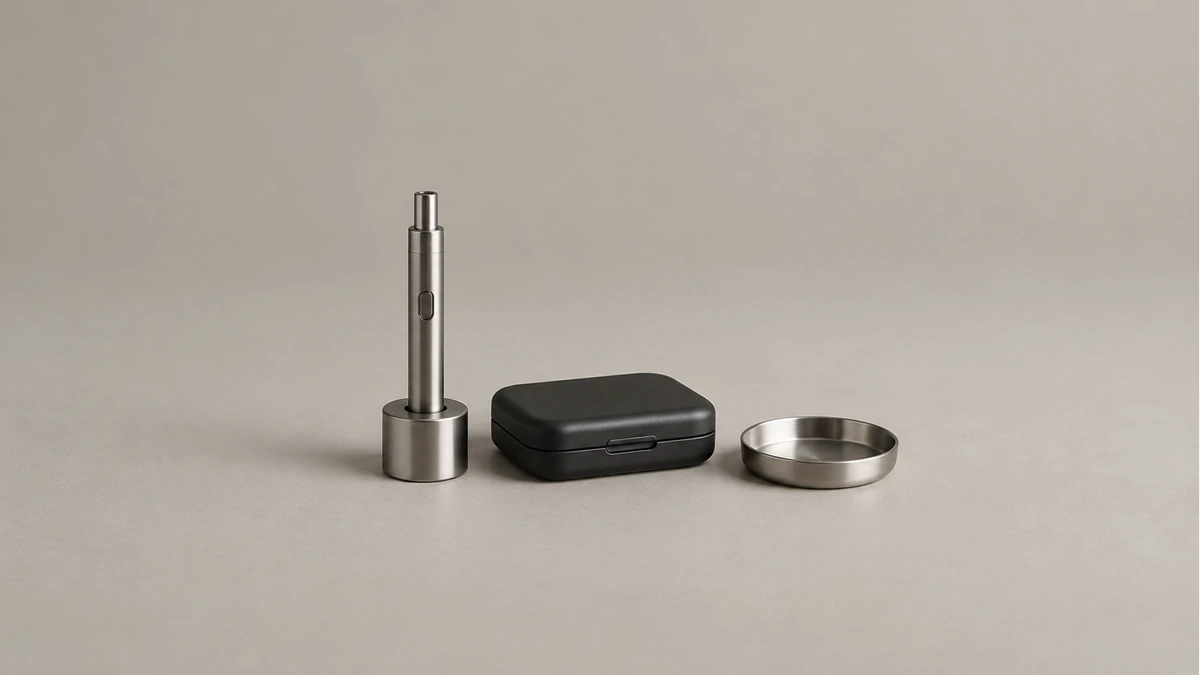
🧼 7. Clean the empty stand as its own object
Remove the disconnected equipment before cleaning a passive holder. Identify the stand’s material and any separate liner, adhesive pad or weighted insert. Instructions for a metal exterior may not apply to a soft insert, and instructions for the pen do not automatically apply to either.
Follow the holder’s permitted care method. Do not put the device back onto a wet or residue-covered support. If a removable liner is part of the design, follow its removal and refitting directions rather than peeling apart a bonded section that only looks like a separate insert.
Inspect accessible contact areas when the stand is empty. A foreign object in the bottom changes where the pen rests. A damaged rim or loose insert needs attention before reuse. Do not hide a rough spot under tape and assume the original fit has been restored.
Keep cleaners and cleaning tools away from the pen’s contacts and openings. Cleaning an empty socket is not a reason to introduce liquid into the equipment. If residue has reached the device itself, use its separate care instructions and resolve the cause before returning it to the same resting place.
📦 8. Switch to the right arrangement when equipment moves
A desktop stand remains open. Even when it fits well on the desk, lifting the stand and device together may not be an approved way to carry either. Remove the equipment as directed before moving the holder, especially when crossing a room or clearing the desk.
For transport, assess a case for the complete pen and its accessories separately. Check the whole outline, permitted storage configuration and compartment clearance. A case is not automatically compatible because the same device sat comfortably in an open stand.
Before returning to the desk, clear the intended surface and confirm that the holder’s insert has not shifted. If you have changed a sleeve, battery body or attachment, reconsider the fit. The previous arrangement was a particular combination, not a promise that every later version will fit.
The most useful result is an ordinary resting routine: power down as directed, let the device cool, disconnect it and place it in a compatible support without pressure on controls. When that routine requires a balancing act or a forced fit, resolve the specific mismatch instead of asking a passive stand to compensate for it.