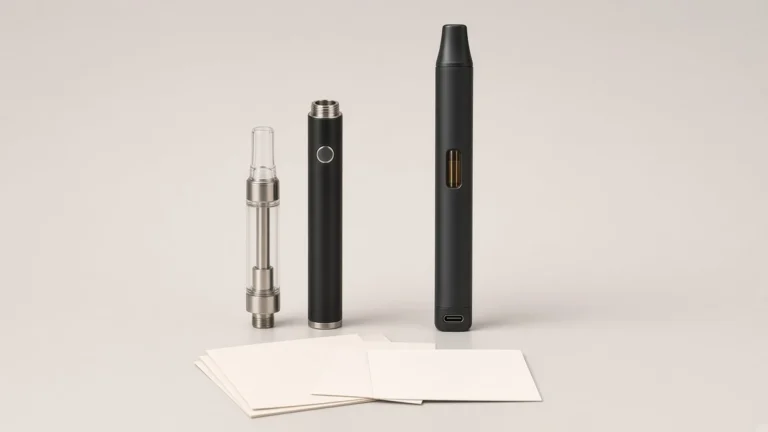
A listing can say a 510 battery has a "lock" and still leave a buyer unsure what that lock prevents. The same word is used for a control that stops the battery from firing, for a power-off sequence, for a setting that is supposed to stay in place, and, on some pages, for a "child safety" feature. Those are not the same functions. A battery can power off after a period of inactivity and still have a separate on/off command. It can remember the last voltage setting without documenting a command that prevents the setting from being changed.
That distinction matters when a licensed brand writes an instruction card, compares two platforms, or answers a customer who says the device is "locked." The useful evidence is the manual or official product page for the exact version, not a click pattern remembered from another pen. The rest of this guide keeps four questions separate — does a control prevent firing, does a command turn the battery off, does a documented action change or freeze the output setting, and does an automatic timeout exist — so a buyer can describe the controls clearly and ask a supplier for matching wording.
🔎 1. “Lock” Is a Label, Not a Single Function
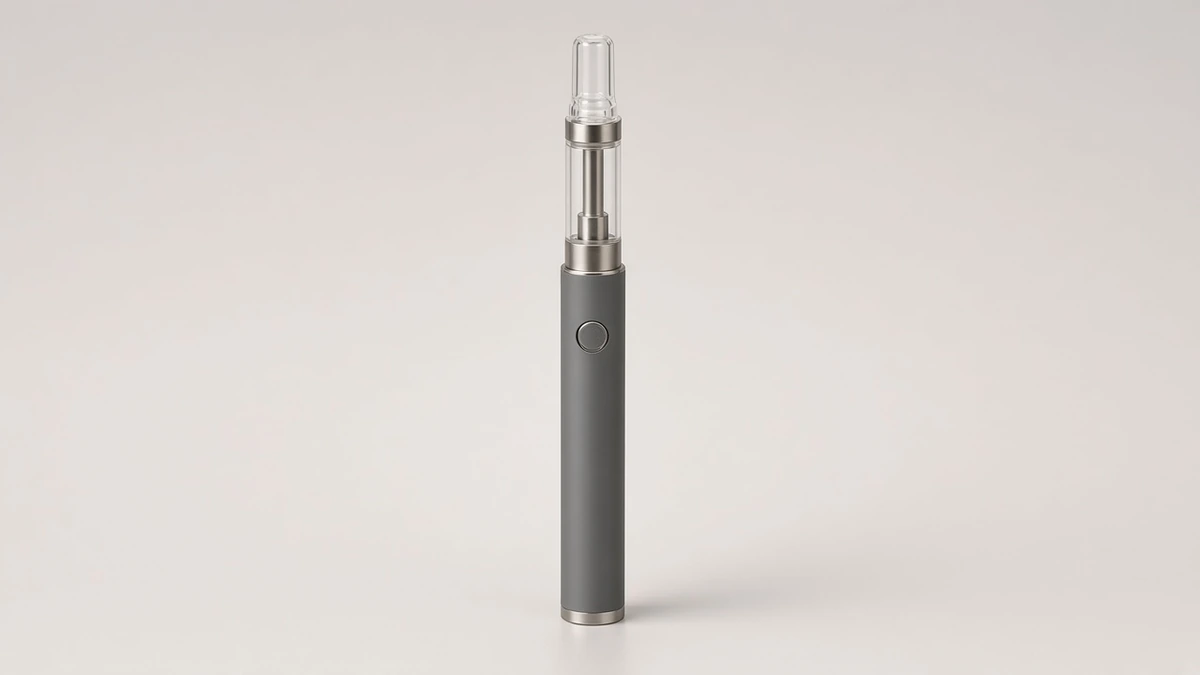
On a 510-thread oil battery, "lock" is a catalog word, not a complete specification. It may describe a control that prevents accidental activation while the device is in a pocket or a bag. It may describe the same click sequence that turns the battery off. It may be used, less carefully, for a voltage setting that is supposed to remain selected. It may appear next to the phrase "child safety" without any packaging-certification document attached. A buyer who treats those uses as synonyms will write an instruction card that answers the wrong question.
Public education pages already treat power, lockout, voltage selection, and preheat as separate controls that can share one button. 71 Oil's comparison of button-activated and draw-activated batteries notes that some models use multi-click sequences for "power, lockout, voltage selection, or preheat," and that those sequences are not standardized. Cilicon's how-to on button 510 batteries makes the same cut: a physical button may control manual firing, power, output settings, preheat, or a combination of functions, and the official manual or product page should state which is true for that model. Those pages are useful as definitions. They are not a specification for any particular SKU.
AOVAPE's own custom push-button 510 battery page lists activation, locking, voltage selection, and preheat as distinct items a buyer can specify. Its configuration table places "On/off sequence, activation, voltage change and preheat" on one button-logic line, and it describes that line as the daily user interaction and the accidental-activation protection. That is a specification structure, not a claim that every platform uses the same sequence.
🧩 1.1 Four Questions to Write on Separate Lines
When a listing, a quote, or a sample note uses "lock" as a single yes-or-no feature, write the questions out separately:
- Firing prevention: Does a documented control prevent the battery from powering the cartridge until that control is released?
- Power-off: Is there a documented command that turns the battery off, and how is that state indicated?
- Output setting: How is the voltage or output setting changed, and does any documented command prevent that setting from being changed accidentally?
- Automatic timeout: Does the manual describe an inactivity shut-off, a draw or press cutoff, or both, as automatic behaviors rather than as a user-applied lock?
A "yes" on one line does not fill in the others. Preheat, where it exists, is a fifth question; it is a power cycle, not a lock, and it is already discussed on its own terms in What Does Preheating a Cart Do?.
🛡️ 2. Travel or Button Lock: What the Control Is Meant to Prevent
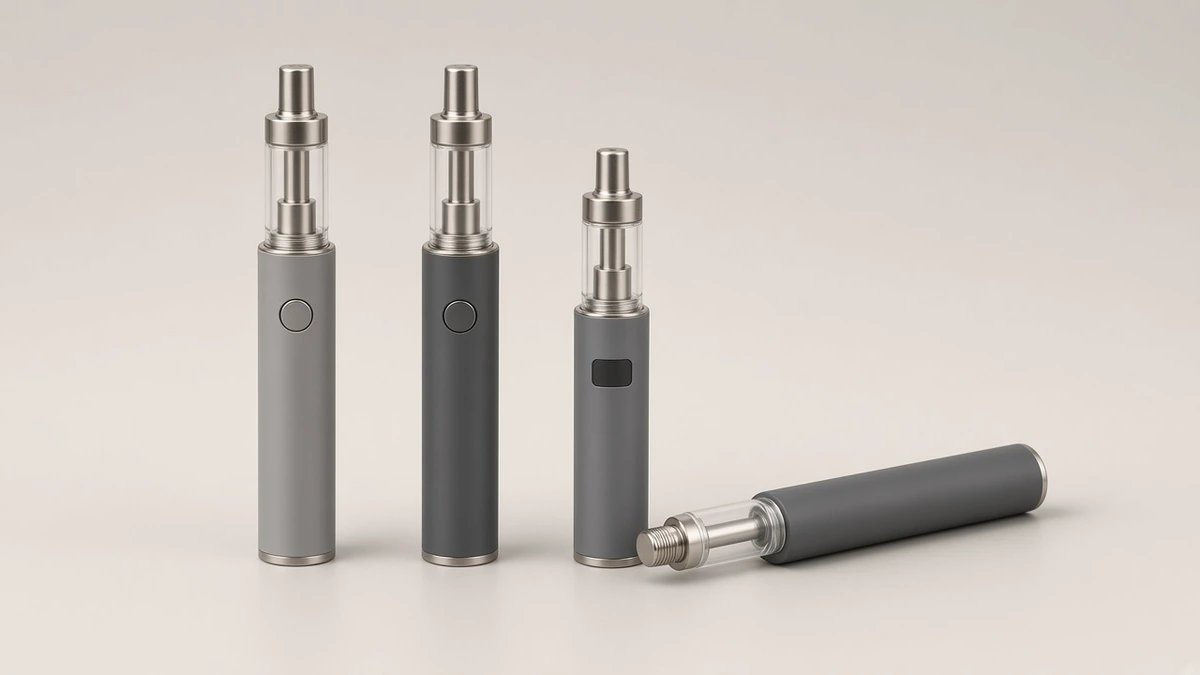
A travel lock or button lock, when the manual uses those words, is usually aimed at one problem: the battery should not fire while it is being carried or stored. Leafly's anatomy of a 510-threaded oil vape pen describes the common design intent in those terms. Pens with power buttons, it says, often use a five-click method to turn the device on and off, "designed to help prevent accidental activation of the atomizer as this could harm the vape pen and waste product."
That is a reason a lock or power sequence exists. It is not, by itself, a description of how a given battery behaves. 71 Oil is explicit that a button can still be pressed unintentionally "if the device is stored incorrectly or not placed in its intended locked or off state," and that unintended activation can be a storage concern for button and draw-activated designs alike. A lock control only helps if the exact model has one, if the user can find the documented sequence, and if the indicator makes the locked or off state recognizable.
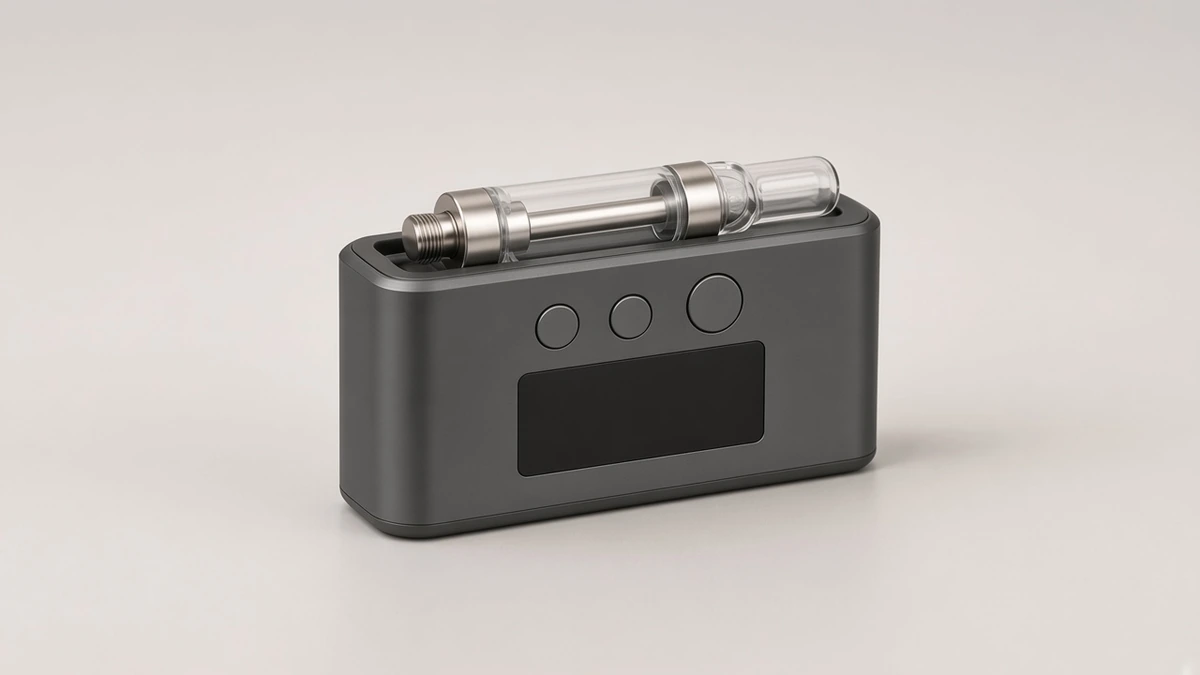
On batteries that include a screen, a related observation already appears in 510 Thread Batteries With Displays: many display-equipped batteries include a button lock, usually triggered by clicking the main button several times in quick succession, and "the lock sequence itself is rarely printed on the device." The rest of this guide is not about reading a screen. The same documentation gap appears on batteries that have only an LED, or no persistent indicator at all.
🔍 2.1 What a Photo and a Short Listing Can and Cannot Show
A product photograph can show that a battery has a button, a switch, or a screen. It cannot show whether a multi-click sequence locks firing, turns the unit off, changes a setting, or starts a preheat cycle. A listing that says only "with lock" or "travel lock included" has named a category of control, not the command, the indicator, or the locked state. If a sample is in hand, the manual still has to be the authority. Pressing buttons until something happens can move the battery into a state the evaluator then cannot identify.

🔌 3. Power-Off and Auto Shut-Off Are Not the Same Event
Some manuals describe a user command that turns the battery off. Some also describe an automatic shut-off after a period of inactivity. Those are different events, even when both are explained on the same page. The official how-to for the G Pen 510 Original, for example, lists five quick presses to turn the device on, five to turn it off, and a separate auto shut-off after 10 minutes. That timeout is a stated behavior for that product page. It is not a default for every 510 battery, and it does not replace the on/off command on that same page.
Cilicon groups "power on, power off or lock" together as a possible function of one common click pattern, then immediately limits the grouping: the pattern is a convention, and some batteries use another sequence or do not require a power-on command. The manual has to say whether the device has a dedicated locked state, a simple off state, or one sequence that the maker describes with both words.
An automatic cutoff during a long press or a long draw is a third behavior. It is a timed limit while the battery is already in use, not a storage lock. If a specification mentions a cutoff, record it on its own line, with the condition the maker names.
🧾 3.1 Indicators Have to Be Read Against the Same Manual
A light that goes out, a light that blinks, or a screen icon can mean "off," "locked," "low charge," or a fault, depending on the version. Cilicon's FAQ states the limit plainly: blinking can indicate low charge, poor contact, an unsupported cartridge, a protection response, or a selected mode, and the meaning depends on the pattern compared with the manufacturer's indicator guide. Color legends are a separate documentation task; see 510 Battery Voltage Colors: Designing a Clear Legend for a Custom 510 Battery.
🎚️ 4. Voltage Control Is a Separate Question From a Firing Lock
Changing the output and preventing the battery from firing answer different questions. Official pages often document them as different actions. Eaze's 510 Cartridge FAQ, describing "the Variable Voltage battery sold at eaze.com," tells the reader to click five times to turn that battery on or off and three times to change the voltage, then adds that other batteries may only be similar and that the user manual should be followed. The G Pen 510 Original how-to likewise separates five presses for power from three presses for voltage on that model.
What a listing calls a "voltage lock" is less consistent than those two examples. In the manuals opened for this guide, power on/off and voltage change are commonly written as separate sequences. A distinct command that freezes the adjustment so the setting cannot be changed — while the battery can still fire — was not documented as a standard, named function on those pages. Some devices simply keep the last selected setting until the user changes it. That is setting memory. It is useful, and it is not the same thing as a lock command. If a quote or a packaging line says "voltage lock," ask whether the maker means the setting is retained, whether a documented command prevents adjustment, or whether the phrase was used when a firing lock was intended. How the setting itself is chosen is covered in Adjustable-Voltage 510 Batteries: What the Control Changes.
📐 4.1 A Control That Changes Voltage Is Not Evidence of a Lock
A second button, a pair of plus/minus controls, a click wheel, or a short-press cycle can all change output. Their presence shows that the battery has an adjustment interface. It does not show that the adjustment can be locked, that the last setting is stored after power-off, or that a firing lock leaves the setting untouched. Those behaviors have to be written down for the exact PCB and firmware version. AOVAPE's push-button page already treats "Can the voltage settings be changed?" as a platform-dependent question to confirm before sampling. The same caution applies to any claim that a setting can be locked.
Five clicks for power, three clicks for output, and two clicks for preheat appear often enough that they can feel like a standard. They are not. Cilicon states that those patterns "are common patterns, but they are not universal commands," and presents them as "common conventions, not guaranteed instructions." 71 Oil is just as direct: "a five-click rule should not be treated as universal," and the reader should check the manual before using sequences copied from another device. Leafly describes five-click on and off as something button pens "often" use. Eaze documents 5/3 clicks for one battery it sold, then points other hardware back to its own manual. The G Pen page documents 5/3/2 clicks for one named product, including a two-press preheat that should not be assumed on a battery whose instructions never mention preheat. A sequence copied from a previous SKU can turn a new battery off, change its setting, start a preheat cycle, or do nothing, depending on the firmware.
Draw-activated batteries add another reason not to infer a lock from the presence or absence of a button. A battery can have a button that only controls power or settings while heating is triggered by a draw. 71 Oil notes that a 510 connection does not determine whether a battery is button-activated, auto-draw, fixed-output, or adjustable. Activation style is a separate identification task; see Buttonless Vape Pens: How Draw Activation Actually Works. A draw-activated device may still have a documented power or storage instruction.

⚖️ 6. A “Child Safety Lock” Label Is Not a Packaging Certification
Some product pages and third-party manuals label a click sequence a safety lock, or even a child safety lock. That wording describes a control the maker wants the user to operate before the battery will fire. It is not, on its own, evidence that a package or a device has been certified as child-resistant.
In the United States, the Poison Prevention Packaging Act addresses special packaging for certain household substances. The U.S. Consumer Product Safety Commission's business guidance defines "special packaging" as a package "designed or constructed to be significantly difficult for children under 5 years of age to open within a reasonable time and not difficult for adults to use properly," and points to 16 CFR parts 1700 to 1702. Manufacturers of products subject to a CPSC regulation in this area certify compliance by issuing a General Certificate of Conformity. A five-click battery sequence is not that documentation. This guide does not map cannabis packaging rules in every jurisdiction, and it does not claim that any 510 battery does or does not satisfy a named packaging standard. The practical point for a brand buyer is narrower: if a specification, a package panel, or a marketing line uses "child resistant" or "child safety lock," ask which document is being cited, and do not treat a button sequence as a substitute for a packaging file.
✅ 7. What a Buyer Can Verify From Documentation
Write the checks against one hardware version at a time:
- Locate the official manual, insert, or product page that belongs to the exact PCB and housing revision, not to a similar outline.
- Copy the words the maker uses for lock, off, on, standby, and timeout, without translating them into one another.
- Record the command for each function the maker actually names, including any timing ("quick presses") the page specifies.
- Record how the locked, off, or on state is indicated, if it is indicated at all.
- Record, separately, how the output setting is changed and whether any command is said to prevent that change.
- Record any automatic shut-off or cutoff, with the condition the maker names.
- Confirm whether heating is by button, by draw, or by either method after the device is on.
- Confirm the same behaviors on the approved sample, and keep the written sequence and the sample ID together.
Cartridge fit remains a separate review. AOVAPE's 510 thread battery collection already states that cartridge capacity alone does not establish compatibility, and that dimensions, contact geometry, resistance, airflow, and target voltage should be shared before a platform is confirmed. A lock sequence that is clearly written does not repair a poor contact or a housing clearance problem.
🗂️ 8. What to Check, How to Describe It, and What to Ask a Supplier
A short description a brand team can reuse names the functions, not the slogan. One workable pattern is: "User command for on and off; documented firing lock or none; output adjusted by [stated control]; setting retained until changed unless a lock of the adjustment is documented; automatic timeout if stated, with the maker's condition." If a clause cannot be filled from the current manual, leave it blank. Do not fill it with a sequence remembered from another pen.
When the sample arrives, follow only the documented commands. Photograph the battery, the indicator, and the instruction card together. If two versions share a model name but differ in button logic or firmware, keep them on separate lines. AOVAPE's push-button sample checklist already includes activation, cutoff, preheat, and voltage among the items to confirm on the intended load. Adding the maker's actual words for lock and off is a small extension of that record. A listing that can survive a customer email is one that can point to a manual passage for each function it names.
❓ 8.1 Short Answers a Brief Can Reuse
Is a travel lock the same thing as turning the battery off? Not necessarily. Some manuals use one sequence for both, or use both words for one command. Others describe a locked state and a power-off command separately. Copy the maker's wording instead of assuming they are synonyms.
If the battery remembers the last voltage, is that a voltage lock? Not by itself. Remembering a setting is setting memory. A lock of the adjustment would be a documented command that prevents the setting from being changed. Ask which of the two the supplier is describing.
Are five clicks always the lock or power sequence? No. Five clicks for power, three for output, and two for preheat are common conventions, not universal commands. Official pages that use those numbers also tell the reader to follow the manual for the exact battery.
Does a "child safety lock" on a 510 battery mean the package is child-resistant? No. That phrase, on its own, describes a control label. U.S. special-packaging rules under the Poison Prevention Packaging Act concern packaging that meets a defined test, with manufacturer certification where those rules apply. A click sequence is not that file.
Can a draw-activated battery still have a lock or off instruction? Yes. The absence of a fire button does not, by itself, mean the device has no power, lockout, or storage instruction. Follow the page for that model.