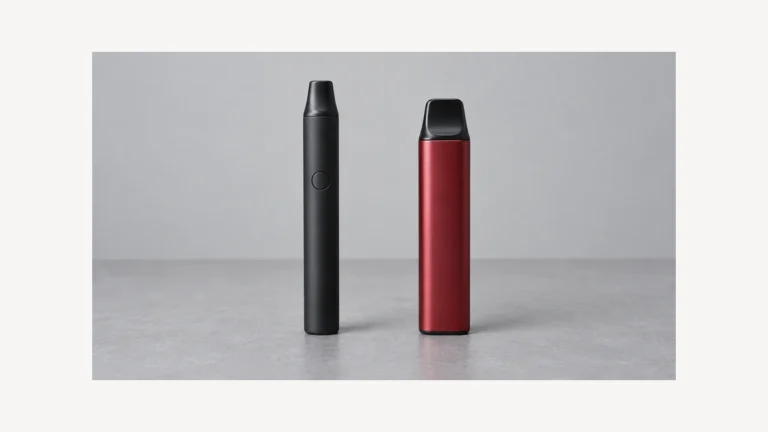
E-cigarette overheating is a reason to stop using the device, not a reason to take another test draw or start a fresh charging cycle. If it is producing smoke or gas, making unusual hissing or popping sounds, or becoming rapidly hotter, get away, alert anyone nearby, and call 911 from safety in the United States, or your local emergency number elsewhere. Do not delay leaving to unplug, move, photograph, or dismantle it. These warning signs and the instruction to leave are central to the Fire Safety Research Institute’s battery safety guidance.
If there is no immediate danger, keep the device out of use and seek manufacturer guidance. Disconnect charging power only if you can do so safely without approaching or handling hot or damaged equipment. If you cannot, leave that to emergency responders. A support form, an online discussion, and this article cannot assess an active incident in your home.
The question behind the search is understandable: is this ordinary warmth, or is something about to go wrong? An online answer cannot reliably predict whether your particular device will catch fire. What it can do is help you recognize the limits of a reassuring screen, avoid risky experiments, and give the right person a useful description of what happened.
⚠️ 1. E-Cigarette Overheating Is a Symptom, Not a Diagnosis
A report that a device is “hot” leaves important things unknown. Was the heat unexpected? Did it appear during charging or while the device was idle? Was there a change in shape, sound, or smell? You do not need to approach the device to answer these questions. Work from what you already noticed before stopping.
The FDA’s overview of vape battery fires and explosions explains that these incidents can cause serious injury, while their exact causes are not fully established. Battery-related issues may contribute. That is a useful limit to remember when someone confidently diagnoses an incident from a short description.
“It must be the charger” and “it must be a leak” are hypotheses, not findings. Even when you noticed both a leak and unusual heat, their timing alone does not establish what failed. Keep those observations in your account, but do not turn them into instructions for replacing a part and trying again.
Similarly, a stranger’s experience with a different model cannot clear yours for continued use. A discussion can help you find words for a problem. It cannot examine your battery, charging equipment, or the conditions surrounding the event.
🔎 2. Read Warning Signs Without Conducting a Test
Excessive heat, swelling, an unusual odor, and unexpected hissing or popping are warning signs identified by FSRI. Wispy white or gray smoke is an immediate danger sign. Do not move closer to determine the smell or whether an escaping cloud is smoke. Get away and call for help when a battery appears to be failing.
These are reasons to act, not a checklist that must be completed before acting. You should not wait for several signs to appear together. Nor should you keep checking by hand to decide whether the temperature has crossed an imagined boundary between “warm” and “too hot.”
🌡️ 2.1 A Heating Setting Does Not Clear the Battery
If a display shows a heating target, read it as the value described in that model’s manual. Do not assume it is a measurement of the battery’s temperature. A label such as “temperature control” is not enough information to identify what the display monitors or what its limits mean. Our explanation of battery temperature-control labels distinguishes the named setting from the component it actually monitors; it cannot assess an overheating unit.
This article does not provide a universal safe surface temperature. A number taken from another device, a different part, or an online comment would not resolve the uncertainty. Tell the manufacturer what the display showed if you already know; do not switch the device on to retrieve it.
🔄 2.2 A Cleared Error Is Not a Safety Inspection
“The warning disappeared” describes a change on a screen. It does not explain why the warning appeared. Note the exact code if you remember it, along with when it happened, and ask for its meaning for your specific model. Similar-looking codes are not a reason to borrow another manufacturer’s troubleshooting instructions.
Likewise, “it cooled down” is an observation, not a professional assessment. Keep the device out of service while the unexplained event is being addressed. Do not charge it again just to see whether the same message returns. Our touch-screen fault guide concerns interface behavior. A restored screen response does not override an abnormal heat event.
🧭 3. Describe the Circumstances Without Recreating Them
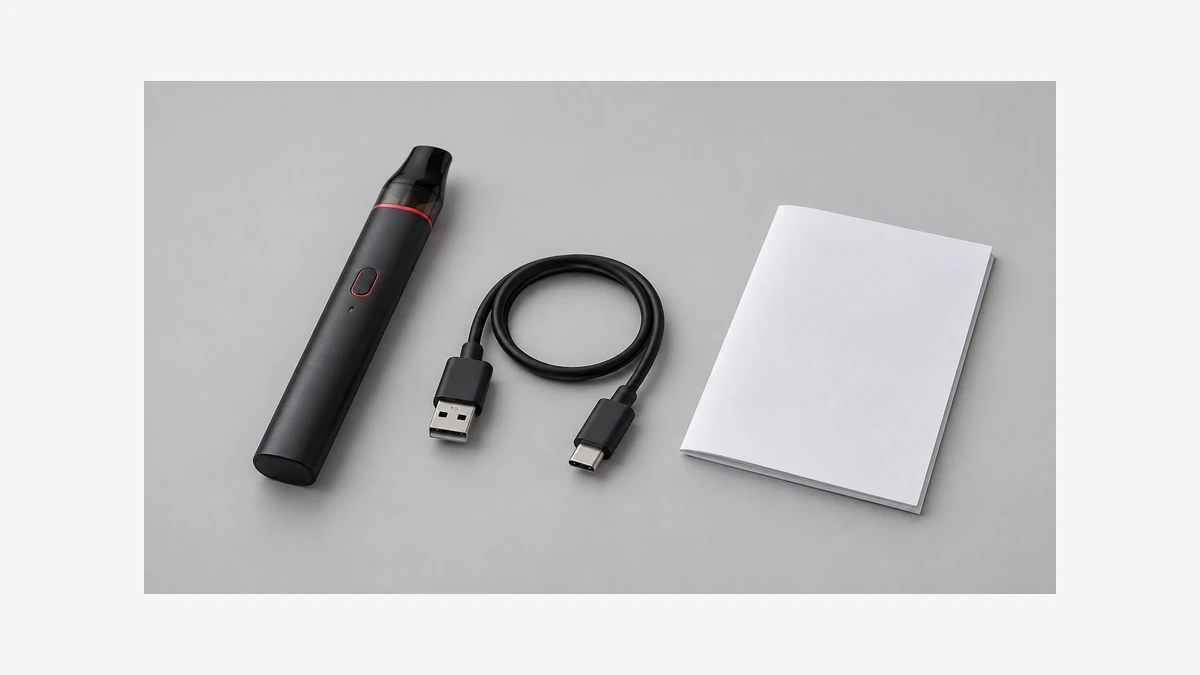
A useful account separates what you observed from what you think caused it. Instead of writing “the adapter overcharged the battery,” write “the device became unusually hot while connected to this adapter.” That wording gives support staff a starting point without treating a guess as a confirmed fault.
🔌 3.1 When It Happened During Charging
Record which cable and adapter were connected, where the device was resting, and whether you were present. Use purchase records or information you already have. You do not need to plug anything back in, approach damaged equipment to read a label, or compare different chargers. A capacity label is a different quantity again: our mAh terminology guide explains the rating, not a safe temperature or a clearance to resume charging.
The FDA’s battery safety infographic, dated April 2017, advises against unattended or overnight charging and directs users to the charger supplied with the device. It also directs people to the manufacturer when a damaged device has a battery that cannot be replaced. Those precautions are not permission to recharge a suspect device after changing its surroundings.
🕰️ 3.2 When It Happened While Idle
“Idle” can mean different things in a support conversation: not being held, not connected to power, or showing an off screen. Say which of those you actually know. Avoid claiming the battery was electrically isolated simply because the display was dark.
If you remember an earlier unexpected activation or a similar heating episode, include it. Do not press the controls to see whether an activation happens again. A history written from memory is more appropriate than a new experiment with a device you already suspect is unsafe.
💧 3.3 When There Was a Leak, Drop, or Water Exposure
Mention any known liquid exposure or physical damage, including when it occurred. If you are unsure where liquid came from, say that rather than naming a failed seal or internal component. Do not open the housing to settle the question.
These details belong in the same account as the heat event. They do not create a separate home-repair task. The objective is to help a qualified recipient understand the history, not to prove a theory by changing parts until a symptom disappears.
🛑 4. Avoid Turning an Unexplained Problem Into a Repair Experiment
The U.S. Fire Administration’s electronic-device handout says lithium-ion battery pack repairs should be performed by a certified repair facility. Removing a housing, disconnecting an internal pack, or working around a swollen cell is not an appropriate next step for a general reader following a blog.
Do not deliberately discharge the battery, puncture it, freeze it, or use immersion as a home treatment. Do not swap coils, batteries, or adapters to reproduce the heating episode. A device with sentimental value deserves a careful professional conversation, not a more dangerous attempt to keep it working.
It also helps to understand why switching off is not the same as resolving battery damage. USFA describes thermal runaway as uncontrolled heating that can lead to fire or explosion. It warns that lithium-ion battery incidents can involve flammable gases and that fires can reignite after apparently being extinguished.
This does not mean every warm device is in thermal runaway. It means a layperson should not use a quiet display or a stopped flame as a reason to handle a suspect battery. Do not attempt home firefighting or return to retrieve the device after leaving. Follow emergency responders’ directions.
☎️ 5. Make the Support Conversation Specific
Once any immediate danger has been addressed, contact the manufacturer through its documented support route. Start with the event, not a request for a replacement part. “The device became unexpectedly hot while charging, and I stopped using it” tells the recipient more than “I think I need a new cable.”
Have the following information ready only where it is already available from records or memory:
- The device’s model and version, plus a serial or batch number from existing records.
- When the event happened and whether charging power was connected.
- The charging equipment in use at the time.
- The sequence of heat, display changes, sounds, odors, or visible damage you noticed.
- Any earlier incident or known liquid exposure.
- Whether emergency responders attended and what instructions they gave.
Missing information is acceptable. Do not handle damaged equipment just to complete the list. An order confirmation or a photograph taken before the incident may identify the model without requiring access to the device now.
A short message can follow this pattern: “I have stopped using the device after unexpected overheating. It happened while [charging or idle]. Before stopping, I noticed [describe only what you observed]. The model shown in my purchase record is [model]. I have not restarted it to test the problem. Please explain the appropriate next step for a potentially damaged unit.” The brackets are prompts for your own information, not a request to collect evidence by handling the device. Leave any unknown detail out.
Ask what assessment or disposal route applies to that exact unit and its reported condition. If a reply gives only a routine reset sequence, clarify that your question concerns abnormal heat and possible damage, not an ordinary display fault. Do not treat a generic troubleshooting page as a case-specific safety assessment.
♻️ 6. Arrange Disposal Without Creating a Second Hazard
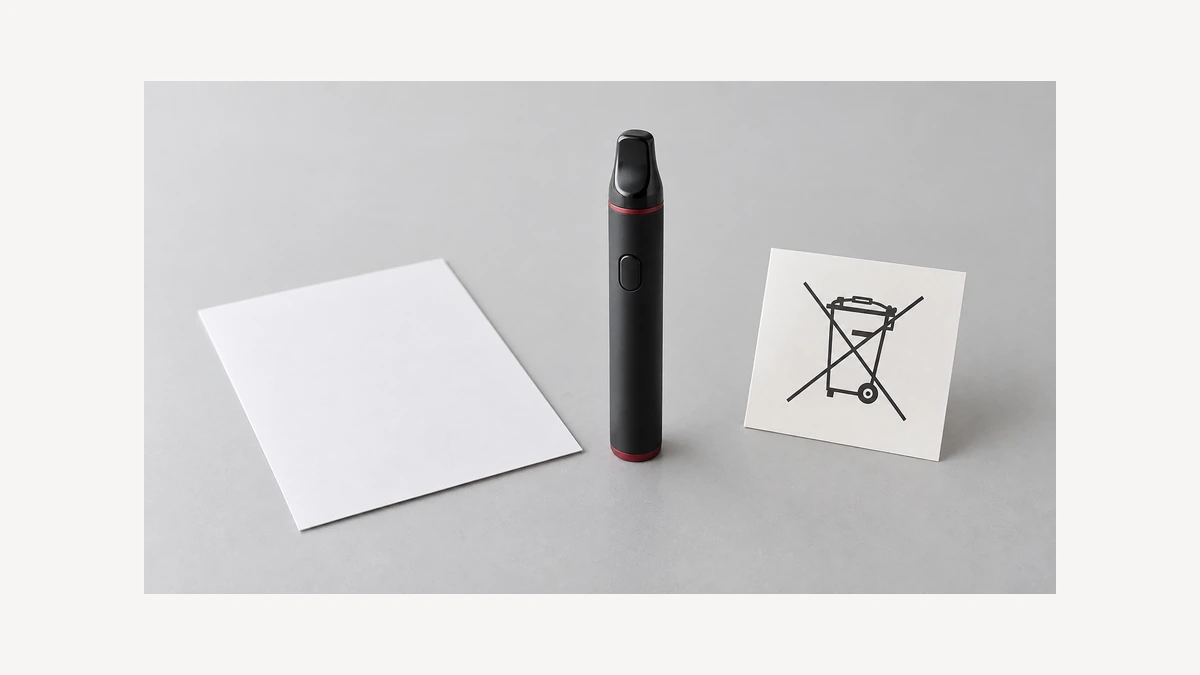
If disposal is advised, explain the condition before choosing a collection point. The EPA says lithium-ion batteries and devices containing them do not belong in household trash or municipal recycling. Used batteries can still contain enough energy to cause injury or fire, and many are not user-removable.
For a damaged battery, ask the manufacturer for handling guidance. Do not apply a general instruction for taping ordinary used battery terminals to a hot or damaged device that cannot be safely handled.
The EPA’s battery FAQ explains why a recycling symbol does not mean a battery belongs in an ordinary household recycling bin. For a potentially damaged device, obtain manufacturer and local waste-program guidance specific to its condition. A recycling symbol is not confirmation that a household bin or an unattended collection box is appropriate.
Ask the receiving program whether it accepts a whole device with a suspect or damaged battery, whether an appointment is needed, and what instructions apply before any handoff. If it cannot accept the item, request a referral. Do not assume a general listing for “batteries” covers your situation.
A return label is not, by itself, a safe shipping plan. PHMSA warns that damaged, defective, or recalled lithium batteries present greater transport risk. Explain the damage to the recipient and carrier and obtain qualified shipping instructions. Do not improvise packaging or mail the unit as an ordinary parcel.
📝 7. Report Observations, Not a Diagnosis
After a fire, injury, or other product safety problem, the FDA explains how to submit a vape-related safety report. Its requested information includes manufacturer, model, battery details, where the product was purchased, and whether use differed from the manufacturer’s instructions. Reporting is separate from obtaining emergency help or resolving a warranty request.
Keep your account factual and preserve existing records. Distinguish “I saw smoke near the port” from “the charging circuit failed.” You can report a concerning event without knowing which component was responsible, and you do not need to recreate it to make the report useful.
A practical final question for support is: “Given this abnormal heating event, what qualified assessment or disposal process applies to this exact device, and what should I avoid doing before that happens?” Keep it out of use while that question is being resolved.