A wax pen has to deliver power to a chamber or coil, and the way that output is set is easy to confuse with the heater type or with the way a session starts and stops. It should not be. Some versions have a fixed fire: the documented control turns the heater on and off, and there is no user-selectable heat setting. Some versions offer steps the user can change, often labeled as voltage, as low, medium, and high, or as a number that looks like a temperature. Those are different control architectures, and a number on a listing does not, by itself, prove that the device is measuring chamber temperature.
That distinction is not the same as the heater material, and it is not the same as an on-demand or session cycle. Coil Cap or the Mouthpiece: What Comes Off a Wax Pen Before Loading already treats loading access. On-Demand Fire or a Session Cycle: How a Wax Pen Stays On already treats how a cycle is started and how long it stays on. 510 Battery Temperature Control: What It Really Measures already separates true temperature control from voltage presets on 510 oil-cartridge batteries. This guide stays on the wax pen’s output control: whether the version is a fixed fire or has documented heat settings, and what a listing photograph cannot prove.
🔎 1. Output Control Is Not Heater Type and Not a Session Cycle
The first cut is simple. Output control is how, if at all, the user is meant to change the power delivered to the chamber. Heater type is the construction of that chamber or coil. A session cycle is how the heater stays on: only while a button is held, or for a timed interval after a documented sequence. Those three identifications can live on the same wax pen, but they are not interchangeable.
A version can use a quartz or ceramic chamber and still be a fixed fire. A version can offer voltage steps and still be on-demand. Quartz Coil vs Ceramic: B2B Buyer's Guide and What Does Coil-Less Mean in a 510 Wax Atomizer? already treat heater language as its own subject. This guide does not retell those pages. It only asks the buyer to name the output control on the exact version, and not to treat a heater name or a session habit as a heat-setting map.
🔘 2. Fixed Fire: One Documented Output
A fixed-fire wax pen has a documented way to turn the heater on, and it does not give the user a heat setting to cycle. The control may still include power on and off, a timeout, or a lock. Those are not heat settings.
A public support page can show what that layout looks like on a named version, without becoming a specification for the next pen. Yocan Canada, in “Yocan Evolve Plus and Evolve Plus XL Manual: Setup, Coils and Fixes,” updated 12 November 2026 on that page, describes the Evolve Plus this way: turn it on or off with five clicks within two seconds, then press and hold the button to heat. In the same page’s comparison table, the controls line for both the Evolve Plus and the Evolve Plus XL is “One button; no heat settings.” The page also says the leaflet in the box takes priority.
Those sentences are useful as an example of a documented fixed-fire layout. They are not a claim that every one-button wax pen lacks heat settings, and they are not a specification for any other model. Do not copy capacity, coil, or charge-time figures from that table into a brief for a different pen. If the version in front of you is a fixed fire, the brief should say so, and it should point to the current leaflet for that version.
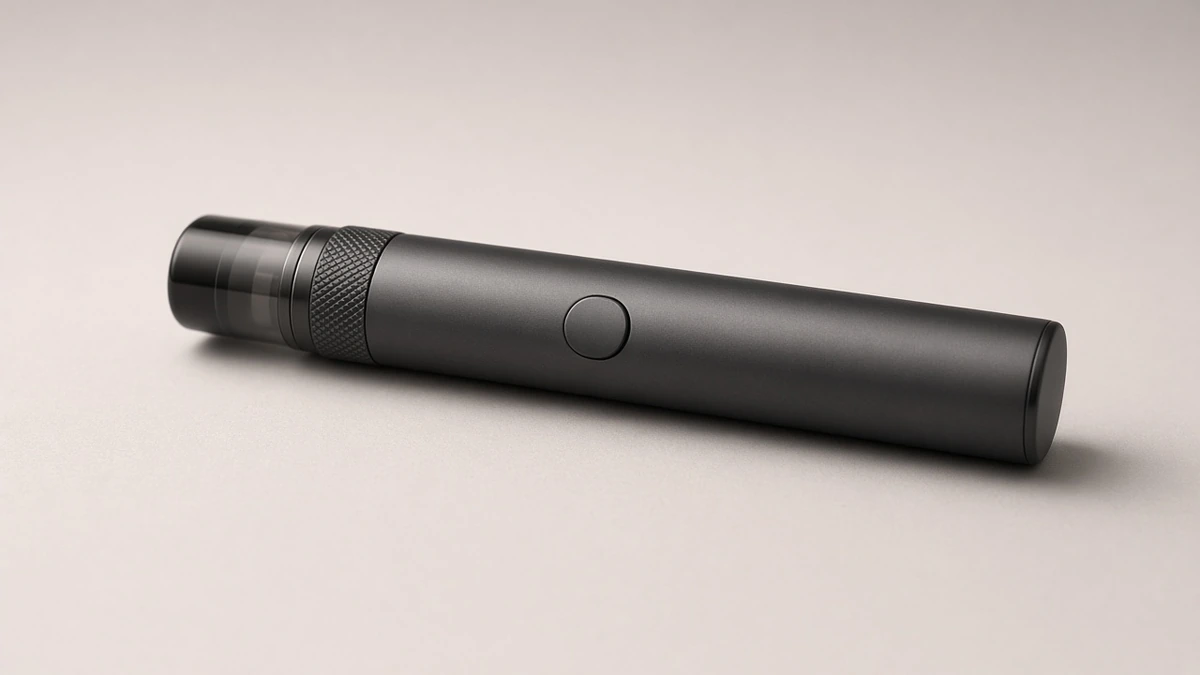
🎚️ 3. Heat Settings: Voltage Steps, Presets, or a Number
Other wax pens give the user a documented way to change output. The control may be a click sequence, a dedicated key, a ring, or a menu. The steps may be labeled as voltage, as low, medium, and high, or as a numeric value. The identification task is to record what the current manual actually names, not to translate one version’s labels into another’s.
An official product page can show a voltage-step layout. Yocan’s official Orbit page describes three adjustable voltage levels, listed as 3.4 V with a white indicator, 3.7 V with a blue indicator, and 4.0 V with a green indicator, and it says that pressing the power button three times is the way to change them. The same page describes a 10-second preheat function at 3.4 V, started by clicking the power button twice rapidly. Those values and colors are that product page’s documentation for Orbit. They are not a default ladder for wax pens.
The same maker’s How to use Yocan Orbit? page also describes a three-speed voltage regulation started by pressing the button three times, with color indicators for each step. The voltage numbers on that how-to page are not the same as the numbers on the product page. That disagreement is itself a reason to stop guessing. Do not reconcile the two tables into one “correct” Orbit map in a brief. Record that official pages for a named model can disagree, and use the current leaflet, or the official page that matches the exact revision, for the version in hand.
The same caution applies to any other wax pen. A three-step ladder, a voltage list, or a color key copied from one official page is that page’s map. It is not a universal wax-pen setting.
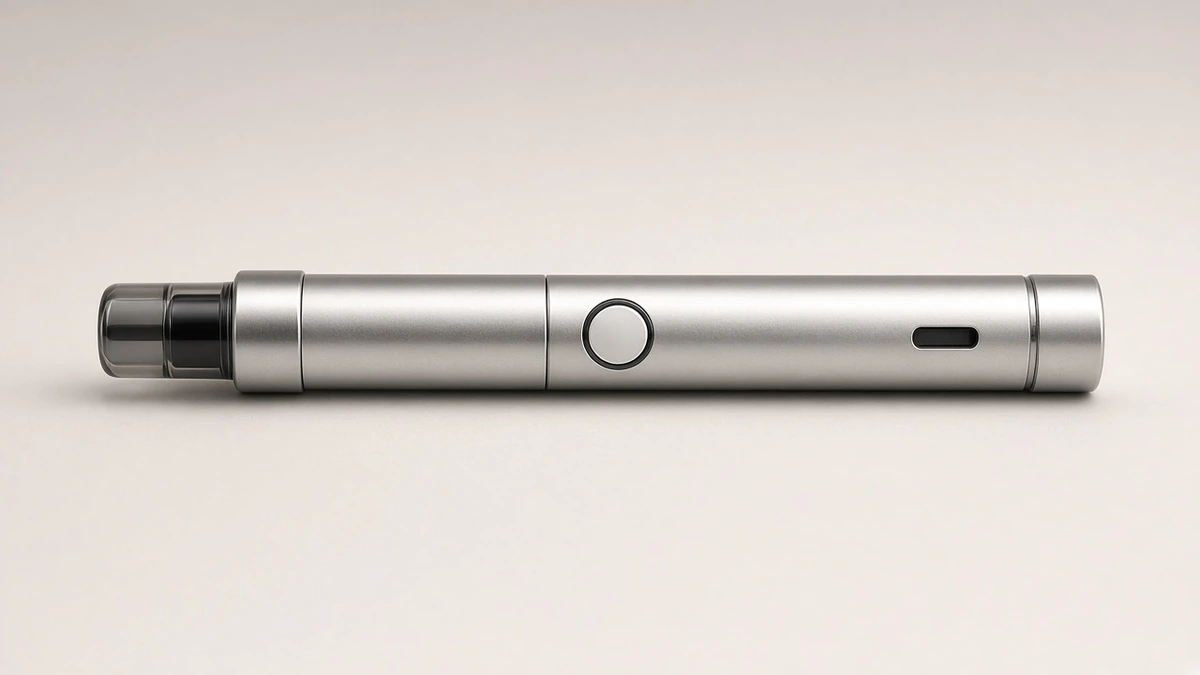
🌡️ 4. A Temperature Label Is Not Proof of Closed-Loop Control
A listing that shows a degree symbol, a “temp” key, or a number in the hundreds is still not proof that the device measures chamber temperature and holds it. 510 Battery Temperature Control: What It Really Measures already draws that line for 510 oil-cartridge batteries: true temperature control differs from voltage presets, power regulation, and marketing labels. The same discipline belongs on a wax pen. A step labeled “high,” a voltage, and a number with a degree mark can all be user-facing names for different output levels. Only the current manual, and any documented sensor or control-loop description for that version, can say whether the device is actually regulating temperature.
If the manual lists voltage steps, record them as voltage steps. If it lists temperature settings and explains what the device is measuring, record that explanation. If it only prints a number, write down the number and the unit as a label, and do not upgrade it into a closed-loop claim. Do not invent a conversion between voltage and temperature.
Preheat on a wax pen, when it is documented, is also not the same fact as a heat-setting map. The official Orbit product page cited above treats a 10-second preheat as its own function. Identify preheat, if it exists, as a warmup path, and identify the heat settings as the steps the user can select. Keep the two lines separate, just as Preheat Cycle or a Manual Low Setting: What a 510 Battery Uses to Warm a Cart does for a 510 cart battery.
📷 5. What a Listing Photograph Can Hide
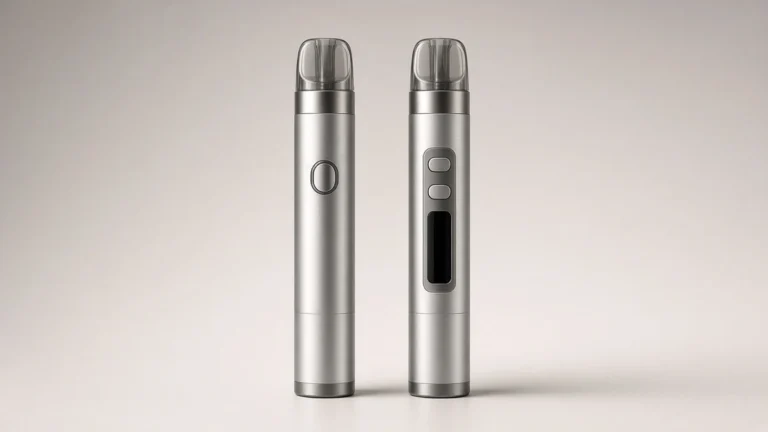
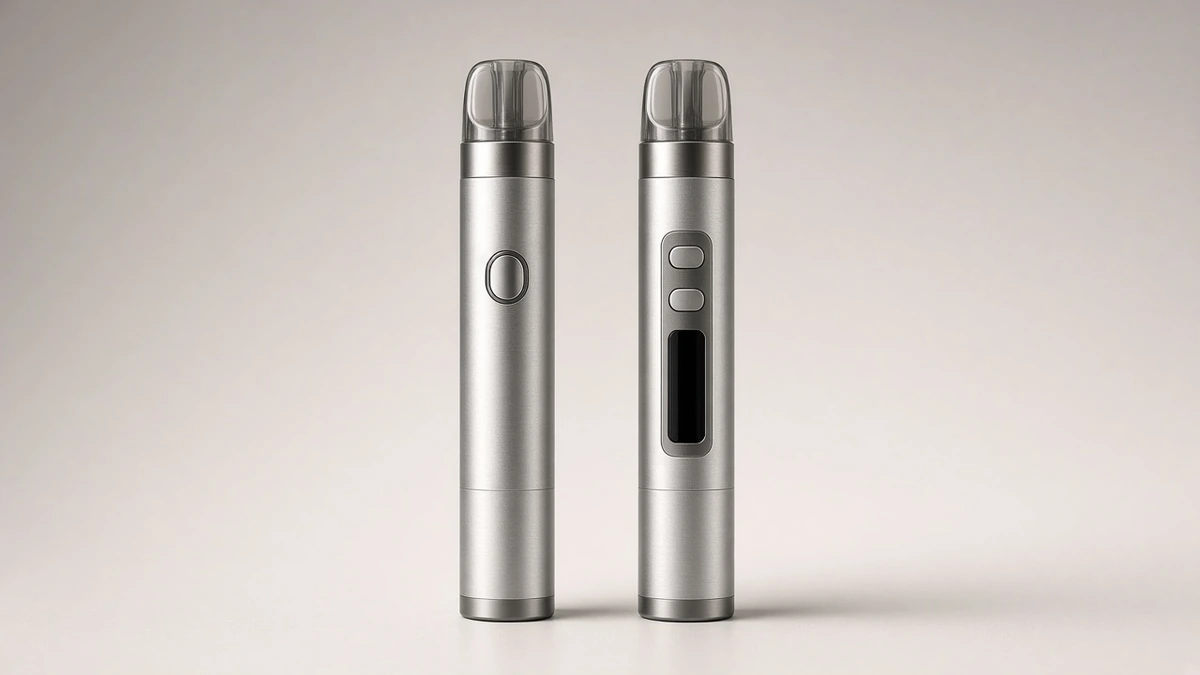
A listing photograph can support an output-control identification if the controls are visible and the listing text matches the manual. Often it is not. A single-button pen can be a fixed fire, or it can hide a click-cycled voltage map in the same button. A screen or printed number can show a voltage, a preset name, a timer, or a decorative readout. A badge that says “temperature control” does not identify what the device measures.
The photograph is also the wrong place to borrow a setting table. A marketing image that shows three colored lights does not tell you the voltages, and even official pages for one named model can disagree, as the two Orbit pages above do. Those assignments come from the current leaflet for the exact version. If the listing says “adjustable temperature” and shows only a closed pen, write both facts down and request the current instruction and a sample.
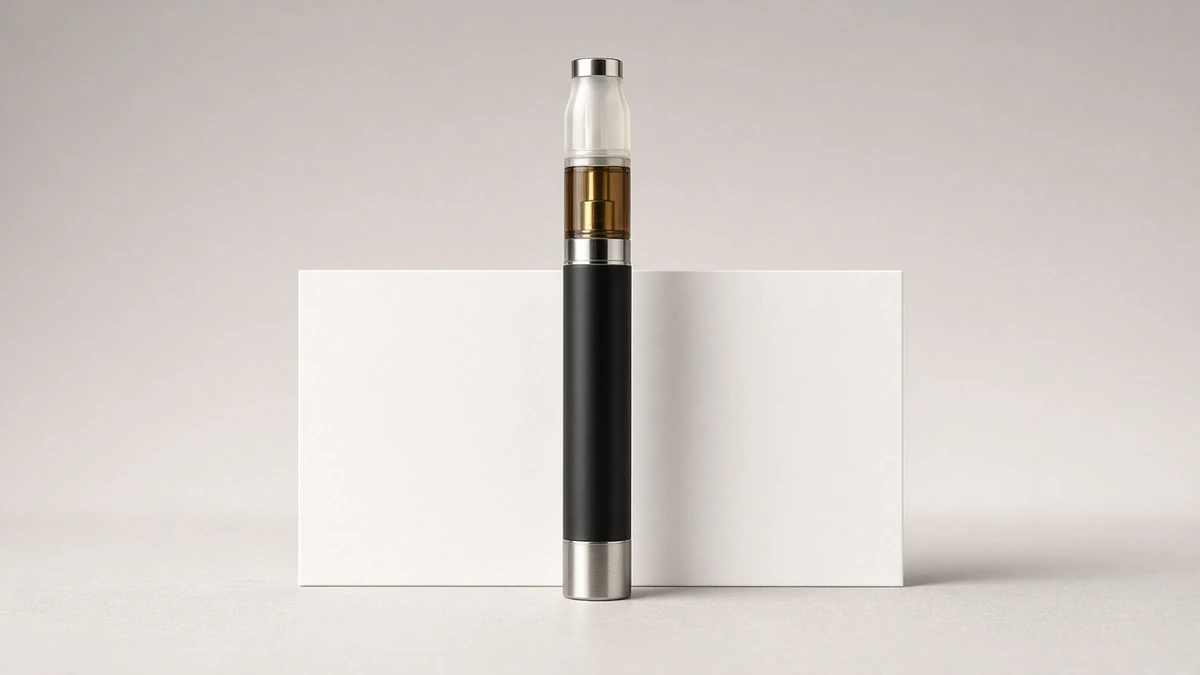

✅ 6. What to Check on a Sample, a Manual, and a Listing
A one-line description a team can reuse should name the output control, not a preferred setting habit. Example: “Wax pen, fixed fire, one-button hold-to-heat, no user heat settings in the current leaflet,” or “Wax pen with documented voltage steps; step map and colors follow the version leaflet, not another model’s table.”
On the sample and in the current manual for that exact version:
- Identify how the heater is started and stopped, including any timeout, so a session cycle is not mistaken for a heat setting.
- Find whether the user can change output at all.
- If the version is a fixed fire, record that fact and the documented fire control.
- If the version has settings, record the labels exactly as written: voltage, named presets, or a numeric value, including any unit.
- Record how the user moves between settings, and do not apply another model’s click map.
- If two official documents for the same name disagree, stop and confirm the revision before writing a brief.
On the listing:
- Treat “temperature control,” “variable voltage,” and “one-button” as labels to reconcile with the manual.
- A setting table stated for a named official example is that page’s documentation, not a default for the next wax pen in the same photograph style.
Questions worth sending with a sample request:
- Does this exact version have user-selectable heat settings, or is it a fixed fire?
- If it has settings, are they documented as voltage, as named presets, or as a temperature value, and what does the manual say the device is measuring?
- How does the user change settings on this version, and where is that sequence written?
- If a preheat function is listed, is it separate from the heat-setting map?
- Which leaflet or official page matches this revision, if published documents disagree?
❓ 7. Short Answers a Brief Can Reuse
❓ 7.1 Identification Questions
What is a fixed-fire wax pen? It is a version whose documented control turns the heater on and off, without a user-selectable heat setting. A Yocan Canada support page updated 12 November 2026 describes the Evolve Plus as one-button, press-and-hold to heat, with “no heat settings.” That is an example of the layout, not a rule for every one-button pen.
What is a heat setting on a wax pen? It is a documented output step the user can change. Official Yocan Orbit pages describe three voltage steps changed with a three-press sequence. The numbers on the product page and the how-to page are not the same, so the current leaflet for the exact revision remains the authority.
Does a temperature number mean the pen regulates temperature? Not by itself. A degree label, a “temp” key, or a number in a listing can still be a name for an output step. Confirm what the version manual says the device is measuring.
Is this the same as on-demand versus session mode? No. That question is about how the heater stays on. A fixed fire and a stepped device can both be on-demand, or either can use a timed cycle.
Can a listing photograph settle the output control? It can support an identification if the controls are visible and the text matches the manual. A single button or a colored light often cannot. Confirm the control in the version instructions.