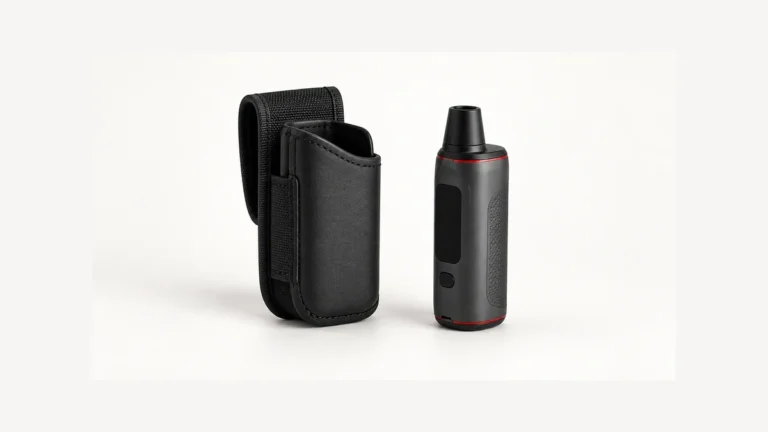
A vape with Bluetooth can exchange information with supported software, but the label does not guarantee that every phone or browser can access it. If the phone lists the device while its app cannot connect, check the application environment and permissions before calling the hardware faulty. Missing app access and a failed device are different questions.
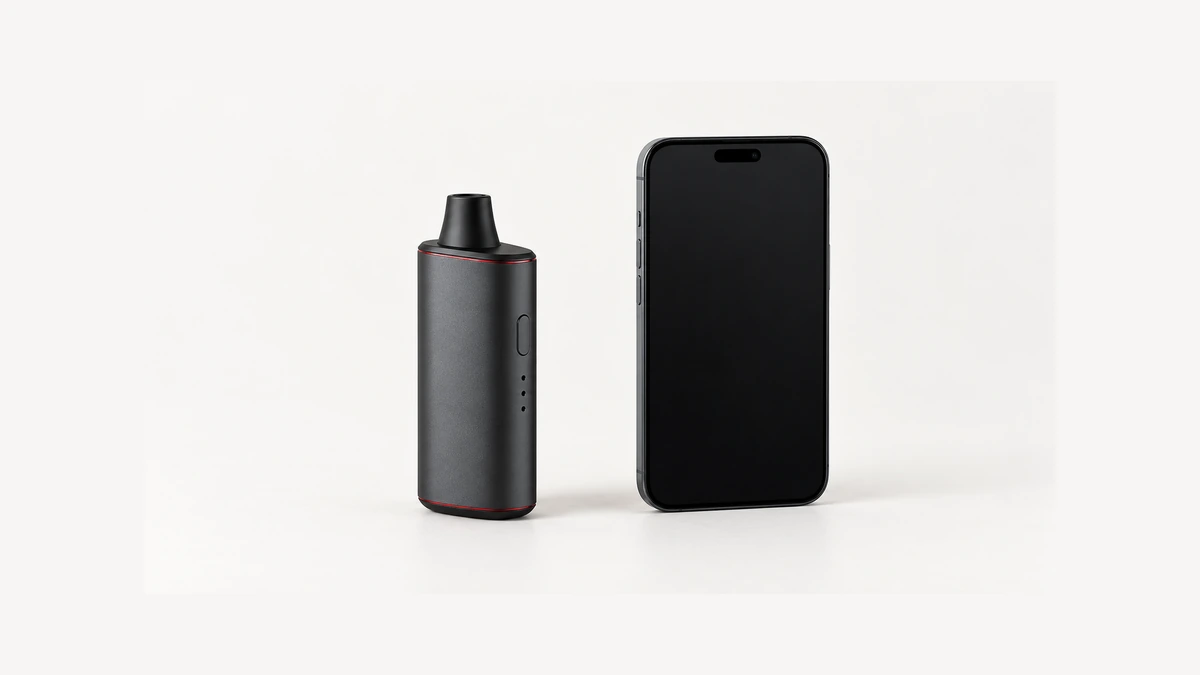
🔗 1. What a Bluetooth Label Actually Promises
A Bluetooth label identifies a communication capability, not a complete list of supported functions. The exact model still needs a compatible application, a supported phone or browser environment, and the permissions that environment requires. A connection problem can therefore sit between components rather than inside a broken heater. Separating those possibilities is useful for an owner who can see a device name but cannot open its status screen. It also prevents a label such as smart from implying performance, protection or remote functions the manufacturer never documented. The radio alone cannot answer any of those questions.
Keep charging and application access separate. Bluetooth does not establish an inductive charging receiver, a USB power specification or permission for connected operation. Those are different interfaces with different instructions. The pass-through charging explanation addresses connected power without assuming a particular battery route. Similarly, the presence of Bluetooth does not establish Wi-Fi or a cloud service. A model could document additional networking features, but each would need its own evidence. Avoid importing assumptions from a phone, speaker or other familiar connected product into a vaporizer’s feature list.
For a concrete example, imagine a companion screen that displays battery information but offers no remote operating control. Calling that screen an app does not make it a universal remote. Conversely, an application with additional documented functions does not establish those functions on another model that shares its appearance. Describe the actual relationship: which application, which hardware revision, and which displayed feature. That level of detail makes a software question answerable without turning the article into a model ranking or asking an owner to experiment with unfamiliar controls.
📲 2. Native App vs Web App: Two Different Promises
Native applications and web applications have different access paths. A native application is installed for a particular platform. A web application is accessed through a browser, and some can also provide an installed-style shortcut. A shortcut alone does not tell us whether every function remains available without a network. Nor does an ordinary website loading successfully establish that the browser can communicate with nearby hardware. Identify the manufacturer’s current access method before following an old screenshot or looking for a discontinued app-store listing. A search result showing a familiar icon is not verification of the publisher.
As a narrow example, STORZ & BICKEL’s February 2026 support page describes replacing its original store application with a web application and lists supported environments. It also states that its documented devices function without the app at factory settings. That is a manufacturer-specific statement, not a promise about every Bluetooth vaporizer. The example demonstrates why current support information matters more than a surviving image of an older installation process.
Chrome’s Web Bluetooth documentation describes a secure-context requirement and a user-triggered request followed by a device chooser. It also distinguishes supported platform environments. Those details explain why opening the page, granting browser access and reaching the device are separate events. A browser that renders the site may still lack the needed hardware interface. Do not change experimental browser flags, disable security restrictions or install an unknown replacement to make a page behave like a screenshot.
👀 3. Device Discovery Is Not Application Support
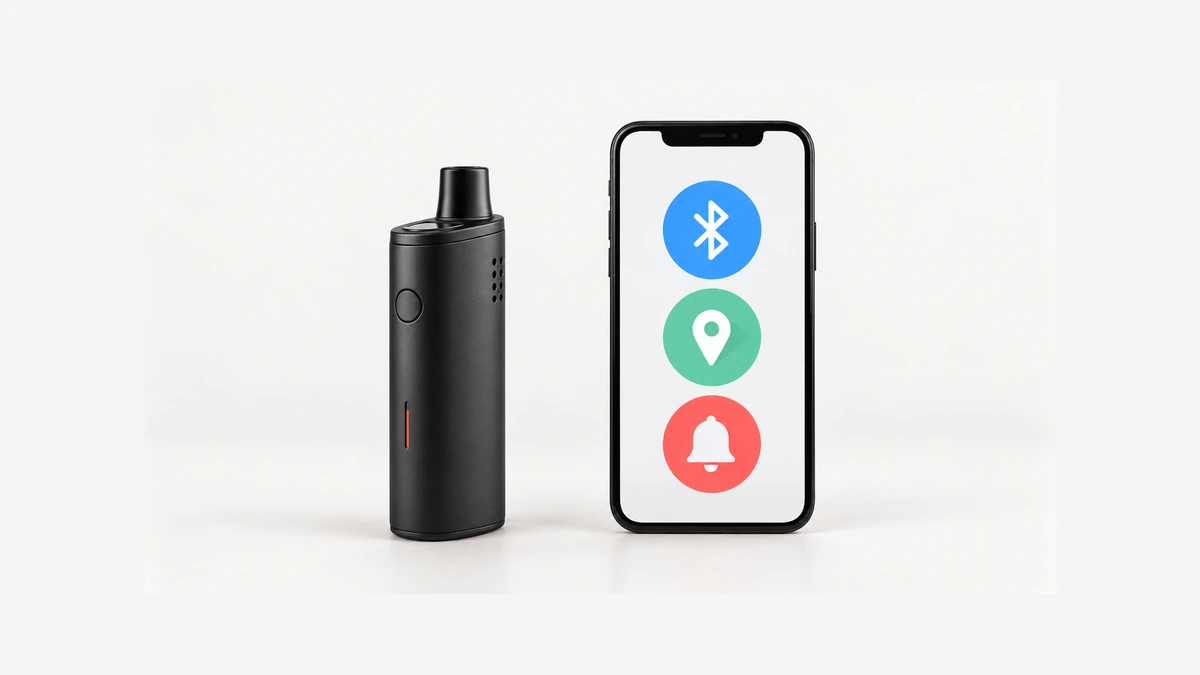
A 2020 owner discussion described a phone seeing a device in its Bluetooth list while the companion application could not find it. The replies offered workarounds, but they cannot establish the state of a current app. The useful question survives: why do the operating system and application appear to disagree? They are not necessarily reporting the same stage of the connection. A name in one screen is not a completed application session in another.
Think of discovering a device and using its supported application as different checkpoints. The exact software still has to recognize the intended model and communicate using the expected interface. A saved entry can also be different from a current connection. Do not assume a familiar name proves that the app has fresh information or supports that hardware revision. When reporting a problem, say which screen showed the name and which screen produced the error. “The phone sees it” leaves out precisely the distinction that a support technician needs.
🔐 4. Permissions, OS Versions, and What They Actually Gate
Android’s current permissions documentation distinguishes app target versions and platform conditions, including Nearby devices permissions for scanning or connecting and older location-related requirements. That makes a universal instruction to enable location unsuitable. The relevant requirements belong to the actual app and OS combination. An older discussion can explain why someone saw a particular prompt; it cannot establish what every current phone should request. Compare the displayed permission name with current official instructions before drawing a conclusion.
Consider two owners comparing a permission screen. One has an older native application; the other uses a browser application on another OS version. They may be trying to accomplish the same task through different access systems. A missing prompt is therefore not automatically a missing radio or a defective device. Record the access method and version before comparing the screens. Read what a permission grants rather than enabling every available option. If the official instructions and current prompt do not match, preserve that mismatch as the question to resolve.
Permission scope also raises fair questions that an owner can reasonably ask without assuming an answer in advance: what does the app actually do with Bluetooth access once it is granted, does it retain any information locally or send it elsewhere, and does revoking the permission later genuinely stop whatever data flow was happening? None of those questions have one universal answer, since behavior varies by developer and by app. The honest position is to treat them as open questions worth directing to the specific manufacturer, rather than to assume a particular data practice simply because a permission dialog appeared.
Permission history is worth noting too. A prompt dismissed on an earlier visit is a different observation from a prompt that never appeared. Do not publish screenshots of a full settings page when a cropped error description will answer the question. Keep the relevant application name and version visible while removing unrelated personal details.
📊 5. Reading the App Without Over-Reading It
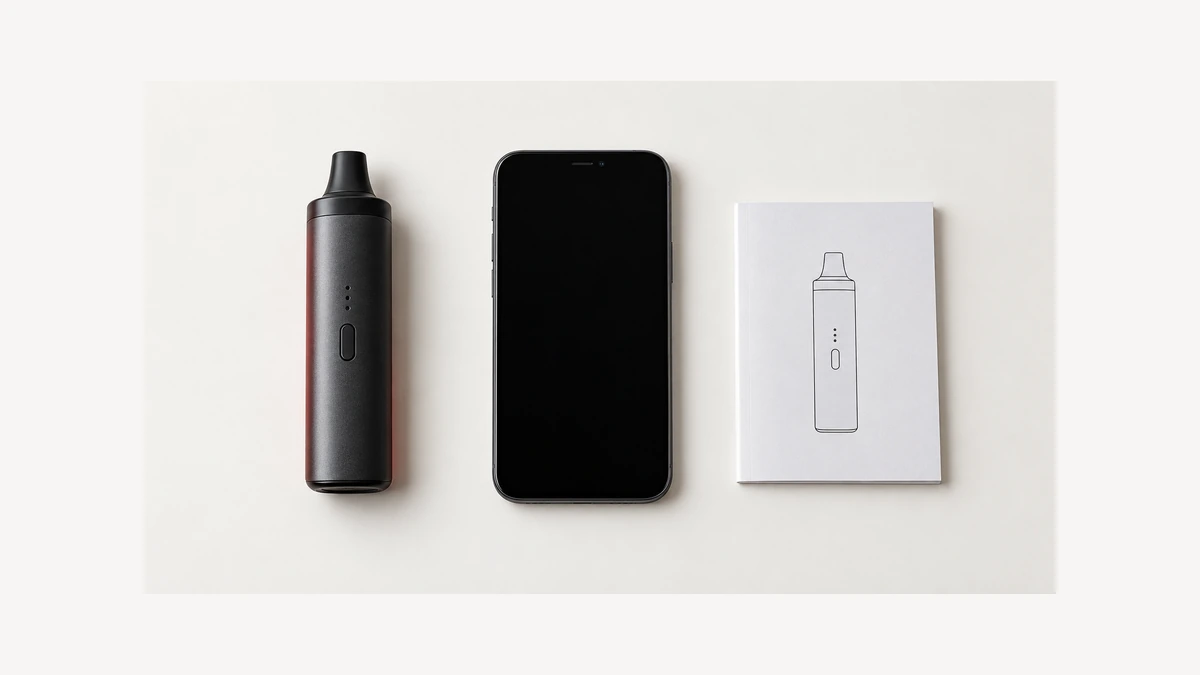
Once a status screen opens, distinguish an actual connection indication from a displayed value. A number that remains visible does not, on its own, prove it was just refreshed. Unless the manufacturer explains the refresh behavior, do not assign an update interval or call the value continuously live. Likewise, a displayed battery estimate is not an inspection of the battery’s physical condition. The useful question is what the application says that particular screen represents, and what its documented disconnected state looks like.
For example, suppose an owner returns to a previously open page and sees the same battery number. There are several unanswered questions before treating this as a charging fault: is the application connected, is that value identified as current, and does the device’s own documented indication agree? The charging-light guide addresses interpreting hardware indicators without guessing. App screens deserve the same restraint. Record what was displayed and any connection message rather than changing settings to make a number look right. Do not use a software reading to dismiss unusual heat, physical damage or another safety concern.
🌐 6. Offline Limits: What Can and Cannot Work Without a Connection
Offline availability needs to be considered feature by feature. A device’s physical controls, a locally stored preference, an app-only status view and an online account are not the same dependency. One may remain available when another does not, but the answer belongs to the documented design. Avoid the broad claim that Bluetooth devices normally work fully without their applications. Equally, do not assume losing a phone automatically makes an intact device unusable. The exact instructions should distinguish the functions that remain on the hardware from those that require software or a service.
It helps to separate three scenarios when asking about offline behavior: the phone is absent, the phone has no internet access, or the application cannot connect to the device. These are different conditions even though each can be described casually as offline. A manufacturer might document one without addressing the others. Ask about the specific feature under the specific condition rather than requesting a single yes-or-no answer for the entire system. A cached page or a saved shortcut is not evidence that the full feature set works in every scenario.
⚠️ 7. When an App Is Retired or a Device Goes Quiet
An application’s disappearance from a store can mean a changed distribution route, a replacement product or discontinued support. It does not by itself establish which functions remain on hardware already owned. Check the current notice for that application and exact model. If a web replacement exists, verify the address through the manufacturer’s current support page rather than an unsolicited message or a similarly named search result. Do not sideload an old installer or apply an unofficial firmware file to restore a remembered screen. A historical screenshot cannot verify the contents or suitability of a download.
A greyed-out device entry is another incomplete observation. It might be documented as disconnected, unavailable or something else in that application; its meaning should not be invented. It also cannot establish that a setting was accepted or that a heater has failed. The explanation of draw activation describes a separate hardware-control question, not an app-access guarantee. Keep activation design, application support and present physical condition separate. If the device itself behaves abnormally, a reconnect suggestion is not a substitute for the manufacturer’s fault guidance.
🧾 8. Describe the Exact Stage That Failed
A short problem report can preserve the distinctions without becoming a maintenance project. Record the device model, phone OS, application version or browser version, and the exact wording of the error. Add the firmware version only if it is already available through a documented information screen; do not start an update merely to obtain it. State whether the failure appeared after a known software change. That provides a useful comparison point without claiming the change caused the failure. Screenshots should omit account identifiers, serial numbers and unrelated personal information before being shared publicly.
End the report at the first unresolved stage: access page unavailable, unsupported browser message, device absent from the chooser, connection rejected, or a connected screen with an unclear value. These descriptions are more actionable than “Bluetooth is broken.” They also keep the next step narrow: compare the current manufacturer instructions with that exact observation, rather than reset everything or substitute unfamiliar software. A vape with Bluetooth is still a particular hardware-and-software combination. Understanding its boundaries is more useful than assuming the radio guarantees any app, every phone, or permanent access to all features.