Pick up a mod or a pod system with a color screen and the first impression is usually the same: a lot of numbers, a battery icon, maybe a puff counter ticking upward, and a wattage figure that changes the instant your thumb brushes a button. It looks like a dashboard. It feels informative. And yet a first-time buyer standing in front of two similar-looking devices at a shop counter often can’t say what any of it actually means for how the device performs or how safely it charges. A screen full of digits is not the same thing as useful information, and the gap between those two things is exactly where buyers get stuck.
This guide separates the display data that changes how you use a device from the display data that’s mostly decoration. It also covers how to read lock states, warnings, and errors without guessing, and what a screen does and doesn’t tell you about the device’s health over time.
📟 1. The Screen That Shows Everything and Explains Nothing
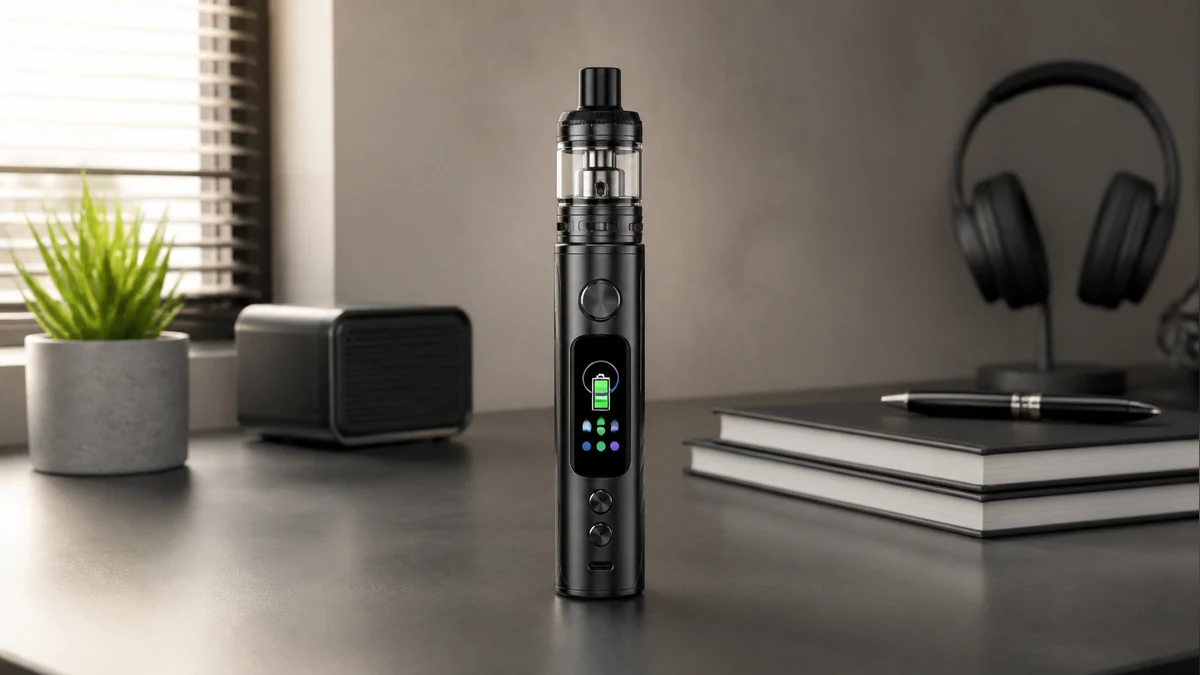
Most modern displays are built around the same handful of data points, just arranged differently and dressed up with different fonts, themes, or animated boot screens. Strip away the styling and what’s left is usually: a power or temperature setting, a resistance value, a battery indicator, a puff or session counter, and some kind of status row for locks and warnings. Everything else — the color gradients, the mascot animations some devices cycle through, the customizable wallpaper some mods support — is cosmetic. It doesn’t tell you anything about how the device is performing, and it isn’t meant to.
The confusion buyers run into isn’t usually about reading a number. It’s about knowing which numbers are operationally relevant and which ones are along for the ride. A puff counter, for example, is popular because it’s satisfying to watch climb, but unless a device explicitly ties that counter to a maintenance prompt or coil-life estimate in its own documentation, it’s a novelty rather than a diagnostic. Treating decorative elements as if they were functional data is where a lot of screen-related frustration starts.
🔋 2. What a Display Is Actually Built to Tell You
The functional core of any vape screen is small. It exists to answer a short list of questions: what power or temperature is currently set, what resistance the device is reading from the connected coil or pod, how much charge remains, and whether anything is wrong. Everything genuinely useful about a screen falls into one of those categories.
⚡ 2.1. Power Setting
On adjustable devices, the power or temperature figure is the one number you’re actively setting and should check before every session, because it’s the value most directly tied to how the device behaves once you engage it. On regulated mods this is usually a wattage or temperature figure you dial in yourself. On many pod systems it’s a preset tied to a specific pod or coil, sometimes labeled rather than numeric. Either way, this is the reading worth confirming first, since it reflects a setting you actively chose rather than a passive status update.
⚡ 2.2. Resistance Reading
The resistance figure, usually shown in ohms, reflects what the device is currently detecting from the installed coil or pod. It’s a live readout, not a fixed spec — it can shift slightly as a coil breaks in or degrades, and a reading that looks unstable or jumps around session to session is often the clearest early signal that a coil needs replacing before flavor or vapor production visibly suffers. For background on what that coil is actually doing electrically, see this atomizer guide, which covers the relationship between resistance, power, and coil function in more depth.
⚡ 2.3. Charge Status
Battery indicators range from a simple icon with a few bars to a percentage figure, and the honest answer is that neither format should be read as a precise measurement. Battery icons on small consumer electronics are estimates built from voltage curves, and voltage doesn’t decline in a straight line as a cell drains — it can look nearly full for a while and then drop faster near the bottom of the curve. That’s not unique to vape hardware; it’s a known limitation of how battery gauges work across small devices generally. The practical takeaway is to treat the charge display as a rough guide for planning rather than an exact figure, and to follow the charging behavior and cable guidance in your device’s own manual. For more on charging practices and what to watch for, see this battery charger guide.
🔒 3. Lock, Warning, and Error States
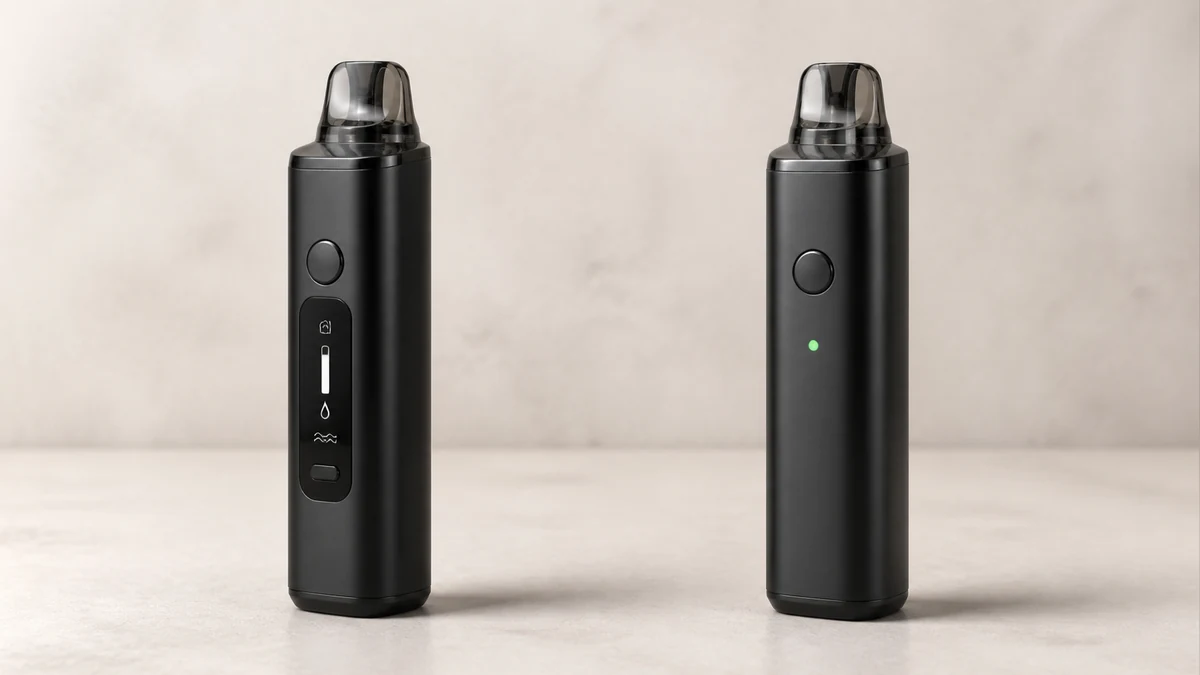
Beyond the numbers, the status row is where a screen earns its keep. Lock icons, warning symbols, and short error codes exist to stop you before something goes wrong, and they’re worth learning to recognize on sight rather than puzzling out after the fact.
🚫 3.1. Lock Icons
A lock icon almost always means button or firing-input lock, a feature meant to prevent accidental activation in a pocket or bag. It’s a convenience and safety feature, not a malfunction indicator, and most devices display a distinct, consistent icon for it. If a device won’t fire and a lock symbol is present, that’s the first thing to check, and unlocking sequences vary by manufacturer, so it’s worth confirming the exact button combination in your device’s documentation rather than guessing at it.
🚫 3.2. Warning and Fault Codes
This is the category buyers most often misread. Short-circuit warnings, atomizer-not-recognized messages, low-resistance alerts, and temperature-related cutoffs are protective responses, not cosmetic errors, and they typically mean the device has detected a condition outside its normal operating range and has paused firing rather than risk an unsafe outcome. The specific codes and icons differ by manufacturer and even by firmware version on the same device line, so a code that means one thing on one mod can mean something different on another. When a warning appears, the reliable path is checking the connection (a loose coil or pod is a common trigger), confirming the atomizer is within the device’s supported resistance range, and consulting the manufacturer’s documentation for that specific code rather than assuming the cause. Persistent warnings that don’t clear after basic troubleshooting are a signal to stop using the device and seek support rather than working around the alert. General background on battery-related risk factors in high-energy portable cells is available from the U.S. Consumer Product Safety Commission, which is a useful reference for understanding why these protective cutoffs exist in the first place.
👁️ 4. Readability and Controls in Daily Use
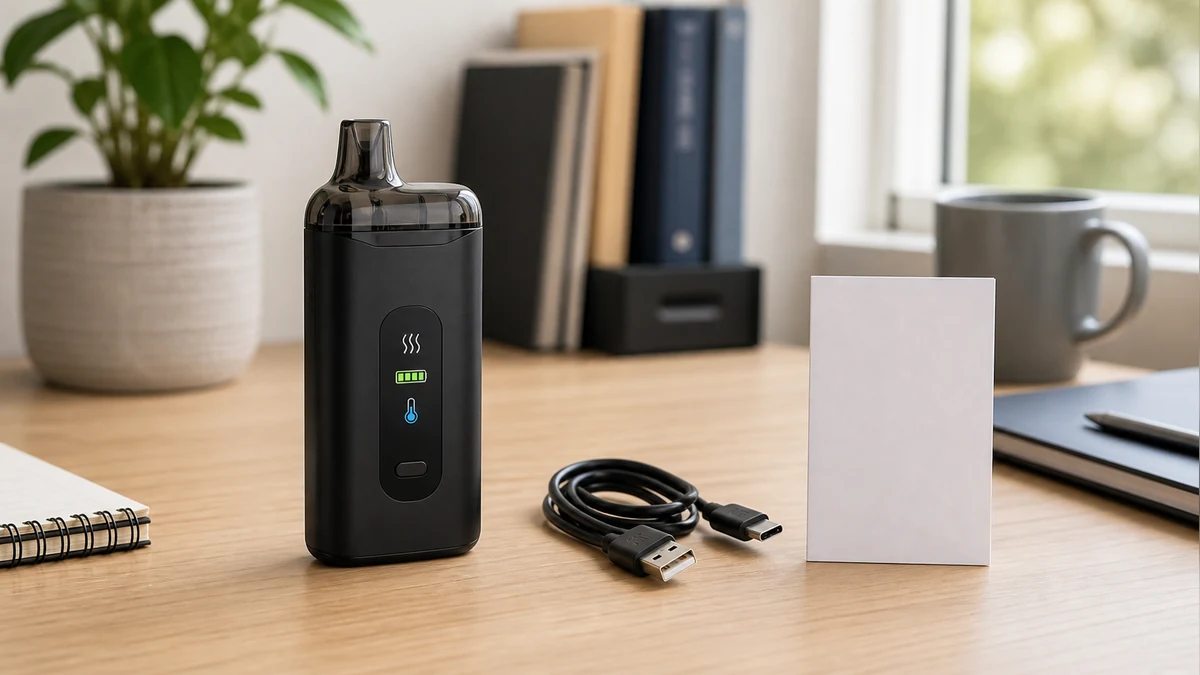
A screen’s usefulness in practice comes down to whether you can read it in the conditions you actually vape in, and whether the controls tied to it are intuitive enough to use without thinking. Outdoor daylight is the harder test for most small displays; low-contrast or dim-backlight screens that look sharp indoors can wash out badly in direct sun, which matters more than most spec sheets acknowledge. Screen size interacts with this too — a larger display generally has more room for contrast and larger digits, but it also adds bulk to a device that some users specifically want to keep compact.
Button layout matters just as much as the screen itself. A display is only as useful as the controls that let you navigate it, and a menu that takes four button presses to check battery percentage defeats the purpose of having a screen at all. The devices that handle this well tend to keep the primary readout — power setting, resistance, charge — visible at a glance without requiring a menu dive, and reserve deeper menus for settings that are adjusted occasionally rather than checked constantly. If you’re evaluating hardware and want a broader sense of how screens, buttons, and other components fit together across device types, this vape parts overview is a useful starting point.
🌙 5. Idle Drain and Failure Modes
A detail that rarely comes up until someone experiences it directly: an active display draws power even when the device isn’t firing. That’s simple electronics — backlights, processors, and animated elements all consume some current just by staying on — and it’s the reason many devices dim, sleep, or fully power down their screens after a period of inactivity. A device left unused for an extended stretch with an always-on or poorly optimized screen can lose noticeably more charge than an equivalent screenless device over the same idle period. This isn’t a defect; it’s a predictable tradeoff of adding a display, and manufacturers manage it differently through sleep timers and brightness settings, which are usually adjustable in the device’s menu.
Failure modes are worth understanding too, mainly so a blank or frozen screen doesn’t read as more alarming than it is. A screen that goes dark can mean several different things: the battery is critically low and the device has cut display power to preserve firing capability, the device has entered a deep sleep state that needs a firm button press to wake, or — less commonly — the display itself has failed while the rest of the electronics remain functional. The distinguishing test is usually whether the device still fires and responds to button presses with the screen dark; if it does, the display is likely just asleep or has failed independently, which is a very different situation from a device that won’t power on or fire at all. A completely unresponsive device is a different troubleshooting path, and one where checking the charging connection and cable — covered in the battery charger guide linked above — is the reasonable first step before assuming a hardware failure.
🧭 6. Screen or No Screen: Matching the Display to the Device
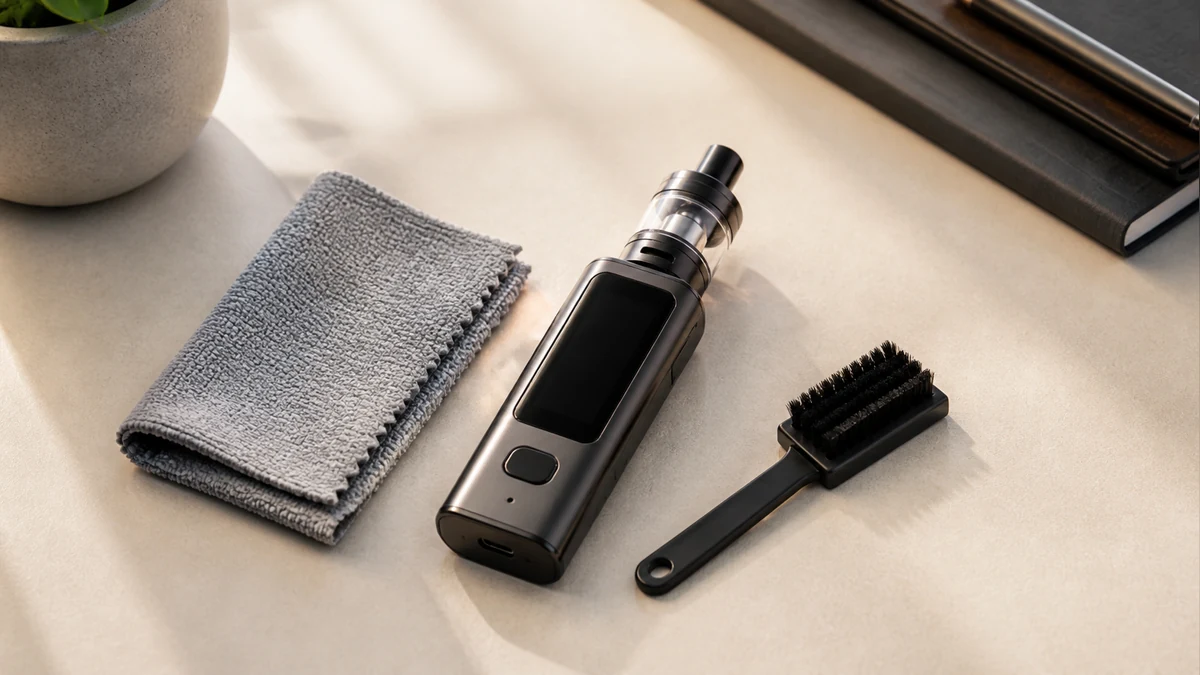
None of this is an argument that every device needs a screen, and plenty of experienced users deliberately choose devices without one. The honest way to think about it is by matching the display to how much control you actually want over the session. A device with fixed or auto-detected settings and no meaningful adjustment range doesn’t gain much from a screen beyond a battery indicator — there’s simply less to display. A device built around adjustable wattage, temperature curves, or multiple coil options benefits from a screen because there’s meaningfully more to track and confirm before firing.
| Screen Element | What It Reflects | Read Literally? |
|---|---|---|
| Power/temperature setting | Your active setting | Yes |
| Resistance reading | Live coil/pod detection | Yes, as a trend indicator |
| Battery icon/percentage | Estimated charge from voltage curve | Treat as approximate |
| Puff/session counter | Usage tally | Informational only, unless tied to a documented maintenance prompt |
| Lock icon | Button/firing input locked | Yes |
| Warning/fault code | Protective cutoff triggered | Yes — consult manufacturer documentation for the specific code |
| UI theme/animation | Cosmetic customization | No functional meaning |
❓ 7. Frequently Asked Questions
❓ 7.1. Does a bigger screen mean a more accurate device?
No. Screen size affects readability, not the underlying accuracy of the sensors feeding it. A larger display can present the same data more clearly, but the resistance and charge readings come from the device’s internal electronics regardless of how big the screen showing them is.
❓ 7.2. Why does my battery percentage jump instead of declining smoothly?
Battery gauges estimate charge from voltage, and voltage doesn’t fall in a straight line as a cell discharges. A percentage that seems to hold steady and then drop quickly is a known characteristic of how these estimates work, not necessarily a sign of a faulty battery.
❓ 7.3. Is a puff counter useful for tracking coil life?
Only if the manufacturer explicitly ties the counter to a maintenance recommendation for that specific device. Otherwise it’s a usage tally rather than a coil-health indicator, and changes in resistance reading or flavor are more direct signals that a coil needs replacing.
🧭 8. What the Screen Can—and Cannot—Prove
A vape screen is only as useful as the small set of data it’s actually built to convey: your power setting, the resistance it’s reading, an approximate charge level, and whether a lock or warning state needs your attention. Everything else on the display — themes, animations, decorative counters — is worth enjoying if you like it, but it shouldn’t be mistaken for information that changes how you use the device. When comparing screened and screenless options, the deciding factor isn’t how much the display shows; it’s how much adjustable complexity actually exists underneath it, and whether reading a status row before every session is a step you want or one you’d rather skip entirely. Buyers evaluating specific components further — coils, chargers, or pod systems — can also review the vape parts overview for how these pieces interact with whatever display sits on top of them.
📚 9. Sources
- U.S. Consumer Product Safety Commission, “High-Energy Batteries” — https://www.cpsc.gov/Safety-Education/Safety-Education-Centers/High-Energy-Batteries