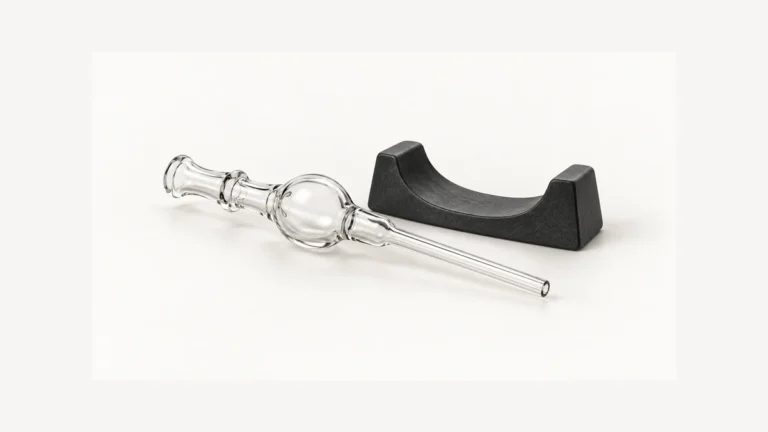
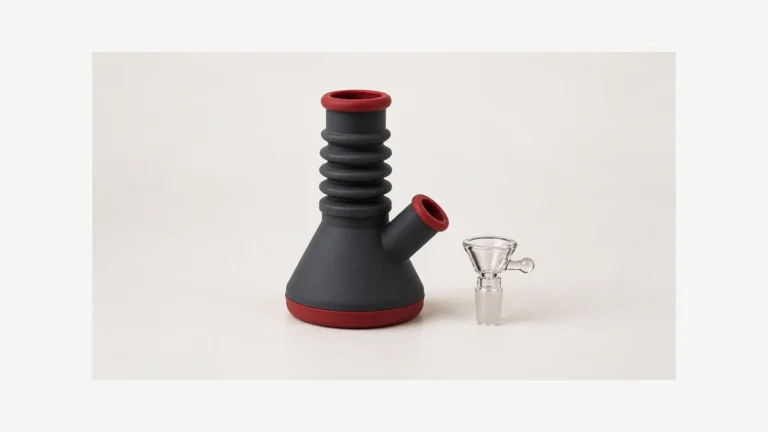
A vape pen cover may be a removable cap or a body sleeve, and the distinction determines which fit questions matter. For an existing device, matching the exact housing and its controls matters more than a similar-looking outline. A cover also cannot establish that a hot or damaged device is safe.
🧢 1. Cap Covers and Body Sleeves Are Not the Same Accessory
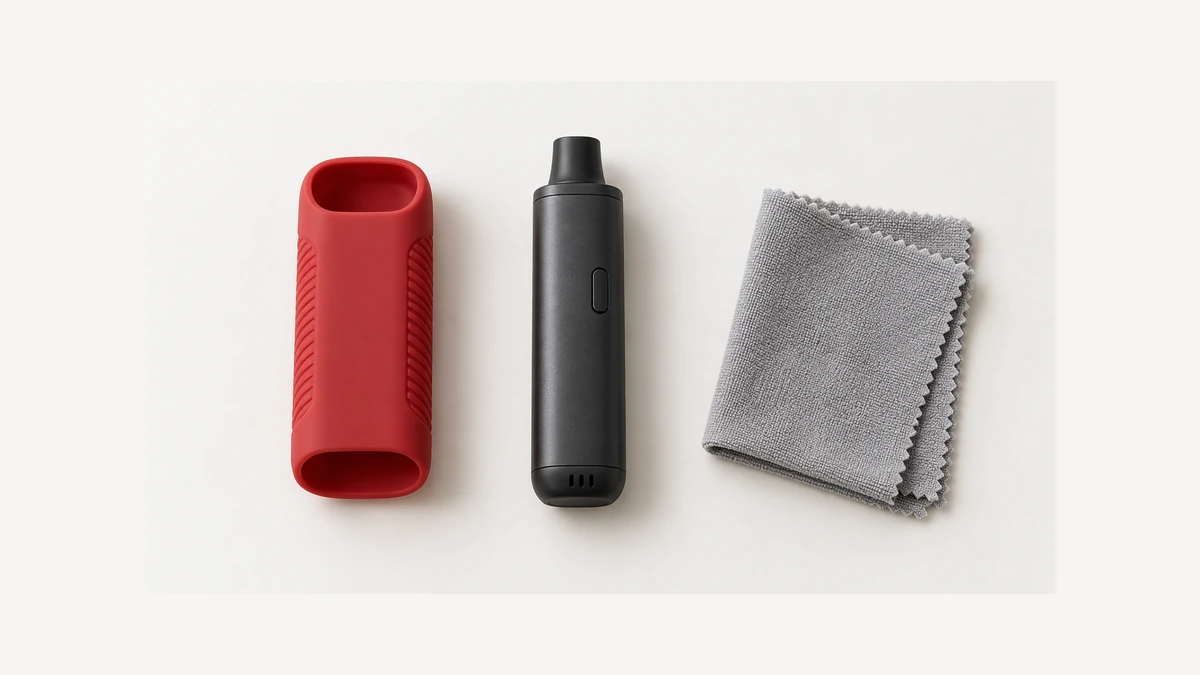
The word cover may describe a cap over the mouthpiece, a skin worn on the housing, or a pouch that encloses the whole device. Start by identifying which one is actually pictured. A mouthpiece cap does not become a body sleeve because both are silicone. A sleeve does not become a sealed travel case because it wraps most of the housing. This is particularly easy to miss in a tightly cropped listing photo, where the bottom of the device and the open end of the accessory are outside the frame.
Healthy Rips’ original protective-cover announcement, for example, describes coverage of the mouthpiece and display. It illustrates the cap category; it does not establish fit on unrelated devices or demonstrate a whole-body skin.
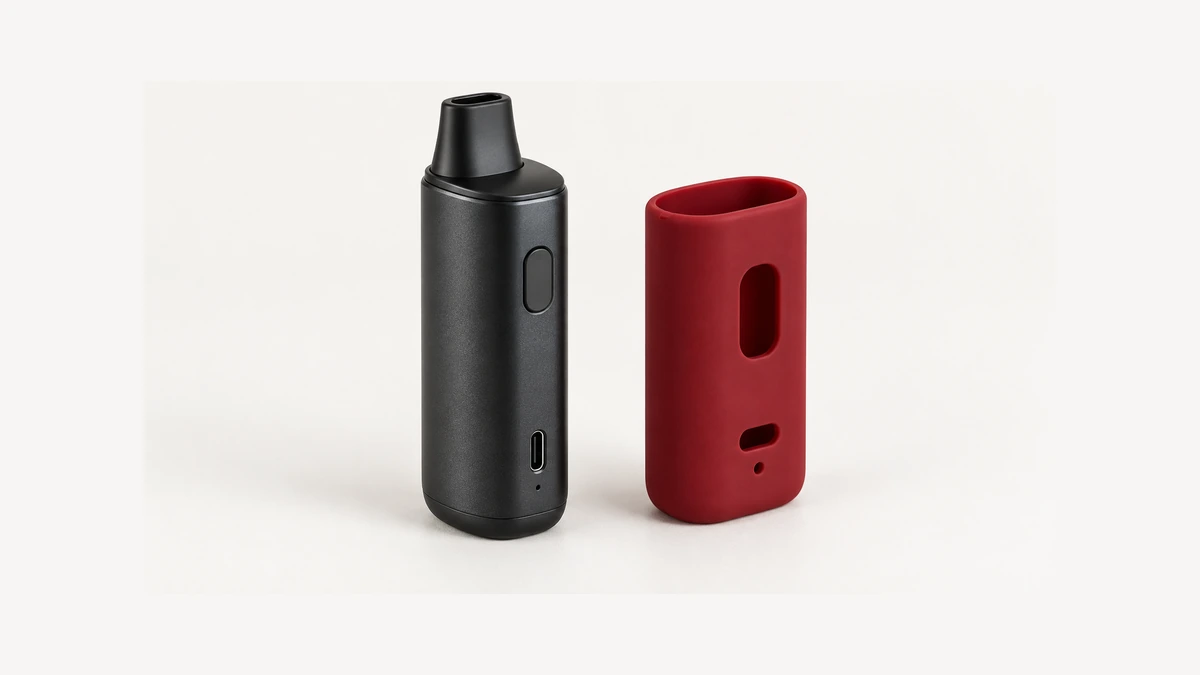
The two designs create different fit questions. A cap needs its intended resting position and removal instructions. A body sleeve must accommodate the features along the housing as well as the top and base. Look at the accessory on and off the device where those views are available. An opening that appears decorative in one photo may be necessary clearance for a control in another. Calling both objects protective does not explain either relationship.
🧩 2. Read the Housing and Its Openings
Read the housing as an arrangement of features rather than as a cylinder. Is there a flat face, a curved shoulder, a door, a removable bottom or a projecting control? Those are observations an owner can make on a cold, unpowered device without guessing at anything inside it. The sleeve’s overall outline is only the starting point. Two accessories may share a similar length while putting every opening in a different place. A comparison needs both the outline and the locations of the features that must remain accessible.
Identify the controls, display, connector and any openings named in the manual. A clear photograph should show how each remains accessible with the intended cover fitted. Do not assume every opening is an air inlet, every thin patch is a button, or every recess is intended to hold a charging plug. A port cutout also needs to accommodate the documented connector without a sleeve edge pushing it sideways. If the accessory instructions are silent about charging while fitted, that silence should not be turned into permission.
Buttonless does not mean that the whole body is an unrestricted place for a wrap. A draw-activated control system can depend on a documented air route, while another device may use a different control arrangement. Do not invent a touch-sensor zone from the absence of a button. Read the actual design’s instructions and compare its named openings with the sleeve. A generic photo cannot tell an owner whether an unidentified hole can be covered, or whether a sleeve from a different control layout is appropriate.
🔁 3. Why a Model Revision Changes Every Cutout
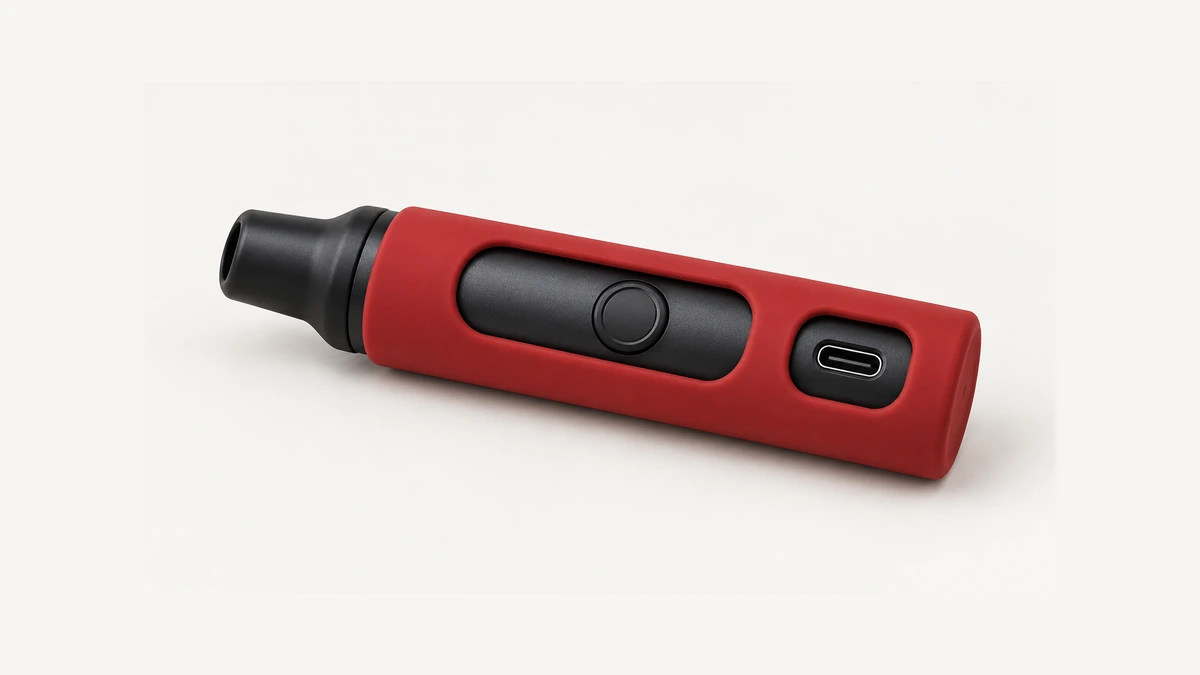
A revision can change the external geometry that an accessory depends on. The relevant distinction is not whether a revision seems minor, but whether compatibility is actually stated for it. A shared family name, matching color or similar photograph is insufficient. Record the model exactly as it appears on the device, including a suffix where present. A sleeve listing that names an earlier version answers a narrower question than a reader who owns a later version may realize. Do not infer that a flexible material automatically makes the two compatible.
Arizer’s own silicone skin accessory page lists compatibility with the Air and Air SE only; it does not list the Air Max, even though the three devices share a family name and a broadly similar outline (Arizer’s Air silicone skin page). Family resemblance is not the same as a matching cutout layout, and an official list is a more reliable signal than a shared name or silhouette.
🔎 3.1 The Family-Resemblance Trap
A common mistake is to check only whether the housing can enter the sleeve. Imagine an otherwise similar revision with a connector on a different face. The old sleeve might surround the body but leave its opening over an unused area. That is not a charging instruction or a reason to bend a cable around the sleeve; it is a mismatch. The same reasoning applies to a display partly hidden by an edge or an access door the sleeve prevents from moving. Fit describes the complete relationship, not just circumference.
This also explains why a stretched-on accessory can be misleading. Material flexibility does not establish that a covered button will stay released, that a sleeve will remain in position, or that an unidentified opening may be obstructed. An owner should not have to trim holes, add tape or stack bands to make a supposedly matched accessory align. Such modifications create a different arrangement from the one documented. Where the exact model is missing from the compatibility information, leave the fit unresolved rather than treating a close outline as approval.
🌡️ 4. What a Sleeve Cannot Promise: Drop, Water or Heat Ratings
A soft exterior is not a tested drop rating. A particular sleeve might have published tests for a named device and configuration, but softness alone tells us none of the conditions or results. Without that evidence, do not promise that the screen, internal battery or projecting mouthpiece will survive a fall. Even a complete-looking skin can leave a protruding part exposed. Claims such as shockproof need more than a photograph of a rubbery surface; they require a defined tested assembly and limits. This article makes no such claim for an unspecified cover.
Nor does a sleeve establish a water-resistance rating or a safe housing temperature. Openings and removable edges need their own design assessment, and an accessory may change how the covered surface exchanges heat. We cannot infer the result or its acceptability for a particular device from the word silicone. A comfortable hand contact is not a measurement of battery temperature. Keep those questions separate: whether the accessory fits, what tested protection it has, and whether the manufacturer permits its use under the intended conditions.
🔥 5. A Sleeve Is Not a Fix for an Overheating Device
A sleeve should not be used to make an unexpectedly hot device easier to keep holding. The source of unusual heat needs attention first; changing what the hand feels does not diagnose it. That is different from following a manufacturer’s instructions for an accessory designed for normal handling. We should not blur the two situations by calling every warm housing a fault, or by calling every accessory an overheating solution. The comparison is with the device’s documented behavior and its existing condition, not with another person’s tolerance for warmth.
In a September 2026 sleeve discussion, an owner asked about a hot housing and replies suggested improvised wraps. Those suggestions are not adopted here. Another discussion concerned scratch protection rather than warmth. The useful insight is that readers can ask for the same accessory while trying to solve different problems; the explanation needs to address the actual concern instead of assuming the word cover identifies it.
The NFPA’s consumer guidance on lithium-ion battery safety is the relevant reference point: abnormal heat, swelling, shape changes, or unusual noise from a battery are signs to stop using it, not conditions to work around with an accessory (NFPA lithium-ion battery safety tip sheet). If a device feels hotter than usual, or looks or sounds different, a sleeve is not part of the response. That’s a separate situation from a device simply running at its normal operating temperature.
❄️ 6. Checking Fit on a Cold, Disconnected Device
Inspect the accessory relationship with the device off, disconnected from external power and cool. Follow the device’s instructions for any routine removable parts; do not open a sealed battery housing for a fit check. The first pass is visual: compare the specified model, the intended orientation and the openings. This keeps a basic accessory question from turning into an unnecessary powered test. If the fit requires forcing the housing or holding a control down, stop rather than trying to make the opening settle into place.
A fitted cover should leave the features identified by its instructions accessible and should not visibly press a control or crowd a connector. Some covers have intentionally molded button areas instead of open holes, so the presence of material over a button is not by itself an error. What matters is the documented design and correct alignment. Check that a display can be read, a door can be accessed as instructed and the sleeve does not migrate over an opening. Avoid assuming that a universal degree of stretch defines correct fit.
For example, a sleeve edge may sit against the side of a button even though the front opening looks centered. Another may prevent a device from resting normally on its base. These are useful observations to photograph while everything is unpowered. They do not require repeatedly pressing an activation button or connecting a charger. Send the accessory maker a clear view of the mismatch and the exact device identification. A seller’s claim that something fits most pens does not resolve a specific interference with the controls or housing.
🧽 7. Cleaning the Sleeve Without Trapping Moisture or Dirt
Sleeves and the housings underneath them should generally be cleaned separately, following whatever the device and sleeve makers each specify, rather than treating the combination as one surface. Removing the sleeve for cleaning also creates a chance to check the interface between it and the housing, which is where problems tend to build up quietly over time.
When the instructions permit removing the sleeve, inspect the previously covered surface as well as the inside of the accessory. Lint around an opening, a damp patch or an edge that no longer sits in the same place is useful to notice. Do not assume dirt is the reason for a changed fit; the accessory could also be damaged or simply incorrect for the device. Record what is visible before reaching for a cleaner. The housing’s care directions and the separate accessory’s directions may allow different materials and methods.
Do not wash the cover while it is fitted to powered electronics or reinstall a damp cover on the housing. Follow the specified cleaning and drying instructions for each component. A sleeve is not a substitute for a separate liquid-damage assessment if the device itself became wet. If the material is torn, tacky, distorted or no longer remains in position, avoid treating extra tape or a tighter wrap as ordinary maintenance. Check the permitted replacement or service route for that accessory instead. No universal solvent concentration or drying time follows from its color or material label.
📦 8. How a Sleeve Differs From Cases and Stands
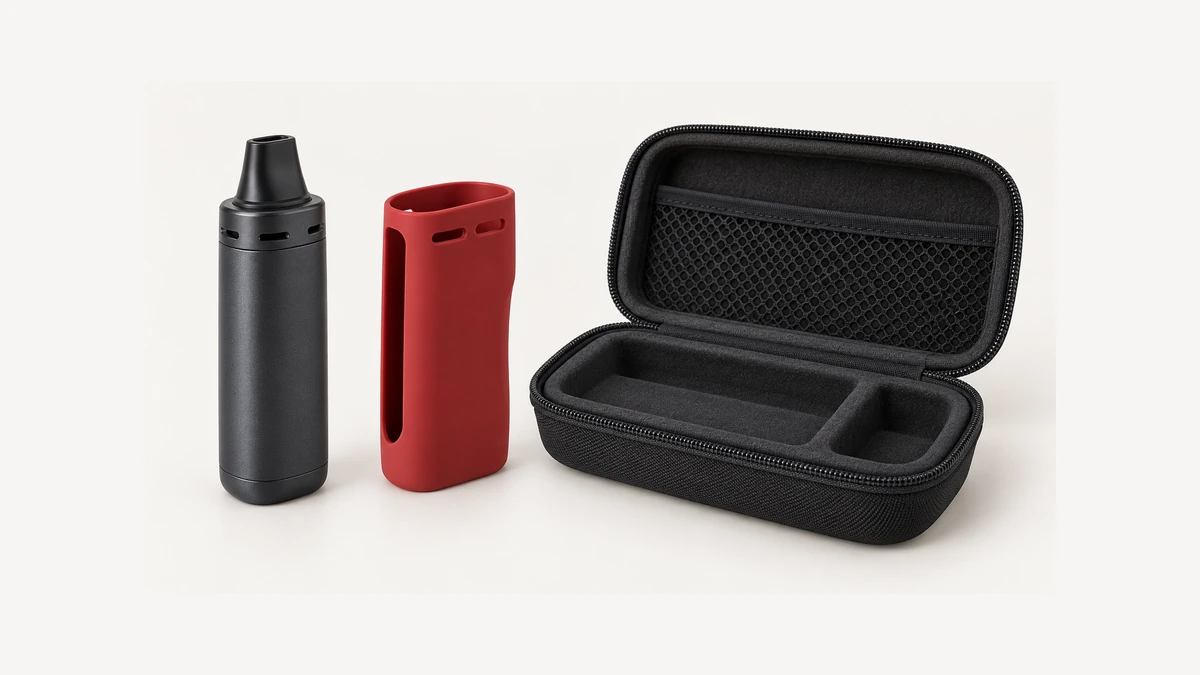
A travel case encloses equipment for storage or transport; a body sleeve stays in contact with the housing. The case’s lining, supports and closure introduce different questions from a sleeve’s control cutouts. Neither label guarantees impact protection. A sleeve can also change the outside dimensions that a fitted case was made to accommodate. That is why an owner’s existing case does not automatically accept the covered device, even if it previously held the bare device neatly. Do not force the lid closed over the changed shape.
A stand serves another purpose entirely: holding the device upright on a flat surface, usually while charging or resting between uses. Fit and clearance matter there too, but for different reasons; a stand needs to leave buttons and ports reachable while the device sits in its cradle, covered in more detail in a separate look at stand fit and button clearance. A sleeve that’s too thick or oddly positioned at the base can actually interfere with how well a device seats in a stand designed for the bare housing, which is one more reason the two accessories don’t automatically overlap in design.
Identify the accessory and exact model together, then compare the documented layout with the cold housing. Deal with abnormal heat, damaged controls or liquid exposure first. A cover’s actual boundaries matter more than an unsupported promise of protection.