A wireless charging vape needs a compatible receiver inside the device. Owning a phone charging pad, a magnetic adapter or a stand does not establish that capability. That is the first distinction to settle before placing unfamiliar equipment on an energized accessory. The practical question is not whether the device can sit on the pad, but whether that exact device and charging system were designed to work together. For an existing owner, the useful explanation starts with the path power takes, rather than with a list of models to buy. A missing cable connection can describe several very different arrangements.
🔌 1. A Wireless Charging Vape Needs the Right Receiver
Three accessories often get mixed together in this conversation: an inductive charging pad, a dock with electrical contacts, and a stand that merely supports the device. Only the first transfers power across the gap without conducting contacts between the two surfaces. A dock may use magnets to position its contacts, while a stand may simply hold a USB cable. None becomes an inductive charger because it looks like a neat desktop cradle. Likewise, the shape of a USB-C port does not define the complete charging system. A cable connector and a separate receiver are different features; each needs its own documentation.
🧲 2. Inductive Receivers: Coils, Coupling, and Alignment
The Wireless Power Consortium explains inductive transfer using a transmitter coil and a receiver coil. The transmitter’s changing magnetic field induces a voltage in the receiver. Relative distance, shape and angle affect their coupling. This explains why the receiving surface and its documented resting position matter; it does not tell us where the receiver sits inside an unspecified vaporizer. A photograph of a smooth body cannot supply that missing information.
Imagine two similar-looking devices beside the same desk pad. One manual identifies a receiving surface and approved charging arrangement; the other describes only a cable. The first has a documented route for the pad’s power. The second has no established wireless capability, even if both bodies are the same size. A flat panel, metal housing or round base is not a receiver specification. Nor should an owner open the enclosure to look for a coil. The sensible comparison is between the exact model instructions and the existing accessory’s identity, not between guesses about what might fit beneath a panel. A body sleeve adds another unanswered question if the manual does not address it.
⚡ 3. Magnetic Contact Docks: Pins, Pads, and Direct Connection
A second arrangement looks similar at a glance but works on entirely different principles. Some devices use small exposed metal contacts — flat pads or spring-loaded pins — on the housing, paired with a matching set of contacts on a cradle or dock. Magnets built into both halves pull the device into alignment so the metal surfaces touch directly. Once contact is made, current flows the same way it would through a cable: through direct metal-to-metal connection, not through a magnetic field crossing an air gap.
Look for the description of the connection, not a rule based on appearance alone. A contact dock needs the specified mating interface: matching the footprint does not establish polarity, contact layout or electrical compatibility. An inductive accessory may also have decorative metal, magnets or a cable socket elsewhere, so a smooth top is only a clue. In either case, the manufacturer should identify the intended relationship. Do not bridge exposed contacts, press an unrelated magnetic tip into place or use a decorative ring as evidence of compatibility. These are identification questions; an electrical experiment is not necessary to answer them.
🪑 4. Unpowered Stands and Display Docks: No Power Transfer at All
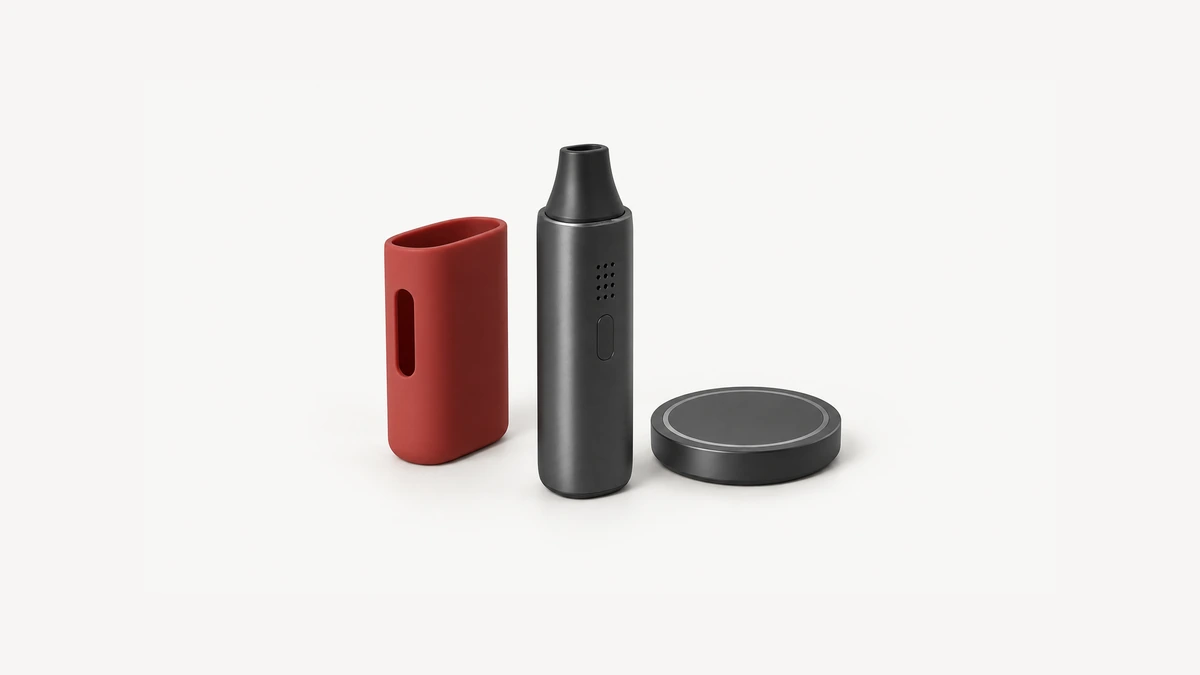
The third category supplies no electricity whatsoever. Many desk stands, display cradles, and travel docks exist purely to hold a device upright, keep it stable on a flat surface, or route a charging cable neatly out of the way. These accessories can look almost identical to an inductive pad or contact dock from a short distance — a disc or tray with a cutout shaped to the device — but they contain no coil, no contacts, and no internal electronics.
Consider a stand with a USB cable threaded through its base. The base can keep the device upright while the cable still connects directly to the device’s port. Remove that cable and the stand has no established power function. Another stand may conceal a manufacturer-specific dock, which makes its documentation important rather than making every similar stand a charger. A useful description names both jobs separately: what supports the device, and what supplies its power. Photos that hide the back of a cradle often leave the second job unclear. That is a missing detail to resolve, not proof of a wireless feature.
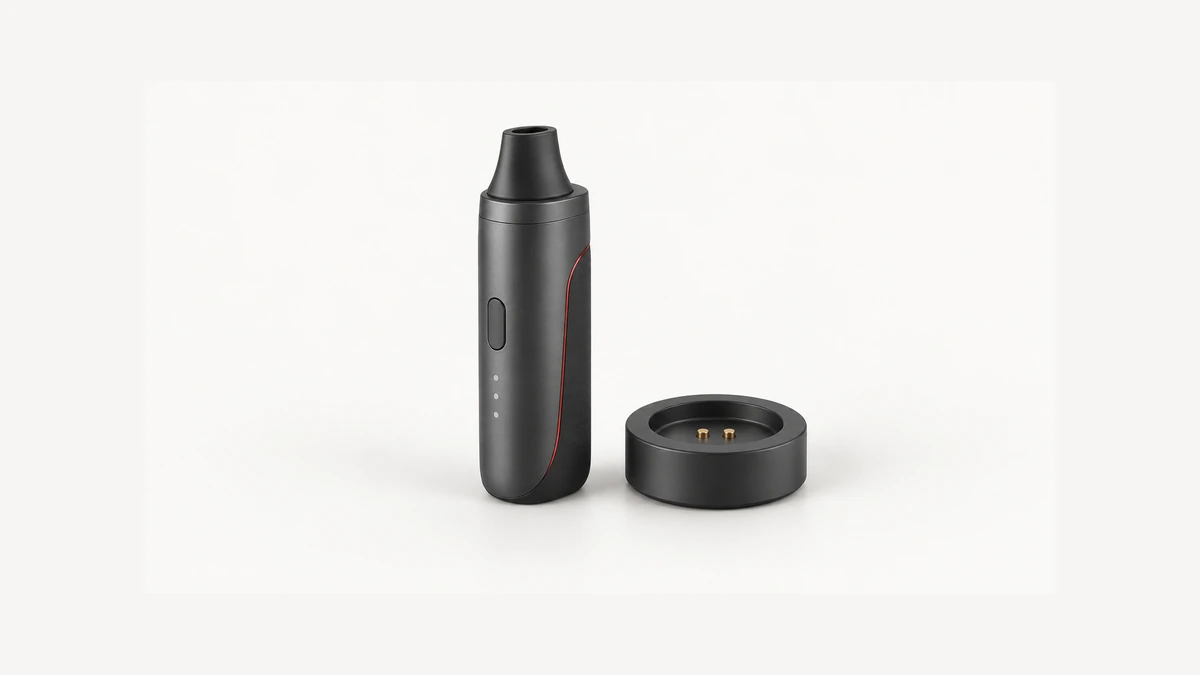
🔍 5. Reading Your Device: Indicators, Labels, and What to Check Before Assuming Compatibility
A product’s exact identity matters more than a generic wireless label. The WPC’s certification guidance distinguishes Qi Certified products from claims such as Qi compatible and directs readers to its product database. Check the named model rather than assuming a whole brand or product family has the same status. This is a way to verify a particular claim, not evidence that any AOVAPE device is certified, or that an unspecified charger is appropriate for it. A claim that cannot be matched to an exact product should remain unverified.
Start with information already available without powering or dismantling anything: the model and revision on the device, the manual’s charging section, and the pad or dock’s own model identification. Compare those references before interpreting lights. If the documented system provides a charging indicator, use the manual’s definition of that indicator, rather than assuming every illuminated pad is reporting battery charge. An accessory may have its own status light whose meaning differs from the device’s. An unclear symbol should remain unclear until its instructions resolve it. A bundle photo, a seller’s use of the word magnetic, or an online comment about a different revision cannot fill that gap.
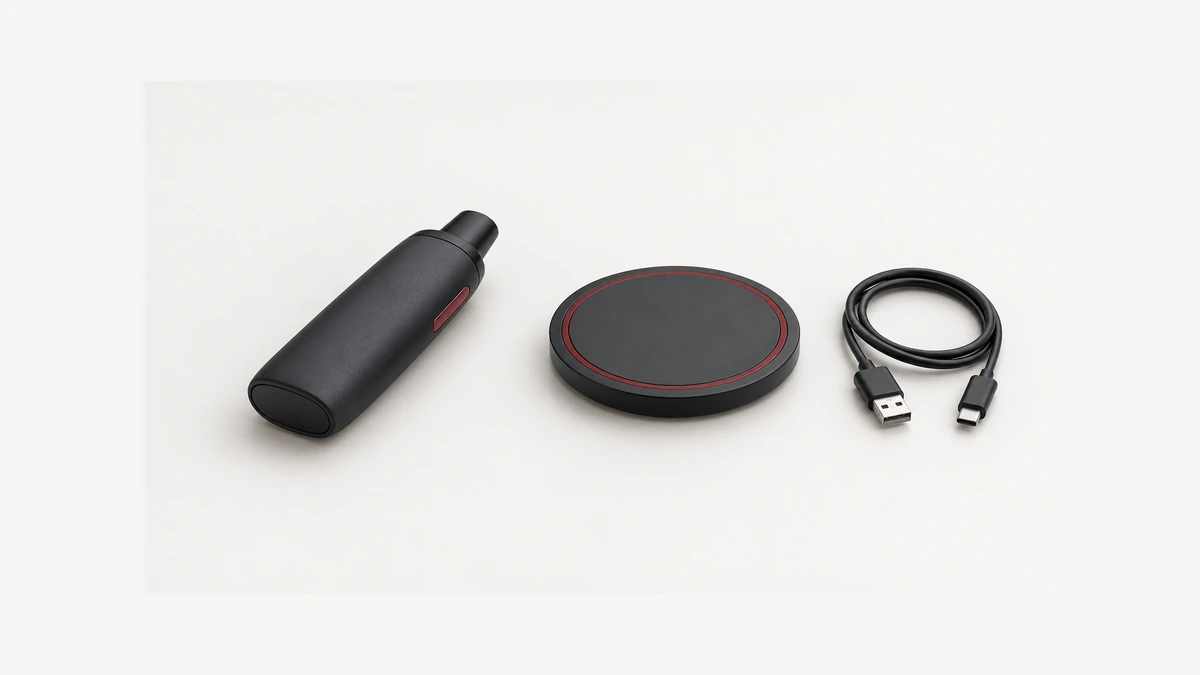
For example, a charging mat may sit next to a cable-routing stand on the same desk. Both have a power cable nearby, yet only their documentation explains where that cable terminates and what the accessory supplies. Naming the objects separately prevents a photograph of the arrangement from becoming a false specification for the device resting there.
🔄 6. Why This Is Not Pass-Through Charging or Induction Heating
Pass-through charging concerns whether a device permits operation while connected to a charging supply. That label alone does not establish whether operating power comes directly from the supply, through the battery, or through a managed combination. It also says nothing about an inductive receiver. These are separate design questions: how energy reaches the device, how its electronics manage that energy, and whether connected operation is allowed. A wireless-capable device should not be treated as permitting simultaneous operation just because a cable-based device does. Reading the terms separately prevents a convenience feature from becoming an unsupported power-management assumption.
Induction heating has a different purpose again. A system described as an induction heater uses an electromagnetic arrangement to produce heat in its intended workpiece. A wireless charging system delivers electrical energy to a receiver and its charging electronics. The shared word induction does not make the two accessories interchangeable. A device’s heating method therefore cannot establish its battery-charging interface. Neither can a claim about the material of its chamber or cup. Keep the heating assembly, charging receiver and supporting base distinct when reading diagrams; they answer different questions about the same overall device.
Keep the original accessory identification with the device instructions if several similar bases share a drawer. A note of the exact model is enough; do not rely on whichever cable happens to fit its socket. The purpose is to preserve an already documented relationship, not to discover compatibility by cycling through combinations until a light turns on.
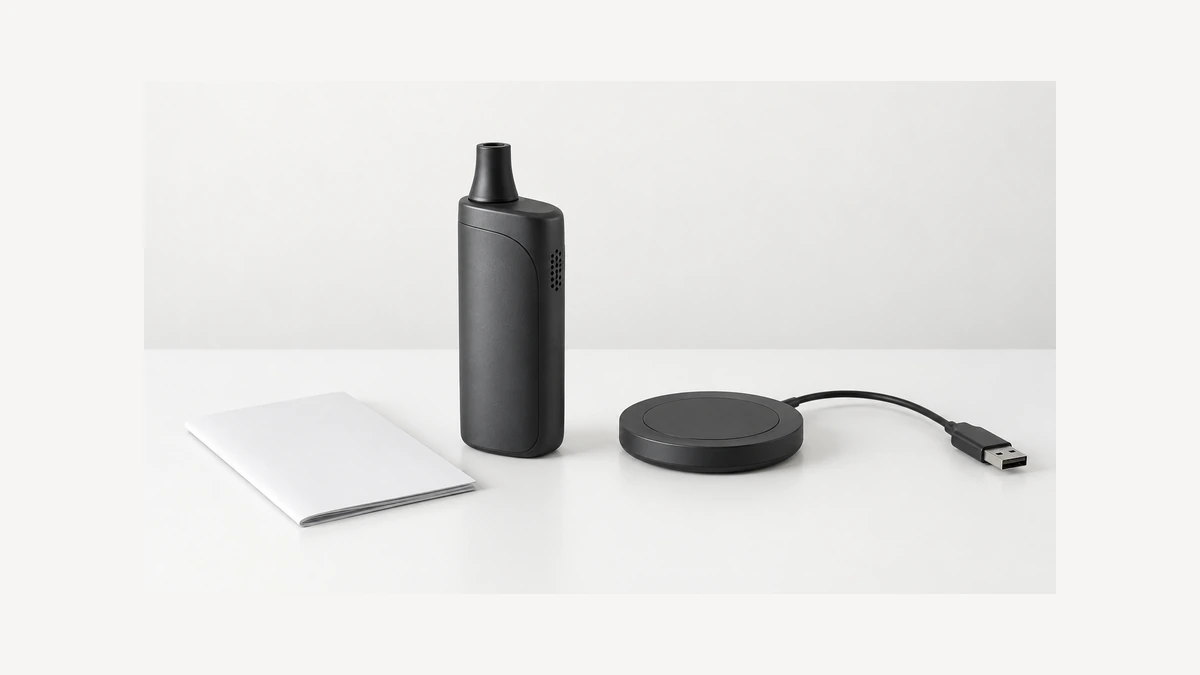
🛠️ 7. A Damaged Port and the Temptation to Treat Wireless as a Fix
A 2024 Reddit discussion illustrates why these distinctions matter: an owner described interest in wireless charging after a USB port failed. The replies also distinguished an inductive system from a proprietary magnetic contact charger. That is a useful question to investigate, but the thread cannot establish that continuing to charge a damaged device is safe. It gives us the reader’s problem, not an inspection result. An account of a device continuing to work should not be rewritten as a general recovery method for another owner’s damaged port.
If a connector has become loose, detached or unreliable, do not use another charging route as a way to test whether the rest of the device survived. An intact receiver, if present, does not establish the condition of the battery or adjacent electronics. We cannot infer the internal fault from the opening alone. Photograph the existing damage without inserting tools, stop charging, and ask the manufacturer how that specific unit should be assessed. Describe what happened before the failure, including a fall, snagged cable or liquid exposure if one occurred. The distinction is straightforward: supported wireless capability describes the original design; repair clearance concerns the present condition. One cannot substitute for the other.
📋 8. Placement, Expectations, and the Limits of a Charging Pad
For intact equipment with a documented compatible system, follow its specified receiving position and charging conditions. Do not invent a universal center point, pressure requirement or distance from a generic photo. The US FDA’s ENDS battery guidance emphasizes manufacturer instructions and a clean, flat, visible charging surface away from easily ignited materials. That advice does not approve a particular wireless combination. A desk arrangement should make the real device and its documented indicator visible, rather than conceal both under a cover. If the instructions require removing a sleeve or other accessory, the illustration of a covered device elsewhere is not a reason to ignore that requirement.
A charging pad is not an extra battery inside the handheld device. Its presence on the desk does not establish a runtime figure, battery-health benefit or faster charge. The pad itself also needs its specified power source; wireless describes the pad-to-receiver interface, not an absence of supplied power. Compare any performance figure only when the manufacturer states the conditions for that exact system. A phone pad’s advertised maximum is not automatically the power an unrelated receiver accepts. Avoid stick-on receiver conversions and other improvised additions: a new external part is not evidence that the original charging design supports it.
Before deciding what an existing pad can do, finish one short sentence accurately: this exact device receives power through this documented interface. If the answer is a cable or contact dock, keep that description even if the accessory looks wireless from across the room. If the answer is an inductive receiver, retain the specific charging instructions alongside the pad’s identification. Where either identity is missing, leave the combination untested until it is clarified. This gives an owner something more dependable than a yes-or-no guess based on shape: a clear explanation of what connects, what merely holds the device, and which uncertainty still needs resolving.