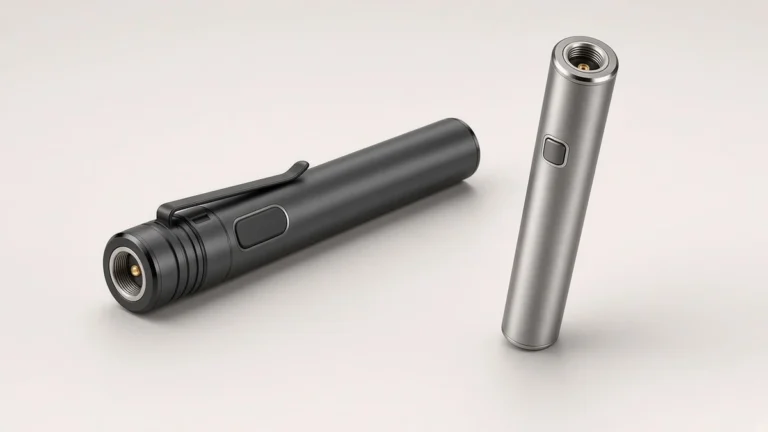
A 510 battery that is fired with a button still has to say where that button sits. On some versions the fire control is on the end of the body, often in the end cap opposite the 510 well. On others it is on the side of a pen barrel, or on the face or side of a box-style body. Those two location families are easy to collapse into a single catalog phrase such as “button activated,” “push-button battery,” or “single button.” They should not be. An end button and a side button are different placements. A brief that names only an activation family, or only a button count, is incomplete if it does not say where the fire control is, and on which version.
That distinction is not the same as whether the battery is button-fired or draw-activated, and it is not the same as how many buttons the version uses, or what a click sequence does. Button or Draw-Activated: How a 510 Battery Is Fired already identifies the activation family. One Button or Separate Voltage Keys: How a 510 Battery Is Controlled already treats the control layout. Five Clicks or Three Clicks: What a 510 Battery Sequence Is Changing already treats click sequences. This guide does not retell those subjects. It stays on two location families that still have to be named on their own: the end button, the side button, and what a listing photograph cannot prove.
🔎 1. The End Button and the Side Button Are Not the Same Location
The first cut is simple. An end button is a fire control the version places on the end of the body, usually in the cap at the end opposite the 510 well, or in another documented end face. A side button is a fire control the version places on the side of a pen barrel, or on the face or side wall of a box-style body. One is reached at the end of the device. The other is reached on the long side or the front of the body. They are different locations, and they are not interchangeable labels.
A “button activated” label does not identify an end button. A “single button” label does not identify a side button. A photograph of a finger-ready barrel does not prove where the control sits if the end cap or the side wall is hidden. Two batteries can share the same click sequence and still differ on button location. Do not assign both locations from one activation phrase.
A draw-activated battery may have no fire button at all. That absence is not an end-button specification, and it is not a side-button specification. Button or Draw-Activated: How a 510 Battery Is Fired already treats that family. This guide does not retell it. It only asks the buyer to write the fire-control location as its own line when a button is part of the version, including whether that location is the end, the side, or another documented placement.
🏷️ 2. A “Button Activated” Label Is Not a Complete Firing-Control Specification
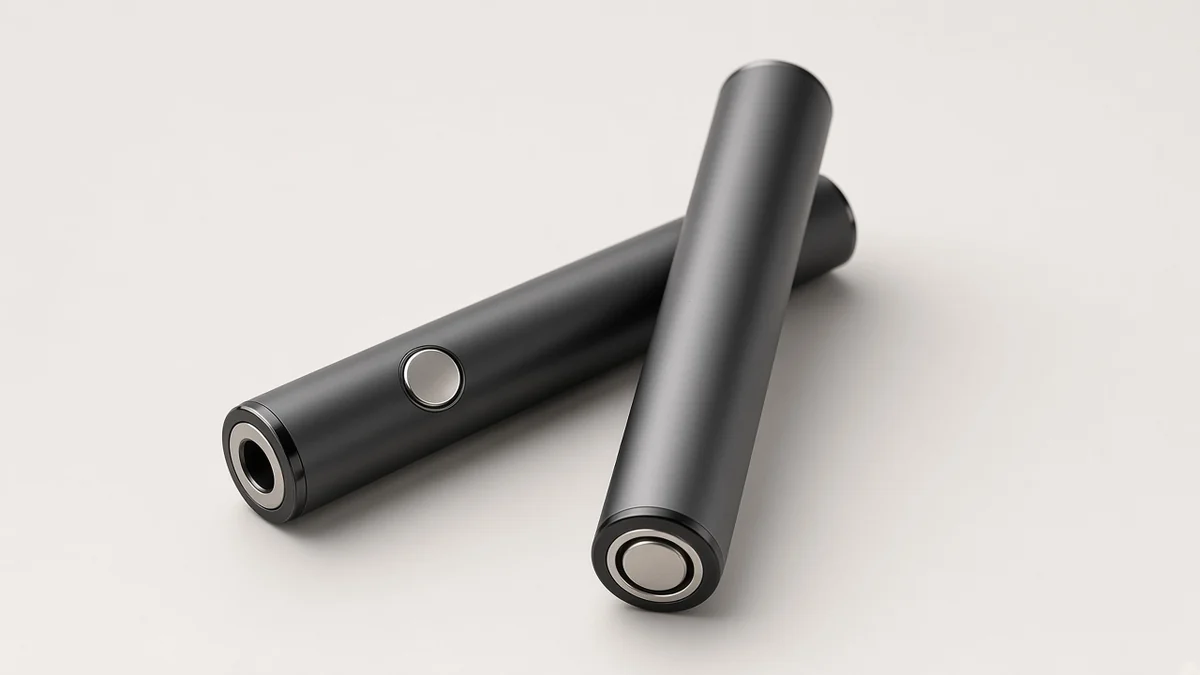
“Button activated,” “push-button,” “single button,” and “fire key” are starting labels, not finished firing-control specifications. Activation family tells you that a button is involved. It does not tell you where that button sits, whether a second control shares the same face, or whether the end cap is a button, a charge port, or only a cap. Two batteries can share a single-button layout and still differ on whether that button is on the end or on the side.
A click-sequence claim is also incomplete on its own as a location. Five Clicks or Three Clicks: What a 510 Battery Sequence Is Changing already identifies what a documented click sequence does. That sequence can be used on an end-button battery or a side-button battery. The sequence is not the location. One Button or Separate Voltage Keys: How a 510 Battery Is Controlled already treats whether voltage is changed with the same button or with separate keys. Control layout is useful context, not a substitute for naming where the fire control sits.
Custom Vape Pen Design: Button Placement, Shell Clearance and Hand Fit already treats a different design question: how a button sits in a custom shell, including clearance and grip. That article is not a location family for a stock fire control. Pen Body or a Box Battery: How a 510 Battery Is Shaped already identifies body shape. A box body often puts the fire control on a face or a side, but the shape is not, by itself, a button-location specification. If the listing says only “button battery” or “one-button pen,” write that wording down and ask where the fire control sits on the exact version.
🧩 3. Identifying the End Button on a Sample and a Drawing
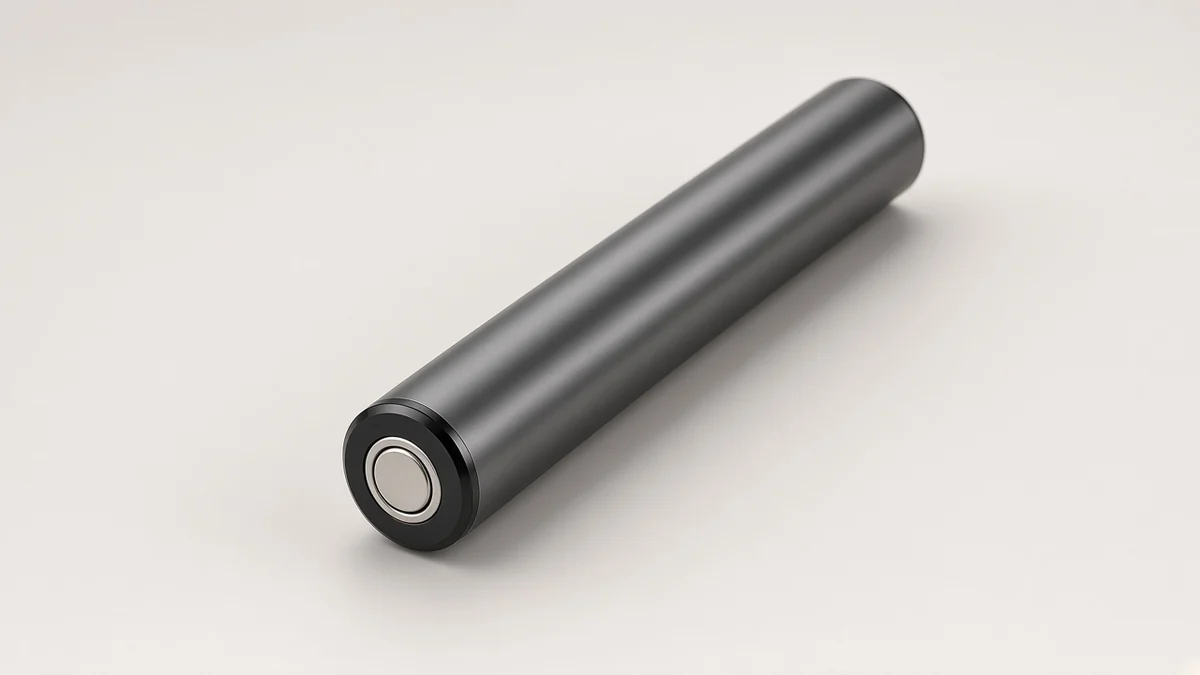
A sample in the hand is the right place to look for an end button. Turn the battery so the end opposite the 510 well faces you. An end-button version places a pressable control in that end cap or end face. Record whether that end is a fire button, a charge-port cover, a flat cap, or another documented part. Do not assume that every end cap is a button, and do not assume that a charge port on the end means the fire control is there too.
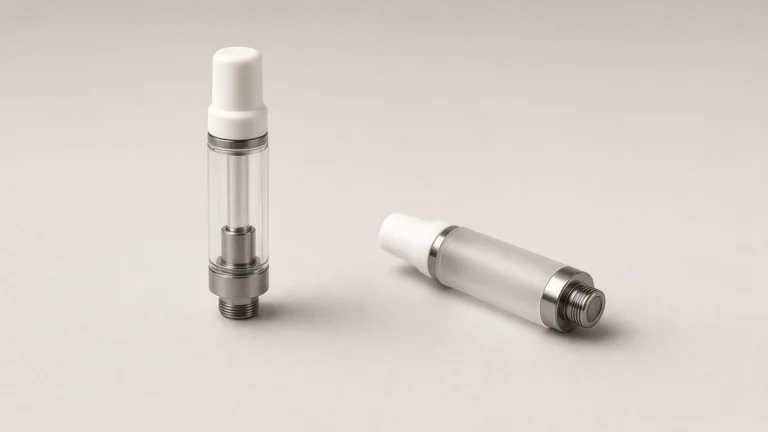
Bottom Port, Side Port, or Under-Cap Port: Where a 510 Battery Accepts a Cable already treats charger-port location. A bottom charge port is not an end fire button. The two can share an end cap, or they can be placed independently. Record them as separate facts. The 510 well itself is also not a button. The well is where the cart threads in. Do not confuse the well end with the fire-control end.
If the drawing names an end fire button, write the wording and the revision down, and confirm it on the sample. If you only have a listing photograph that hides the end cap, you may not be able to finish the identification. Record that limit. Ask for a sample and a drawing that show the end of the body before an end-button location is written into a brief as present, absent, or shared with a charge port.
📐 4. The Side Button Still Has to Be Named as Its Own Location
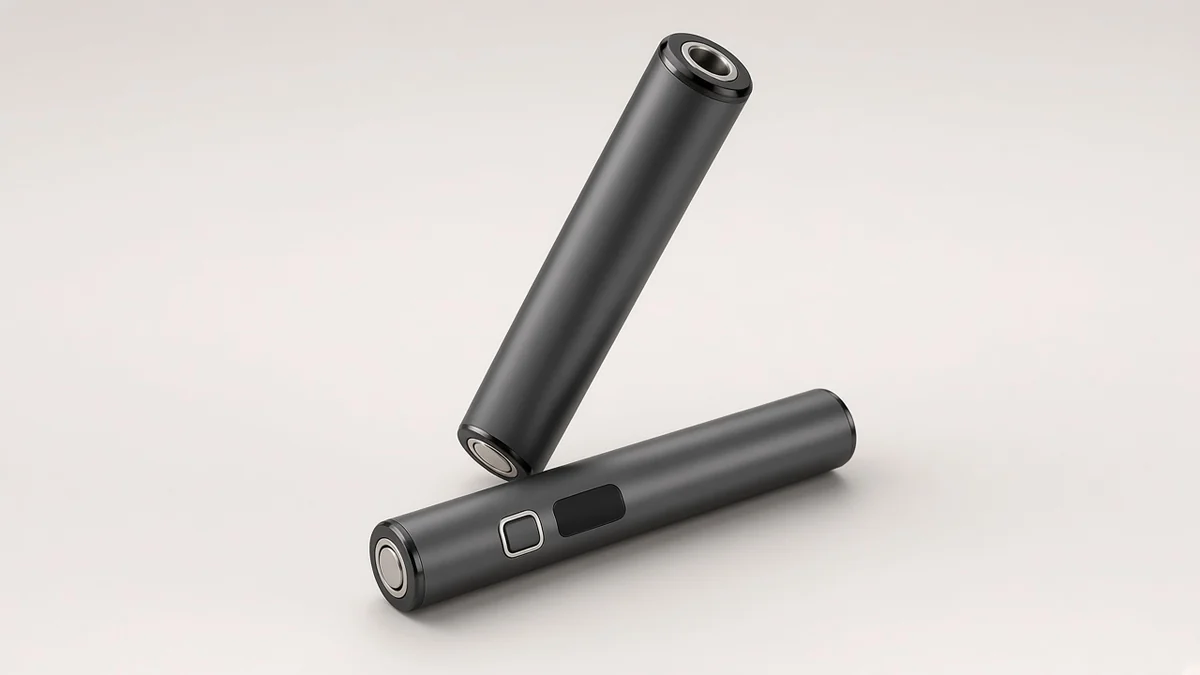
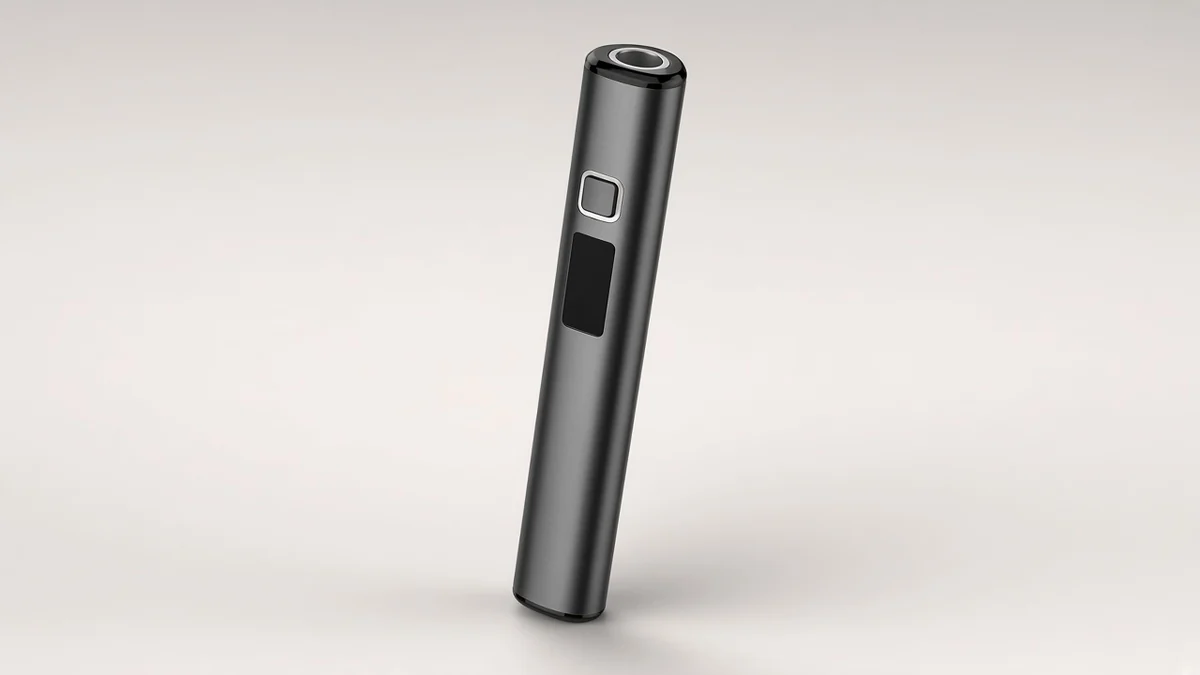
Once the end of the body is recorded, the side location still has to be named if a fire control sits there, or recorded as not used. A side button is a control on the barrel of a pen-style battery, or on the face or side wall of a box-style battery. It is reached along the body, not on the end cap. A “side button” nickname is still only a starting label until the drawing or the sample shows which face it occupies, and which control it is.
Pen Body or a Box Battery: How a 510 Battery Is Shaped already treats body shape. Shape is useful context because a box body has faces that a slim pen does not, but the shape does not finish the button location. A pen can have a side button. A box can have a face button that is still a side-location family, not an end-cap button. Write the actual placement.
If the version uses both an end control and a side control, name both and say which one is the fire control. If the sample and the drawing disagree—if a sample has a side button and the drawing shows only an end cap control—stop and confirm the revision before the location is treated as approved. Click sequence, lock behavior, and activation family remain different identifications and are not settled by the button’s place on the body.
📷 5. What a Listing Photograph Can Hide
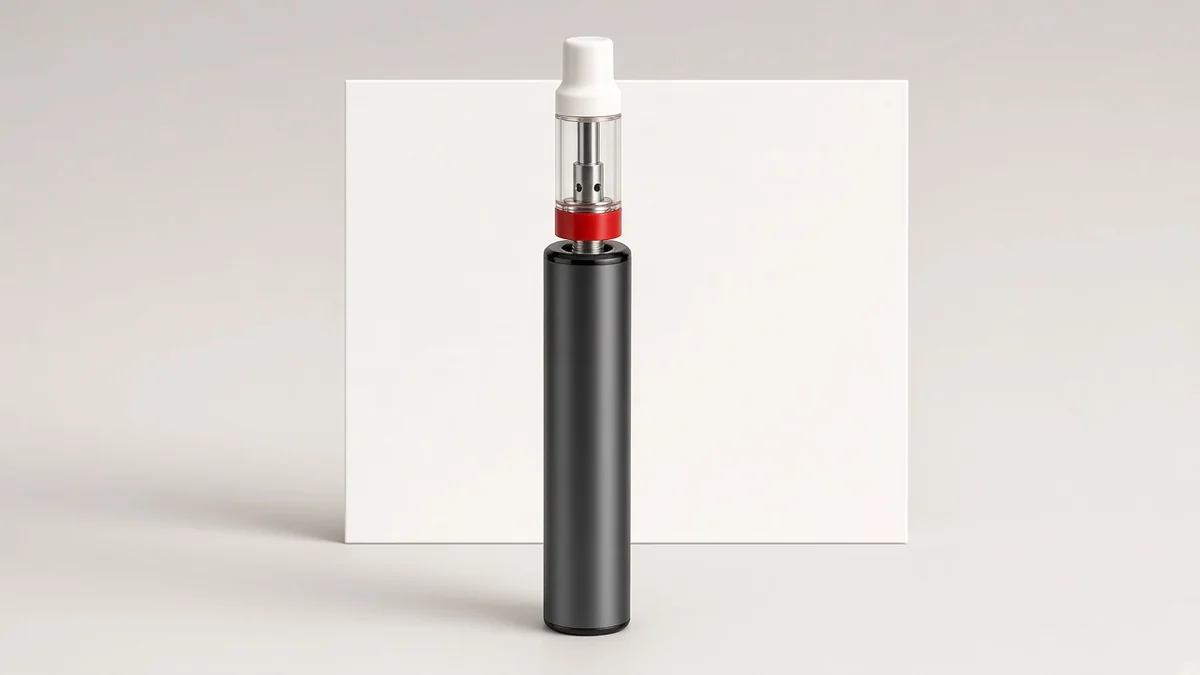
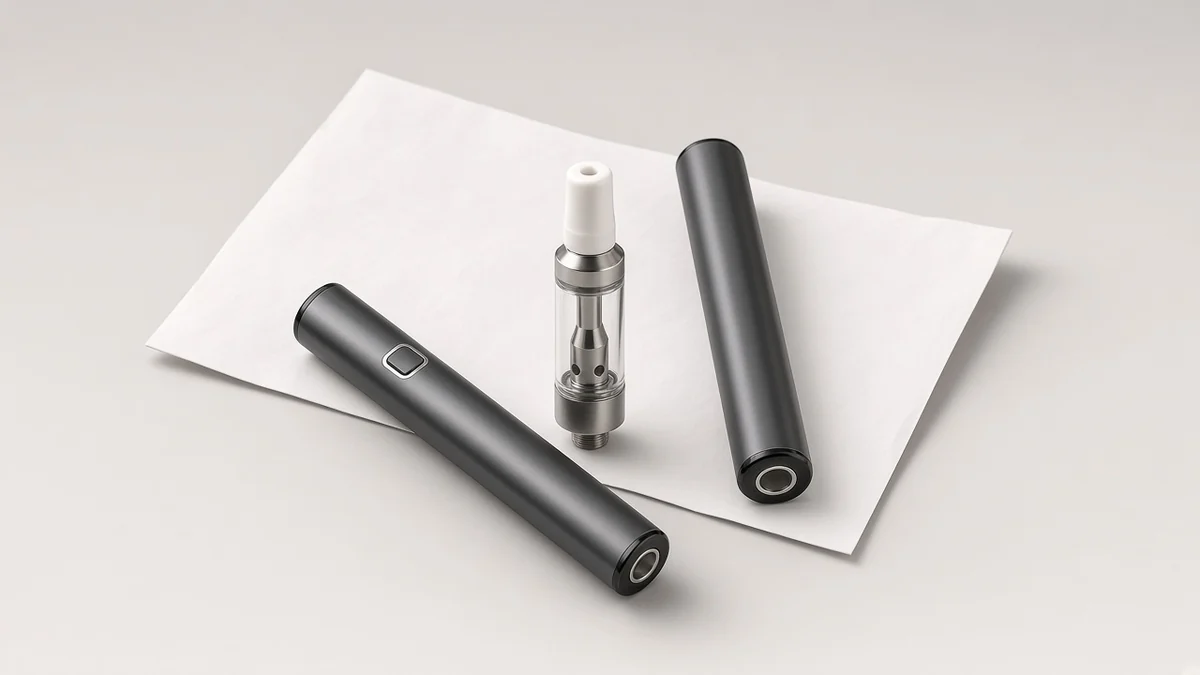
A listing photograph is a poor place to finish a button-location specification. A standing beauty shot can hide the end cap completely. A side-on shot can hide a face button on a box, or crop the barrel so a side button is out of frame. A cart seated in the well can draw the eye to the top of the battery and leave the fire control unseen. A dark body and a dark button can also disappear into the same surface.
The photograph is also the wrong place to borrow a location claim. A marketing image that says “easy fire button” or “one-button operation” does not identify the end or the side. Those assignments come from the sample and the version drawing. If the listing says “push-button 510 battery” and shows only a cart on a standing pen, write the location down and request a view of the end cap and the side of the body, plus the documented fire-control placement.
✅ 6. What to Check on a Sample, a Drawing, and a Brief
A one-line description a team can reuse should name the fire-control location and should keep that location apart from activation family, click sequence, and control layout. Example: “510-thread battery; fire control on the end of the body or on the side of the barrel or box as named on the version drawing or sample; activation family, click sequence, and control layout are documented separately.”
On the sample:
- Look at the end opposite the 510 well and record whether that end is a fire button, a charge port, a cap, or a combination of documented parts.
- Look along the barrel or box faces and record whether a fire control sits there.
- Do not treat a charge port, an LED window, or a voltage key as the fire button until the version documentation names that part.
- Record whether the battery is draw-activated with no fire button, because that absence is not an end-button or side-button specification.
On the drawing and the current brief for that exact version:
- Record the fire-control location, the revision, and which control is the fire control if more than one button is present.
- Keep activation family, click sequence, lock functions, and custom shell-clearance notes in separate lines.
- If the drawing and the sample disagree, stop and confirm the revision before writing a location.
On the listing:
- Treat “button activated,” “push-button,” and “single button” as labels to reconcile with the actual location.
- A button shown for a named catalog example is that page’s documentation, not a default for the next battery in the same photograph style.
Questions worth sending with a sample request:
- Does this exact version place the fire control on the end of the body, on the side or face of the body, or in another documented location?
- If an end cap is present, is it a fire button, a charge-port cover, or only a cap?
- If more than one button is present, which one fires the battery?
- Which revision do the quotation and the sample cover, and does the fire-control location match that revision?
- If the listing says only “button activated,” where is the fire control actually specified for that project?
❓ 7. Short Answers a Brief Can Reuse
❓ 7.1 Identification Questions
What is an end button on a 510 battery?
It is a fire control the version places on the end of the body, usually in the cap or face opposite the 510 well. The end cap is not automatically a button; it may be a charge-port cover or only a cap.
Is a side button the same fact as an end button?
No. A side button sits on the barrel of a pen-style battery, or on the face or side wall of a box-style battery. The two locations have to be identified separately.
Does a “button activated” or “single button” label complete the firing-control specification?
No. Activation family and button count are starting labels. They do not, by themselves, say where the fire control sits on the body.
Is button location the same thing as a click sequence?
No. A documented click sequence can be used on an end-button battery or a side-button battery. The sequence and the location have to be identified separately.
Does a draw-activated battery have an end button or a side button?
Not by default. A draw-activated version may have no fire button at all. That absence should be recorded as the activation family, not guessed as a hidden end or side button.
Can a listing photograph settle the button location?
It can support an identification if the end and the side of the body are both visible, the fire control is clearly placed, and the sample matches the drawing. It often hides the end cap or crops the side. Confirm the location on a sample and in the version documentation.