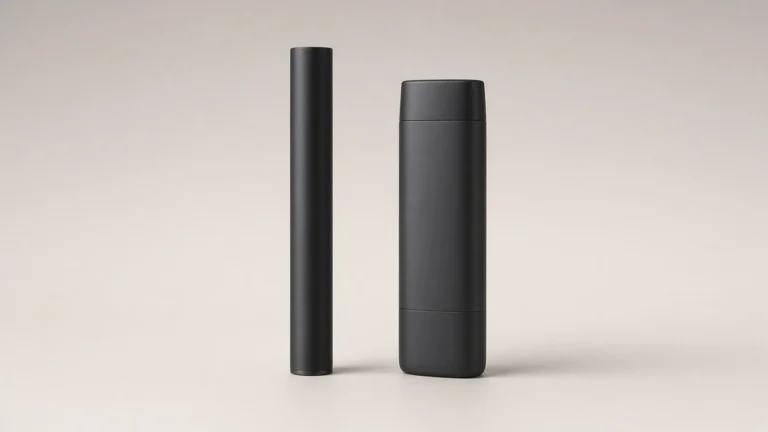
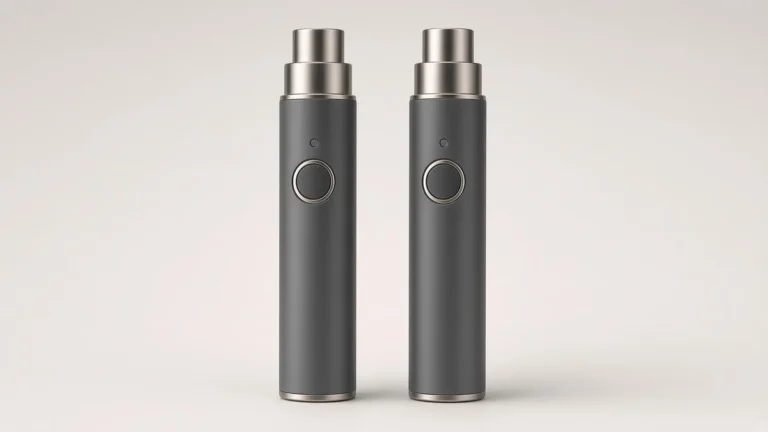
A 510 battery has to give the user a way to turn the device on, fire it or enable a draw, and — if the output is adjustable — change a setting. Those jobs are not always assigned to the same physical control. On some pens, a single button is asked to carry power, fire, voltage steps, preheat, and a lock. On others, a fire or power button is paired with separate keys, a twist ring, or screen controls that change the setting. Two batteries can share a similar outline and still be laid out differently. The useful identification is which controls are present on the exact version, and which job the manual assigns to each one.
That distinction is easy to collapse into a click count. It should not be. Five Clicks or Three Clicks: What a 510 Battery Sequence Is Changing already treats sequences as version-specific maps, not a shared language. Button or Draw-Activated: How a 510 Battery Is Fired already treats firing method as a separate identification. The present guide stays on the board layout: is there one control doing several documented jobs, or is voltage (or another setting) given its own control? A listing photograph that shows a single button does not prove there is no second key, and a familiar five-click power-on from another model does not assign the rest of the keys on this one.
🔎 1. Control Layout Is Not Firing Method and Not a Universal Click Map
The first cut is simple. How many physical controls a battery has, and which job each control is documented to do, is a layout question. Whether the device fires from a button or from a draw is a firing-method question. What a particular click count changes is a sequence question. Those three identifications can live on the same device, but they are not interchangeable.
A one-button battery can be button-fired, draw-activated, or both. A battery with plus and minus keys still has to be fired by whatever method its manual describes. Naming the layout does not name the fire method, and naming a five-click power-on does not, by itself, say whether voltage is changed on the same button or on a second pair of keys.
Travel Lock or Voltage Lock: What a 510 Battery Manual Is Describing is the place to take a lock, a power-off, and a voltage-setting hold as separate functions. Adjustable-Voltage 510 Battery: Controls and Compatibility is the place to take the relationship between a voltage setting and cartridge resistance. The present guide does not retell either subject. It only asks the buyer to see the controls before borrowing a sequence or a voltage habit from a different board.
On a one-button 510 battery, a single switch is often the only user control on the body. The manual for that version may still assign that switch more than one job: turn the device on or off, fire it, cycle a voltage preset, start a preheat, or enter a lock. Those jobs are documented as sequences on that version. They are not a reason to assume that every one-button battery uses the same map.
The identification step is therefore modest, and it should stay modest. Count the user controls on the sample. If there is only one button, write that down, then open the manual for that exact version and list the jobs it assigns to that button. Do not fill gaps with a sequence remembered from another pen, and do not invent a color-to-voltage legend. If the manual uses colors as indicators, 510 Battery Voltage Colors: Designing a Clear Legend for a Custom 510 Battery is the place to think about legends; this guide does not supply one.
A one-button layout is also not a finding that the output is fixed. Some one-button batteries are single-voltage. Some use the same button to step through presets. Which of those is true is a documentation question, not a silhouette question.

➕ 3. Separate Voltage Keys and Other Split-Control Layouts
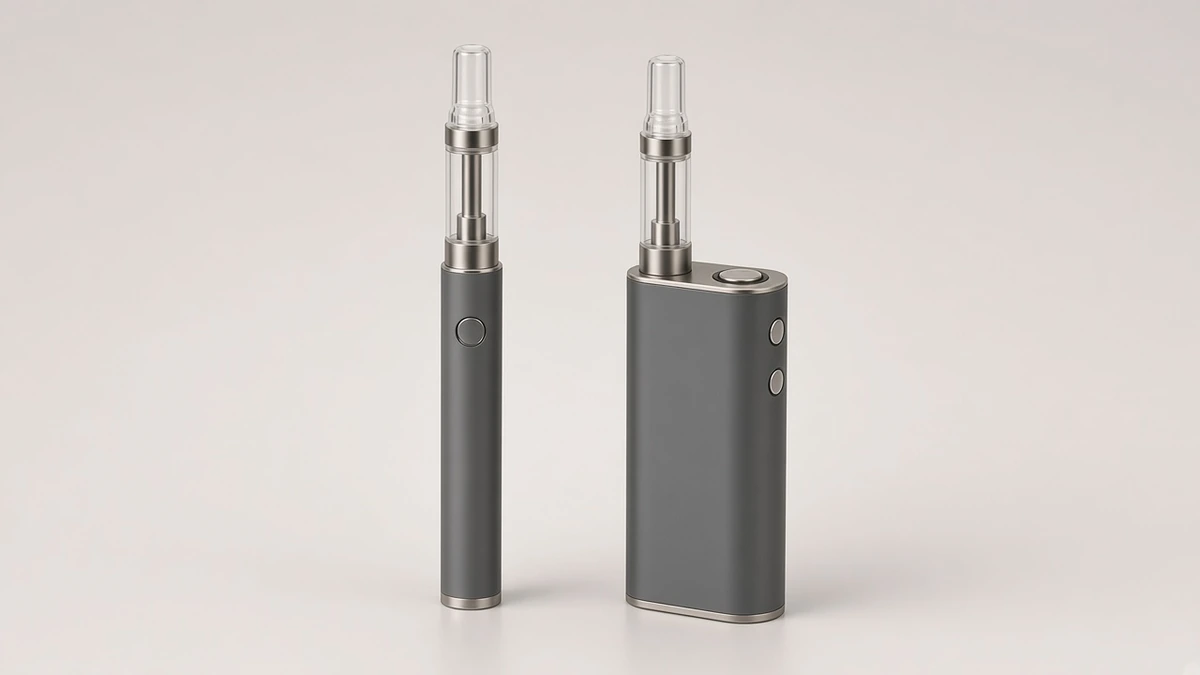
On a split-control layout, the fire or power control is not the only key. A second control, or a pair of keys, is dedicated to changing a setting. The useful identification is to name those controls and then read the jobs the manual assigns to each one, rather than assuming that every extra key is a voltage step.
An official Yocan page titled "How to use Yocan Uni Pro?," opened for this research at yocan.com, is a named example of a split layout on a 510 cartridge battery, not a map for other boards. That page instructs the user to turn the device on by pressing the power button five times quickly; to choose voltage by pressing the left (-) and right (+) buttons, and states a 2.0V to 4.2V range for that product; to press the power button twice for a preheat mode, which the page describes as a 10-second heat cycle; and to press and hold the power button to start vaping. Those sentences are useful as a control-layout illustration: this version gives voltage its own keys and still uses the power button for on/off, preheat, and fire. They are not a specification for any other 510 battery, and they are not treated here as a performance result.
The same page should not be borrowed for housing, adapter clearance, or diameter fit. Those questions are already treated, for this product family, in CCELL Palm Pro vs Yocan UNI Pro: 510 Battery Housing and Adapter Design. Screen behavior, if the version has a display, belongs in the existing digital 510 battery and display guides, not in a reused click story.
When a sample has more than one key, a buyer should be able to point to each control and say, from the manual, whether it is the fire or power control, a voltage or menu control, or something else. If the manual and the sample disagree, stop and reconcile the version before writing a brief around a remembered sequence.
🎛️ 4. A Twist Ring or Screen Keys Are Still Controls
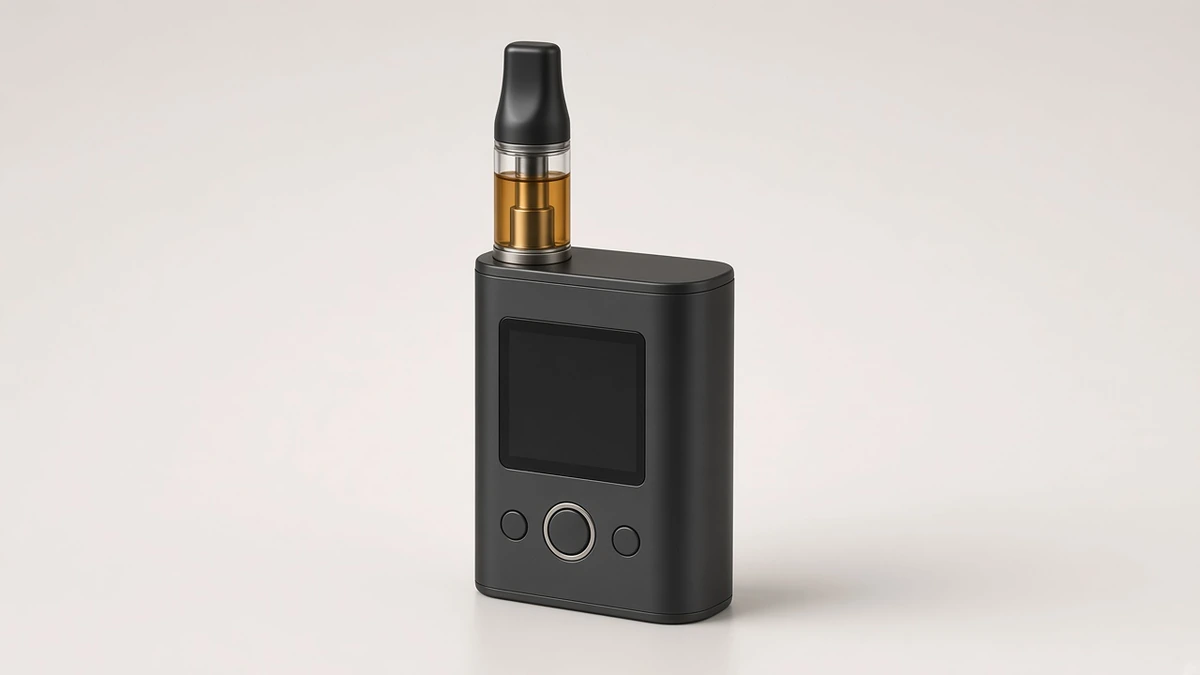
Not every split layout looks like a second button. Some adjustable 510 batteries change output with a twist ring, a slider, or keys that sit under a screen. Those are still controls. The identification is the same: name the physical part, then read the documented job, rather than treating "one button" as a complete description of a battery that also has a ring or a menu.
Adjustable-Voltage 510 Battery: Controls and Compatibility already contrasts preset button steps with continuous twist or slide controls as ways of changing voltage. This guide does not retell that comparison, and it does not recommend one method. It only asks a buyer not to miss a non-button control when counting what is on the body. A battery with one button and a twist ring is not a one-control device. A battery with a screen and side keys is not fully described by the fire button alone.
If a screen is present, a listing that shows a voltage number is still not a substitute for the manual. The display guide and the digital-battery guide cited above are the place to ask what the screen is actually reporting. The layout question here is only whether those keys or that ring exist on the version in hand.
🌬️ 5. A Draw-Activated Battery May Still Have a Button
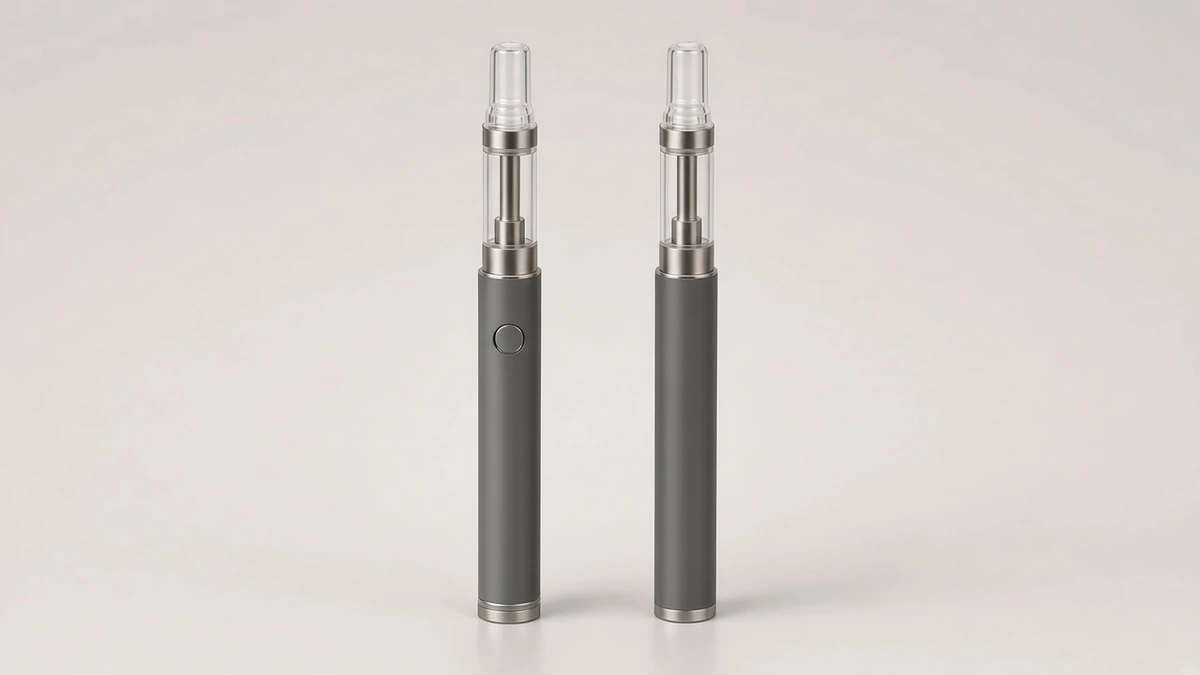
Draw activation does not, by itself, mean the battery has no button. Some draw-activated 510 batteries still include a button for power, for a lock, for a voltage step, or for a preheat. The button's presence is a layout fact. Whether a draw is what fires the device is the firing-method fact already covered in Button or Draw-Activated: How a 510 Battery Is Fired.
This is one reason a listing word such as "auto" is a poor layout description. It may refer to draw firing, to an automatic lock, to a timed preheat, or to more than one of those. The buyer should name the controls on the sample, then read the manual, rather than inferring a board from a single adjective. If a lock is what the button is documented to change, keep that function on the travel-lock line rather than treating it as a voltage key.
A battery with no obvious button still needs the same check. The control may be a hidden or flush switch, a twist, or a documented draw-only design. A smooth body in a photograph is not a complete inventory.
📷 6. What a Listing Photograph Can Hide
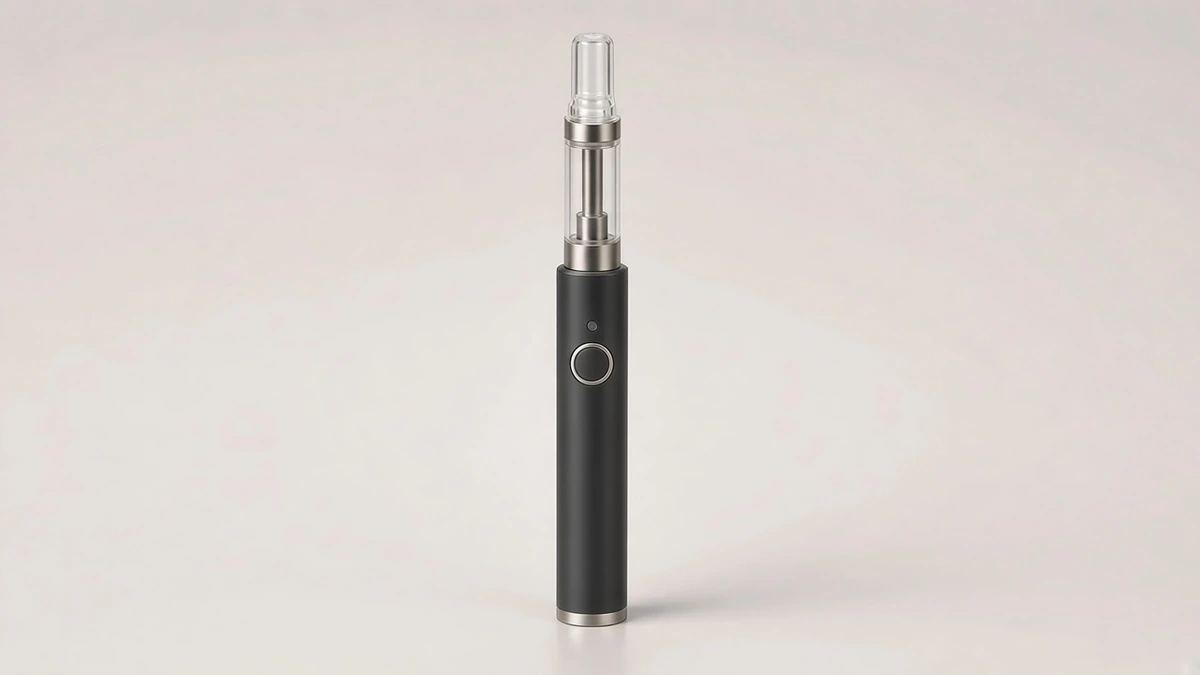
A listing photograph can support a layout identification if every user control is visible and unobstructed. Often it is not. A side button can sit outside the crop. Plus and minus keys can be lost in a dark end view. A twist ring can look like a decorative band. A screen can be off, so the keys below it do not read as controls.
The photograph is also the wrong place to borrow a sequence. A marketing image that shows a hand pose or an on-screen voltage, even when a later publish-ready photograph has no hands, still cannot assign a five-click or three-click job to this board. That assignment comes from the manual for the exact version, as the click-sequence guide already requires.
If the listing text says "variable voltage" and shows one button, write both facts down and reconcile them. The output may be stepped on that button, or a second control may have been omitted from the photo, or the claim may need a question back to the supplier. Do not resolve the ambiguity by importing another model's keys.
✅ 7. What to Check on a Sample, a Manual, and a Listing
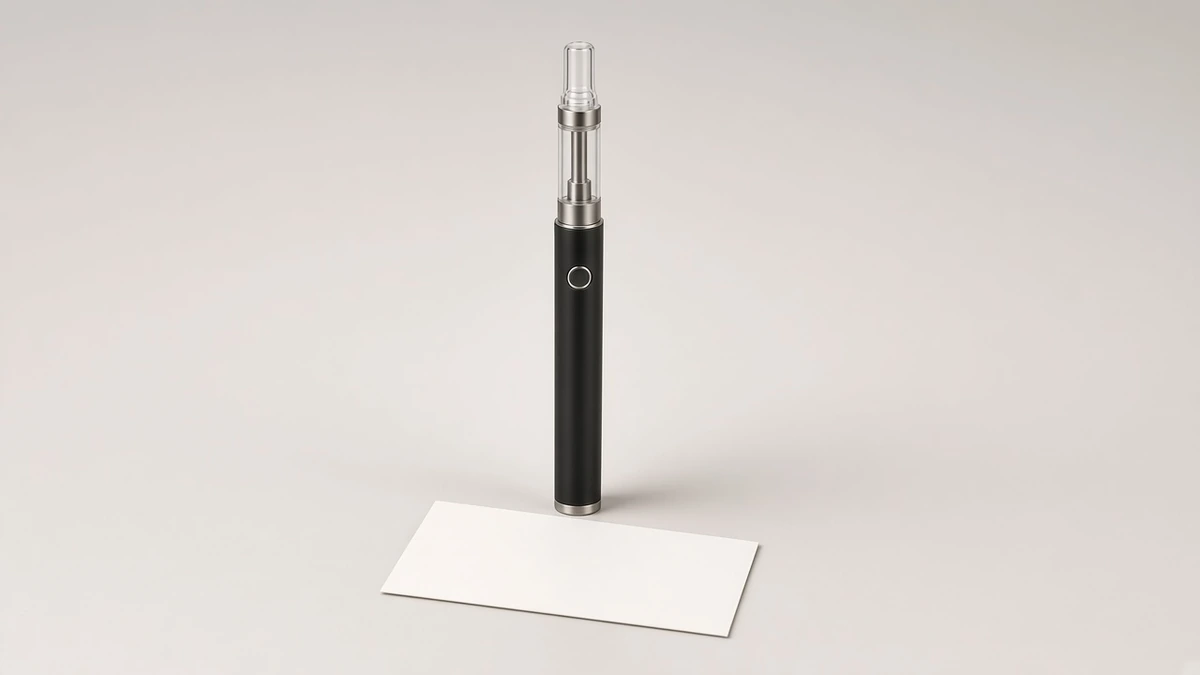
A one-line description a team can reuse should name the layout and the documented assignment, not a preferred click habit. Example: "510-thread pen battery, one side button; version manual assigns power, fire, and voltage steps to that button; no separate keys on the sample." Or: "510-thread box-style battery, power button plus separate plus and minus keys; version manual assigns voltage adjustment to the plus and minus keys and fire to a hold of the power button."
On the sample:
- Count every user control: buttons, rings, sliders, and keys at a screen.
- Note where each control sits, and whether any control is flush or under a cap.
- Do not assume that a single visible button is the complete layout until the other faces have been inspected.
- Do not fire the device through undocumented sequences in order to "discover" a map.
On the manual for that exact version:
- List the job assigned to each control: power, fire, voltage or another setting, preheat, lock, or something else the manual names.
- Keep those jobs on separate lines when the same button does more than one of them by sequence.
- If a sequence is required, record it as that version's map, not as a general 510 rule. The click-sequence guide is the method for that reading.
- If the manual and the sample do not match, stop and confirm the revision before writing the brief.
On the listing:
- Treat "one-button," "variable voltage," "auto," and "digital" as labels to reconcile with the sample and the manual.
- A voltage range stated for a named official product is that product's documentation, not a default for the next battery in the same photograph style.
Questions worth sending with a sample request:
- How many user controls are on this exact version, and where does each one sit?
- Which jobs does the current manual assign to each control?
- If voltage is adjustable, is the setting changed on the fire button, on separate keys, on a ring, or on a screen control?
- If the battery can fire on a draw, which jobs, if any, still belong to a button?
- Which statements in the listing are layout descriptions, and which would require the version manual to interpret?
Preheat, if it is one of the documented jobs, remains a different function from a voltage step, as discussed in What Does Preheating a Cart Do? A Practical Guide. Do not collapse preheat into the layout line.
❓ 8. Short Answers a Brief Can Reuse
❓ 8.1 Identification Questions
How is a 510 battery controlled? By the user controls on that version and by the jobs the version manual assigns to them. Some boards put several jobs on one button. Others give a setting its own keys, a ring, or screen controls.
If there is only one button, is the voltage fixed? Not necessarily. A one-button battery may be single-voltage, or the same button may cycle presets. The manual for that version is what settles the point.
If a named official how-to uses plus and minus keys, do other 510 batteries work the same way? No. A split-control example documents that version. It is not a shared map.
Does a draw-activated battery have no button? Not always. A button may still be present for power, lock, preheat, or a setting. Layout and firing method have to be named separately.
Is a twist ring a second control? Yes, if it is how a setting is changed. Count rings, sliders, and screen keys when describing the layout, even if they are not buttons.
Can a listing photograph settle the control layout? It can support an identification if every control is visible. It often hides a second key or a ring. Confirm the layout on the sample and in the version manual.